225
Controls in detail
Driving systems
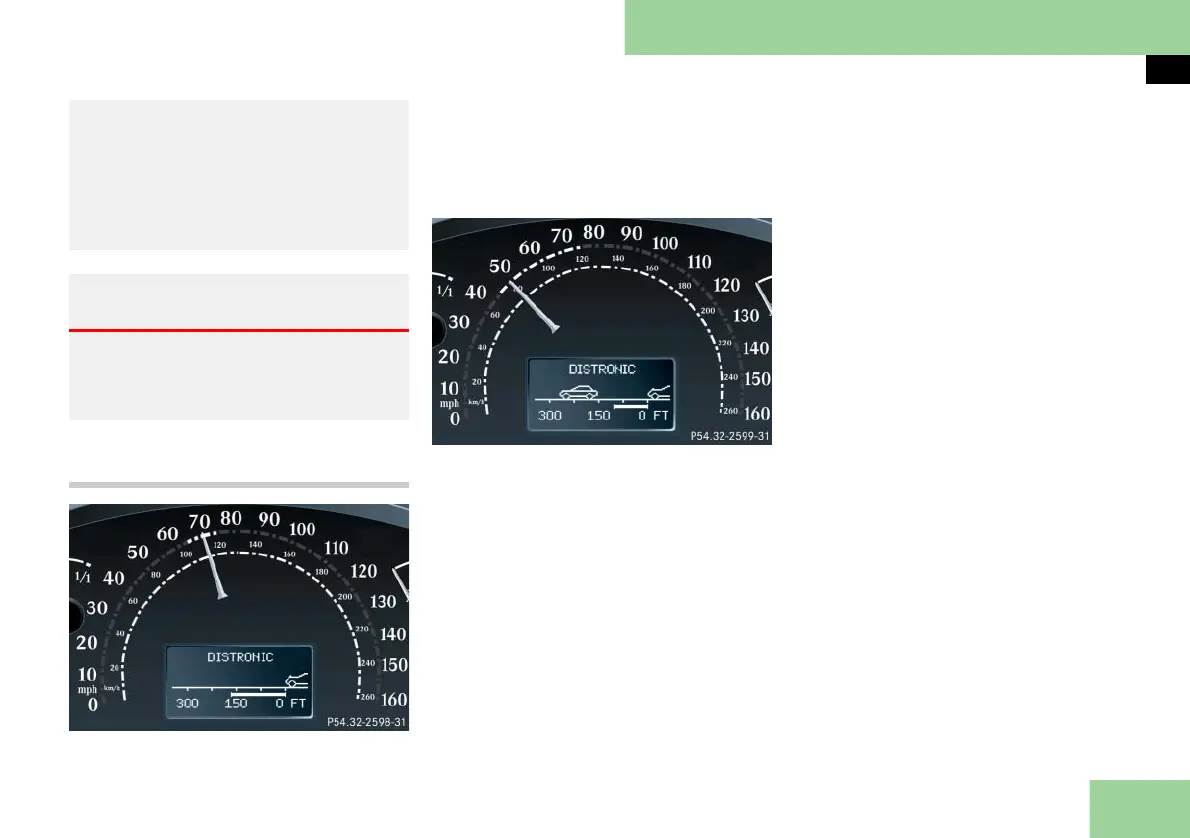
Distronic displays in the speedometer
dial
Set speed
If Distronic is activated, one or two seg-
ments come on around the set speed.
i The vehicle speed displayed on the speed-
ometer can briefly vary from the speed setting
on the Distronic system.
Segments
If Distronic detects a vehicle directly
ahead, the segments from the speed of
the vehicle ahead to the set speed come
on.
If Distronic calculates that there is a dan-
ger of collision
앫 the distance warning lamp l in
the instrument cluster comes on red
앫 an intermittent warning sounds
왘 Immediately brake the vehicle to
avoid a collision.
Under no circumstances should the
driver await the intermittent warning
sound before braking. See the fol-
lowing warning note.
The intermittent warning sound ceas-
es and the red distance warning
lamp l goes out when the neces-
sary distance to the vehicle ahead is
again established.
앫 in complex driving situations, such as in
highway construction zones
In these situations, Distronic will continue
to maintain the set speed unless deactivat-
ed. Distronic is designed and intended only
to maintain a set speed and keep a set dis-
tance from moving objects in front of it.
Warning! G
The “Resume” function should only be op-
erated if the driver is fully aware of the
previously set speed and wishes to resume
this particular preset speed.



 To Next Page