170
Controls in detail
Control system
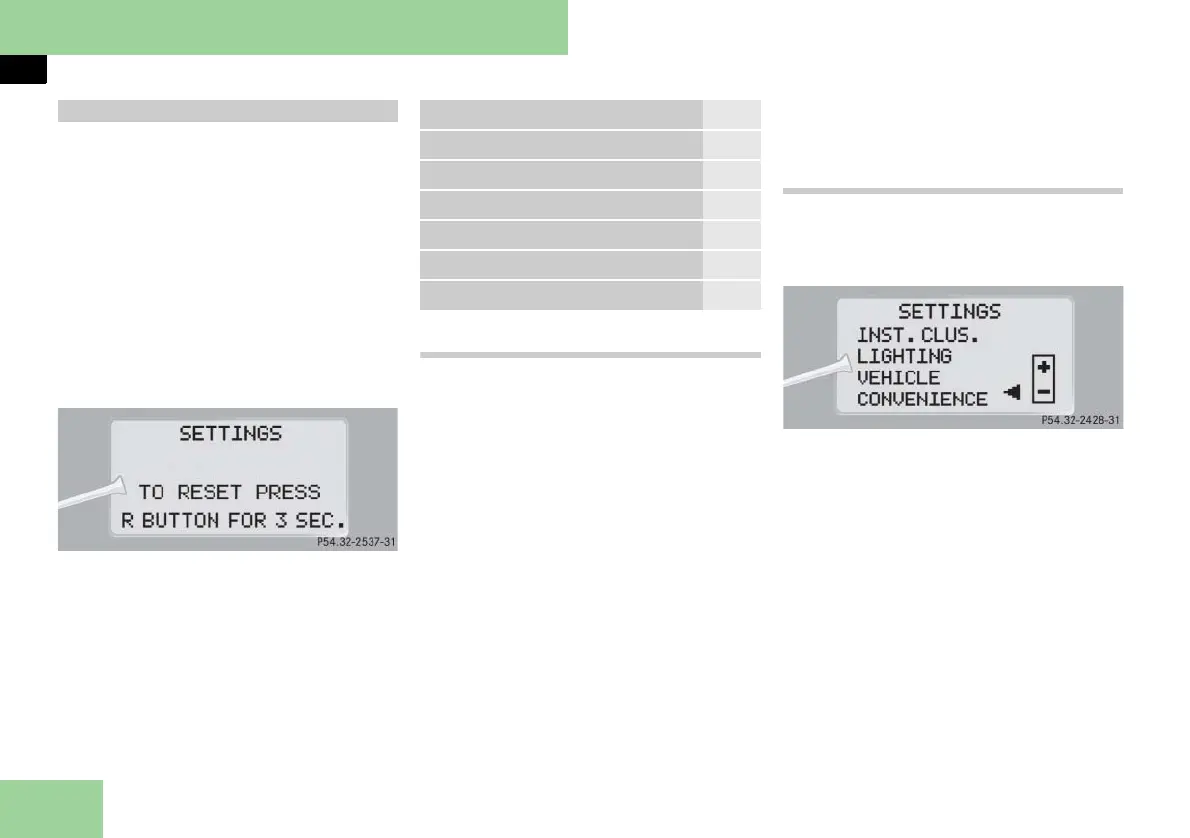
In the
SETTINGS
menu there are two
functions:
앫 The function
TO RESET PRESS R BUTTON
FOR 3 SEC.
, with which you can reset
all the settings to the original factory
settings.
앫 A collection of submenus with which
you can make individual settings for
your vehicle.
왘 Press button è or ÿ repeatedly
until the message
SETTINGS
appears
in the multifunction display.
Resetting all settings
You can reset all the functions of all sub-
menus to the factory settings.
왘 Press reset button J (컄 page 154) in
the instrument cluster for approxi-
mately 3 seconds.
In the display you will see the request
to press reset button J again to con-
firm.
왘 Press reset button J again.
The functions of all the submenus will
reset to factory settings.
i The settings you have changed will not be
reset unless you confirm the action by press-
ing reset button J a second time. After ap-
proximately 5 seconds, the
SETTINGS
menu
appears again.
Due to safety reasons, resetting all of the set-
tings while driving will not reset all of the val-
ues in the
LIGHTING
or the
VEHICLE
submenu.
Submenus in the Settings menu
왘 Press button j.
The various submenus appear in the
multifunction display.
왘 Press button æ or ç.
The selection marker moves to the
next submenu.
The submenus are arranged by hierar-
chy. Scroll down with button ç, scroll
up with button æ.
With the selection marker on the desired
submenu, use button j to access the
individual functions within that sub-
menu. Once within the submenu, you
can use button j to move to the next
function or button k to move to the
previous function within that submenu.
The settings themselves are made with
button æ or ç.
Settings menu
Function Page
Resetting all settings 170
Submenus in the Settings menu 170
Instrument cluster submenu 172
Lighting submenu 172
Vehicle submenu 176
Convenience submenu 177



 To Next Page