172
Controls in detail
Control system
Instrument cluster submenu
Access the
INST. CLUS.
submenu via the
SETTINGS
menu. Use the
INST. CLUS.
submenu to change the instrument clus-
ter display settings. The following func-
tions are available:
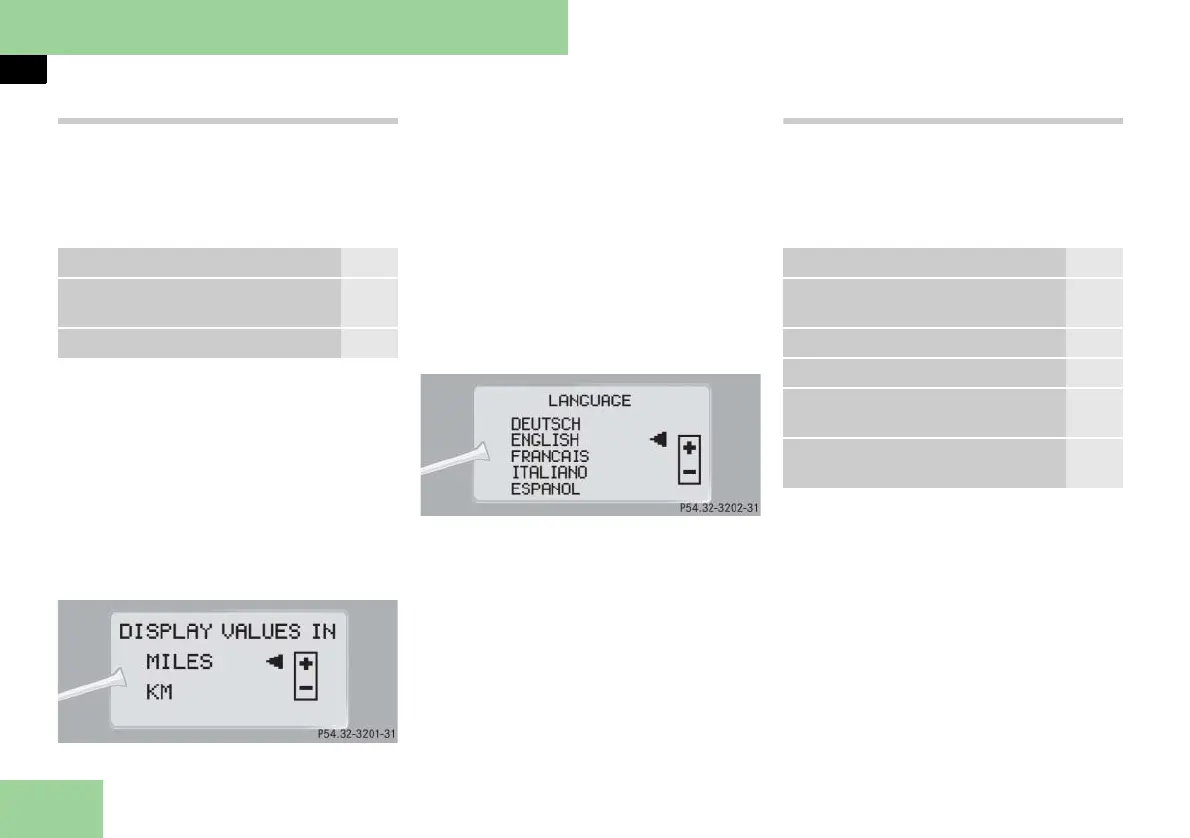
Selecting speedometer display mode
왘 Move the selection marker with
button æ or ç to the
INST.
CLUS.
submenu.
왘 Press button j or k repeatedly
until the message
DISPLAY VALUES IN
appears in the multifunction display.
The selection marker is on the current
setting.
왘 Press button æ or ç to set
speedometer unit to
MILES
or
KM
.
Selecting language
왘 Move the selection marker with
button æ or ç to the
INST.
CLUS.
submenu.
왘 Press button j or k repeatedly
until the message
LANGUAGE
appears
in the multifunction display.
The selection marker is on the current
setting.
왘 Press button æ or ç to select
the language to be used for the mul-
tifunction display messages.
Available languages:
앫 German
앫 English
앫 French
앫 Italian
앫 Spanish
Lighting submenu
Access the
LIGHTING
submenu via the
SETTINGS
menu. Use the
LIGHTING
sub-
menu to change the lamp and lighting
settings on your vehicle. The following
functions are available:
Function Page
Selecting speedometer display
mode
172
Selecting language 172
Function Page
Setting daytime running lamp
mode (USA only)
173
Setting locator lighting 173
Setting ambient lighting 174
Setting night security illumina-
tion
174
Setting interior lighting delayed
shut-off
175



 To Next Page