162
Controls in detail
Control system
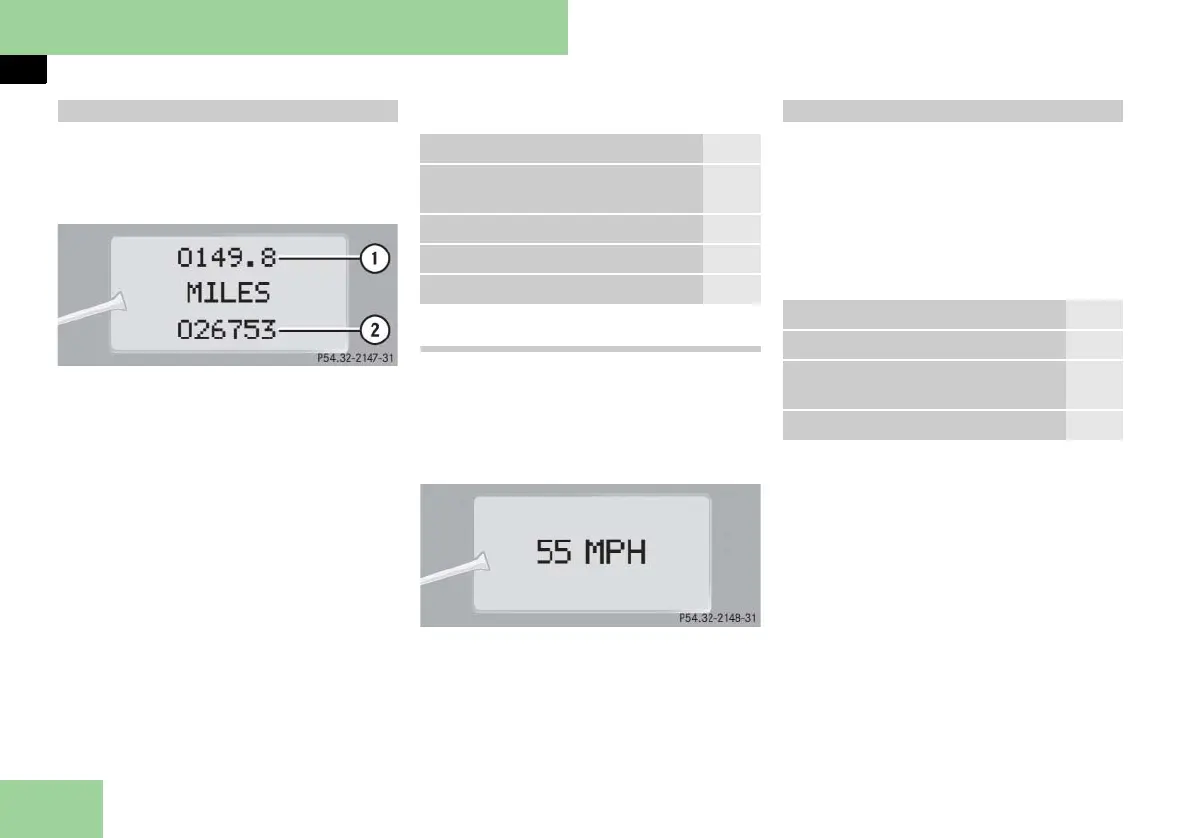
In basic mode, the multifunction display
shows the trip odometer and the main
odometer. This is known as the standard
display.
1 Trip odometer
2 Main odometer
In case you see another display:
왘 Press button è or ÿ repeatedly
until the standard display appears.
왘 Press button k or j repeatedly
to select the functions in the standard
display menu.
The following functions are available:
Calling up digital speedometer
왘 Press button k or j repeatedly
until the digital speedometer appears
in the multifunction display.
The current vehicle speed is shown in
the multifunction display.
Current vehicle speed
The functions in the
AUDIO
menu operate
the audio equipment which you current-
ly have turned on.
If no audio equipment is currently turned
on, the message
AUDIO OFF
is shown in
the multifunction display.
The following functions are available:
Standard display menu
Function Page
Calling up maintenance service
display
339
Checking tire inflation pressure 321
Checking engine oil level 309
Calling up digital speedometer 162
Audio menu
Function Page
Selecting radio station 163
Selecting satellite radio station
(USA only)
163
Operating the CD player 163



 To Next Page