166
Controls in detail
Control system
Redialing
The control system stores the most re-
cently dialed phone numbers. This elimi-
nates the need to search through your
entire phone book.
왘 Press button ÿ or è repeatedly
until you see the
PHONE
menu in the
multifunction display.
왘 Press button s.
In the multifunction display you see
the first number in the redial memo-
ry.
왘 Press button j or k repeatedly
until the desired name appears in the
multifunction display.
i If you do not want to use the telephone,
press button t.
왘
Press button s.
The control system dials the selected
phone number.
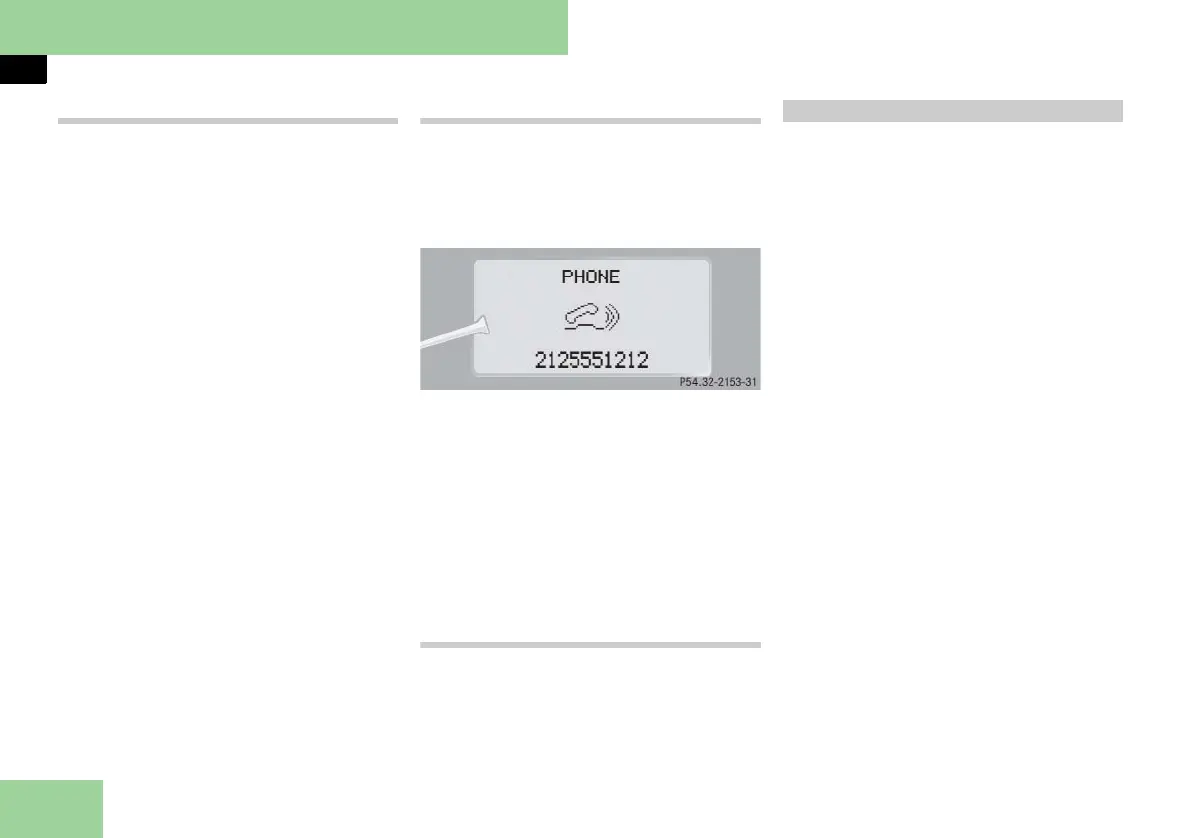
Answering a call
When your telephone is ready to receive
calls, you can answer a call at any time. In
the multifunction display you will see the
message, or if available, the caller ID
(name and number):
i The caller’s number appears only if it is
transmitted.
The caller’s name appears only if the number
and the name are stored in the phone book.
왘
Press button s.
You have answered the call. In the
multifunction display you see the
length of the call positioned above
the number.
Ending a call or reject an incoming call
왘 Press button t.
You have ended the call. In the multi-
function display you will again see
the standby message.
The
NAV
menu contains the functions
needed to operate your navigation sys-
tem.
왘 Press button è or ÿ repeatedly
until you see
NAV
in the multifunction
display.
앫 If COMAND is switched off, the mes-
sage
NAVI OFF
is shown in the multi-
function display.
앫 With COMAND switched on but route
guidance not activated, the direction
of travel and, if available, the name
of the street currently traveled on ap-
pear in the multifunction display.
앫 With COMAND switched on and
route guidance activated, the direc-
tion of travel and maneuver instruc-
tions appear in the multifunction
display.
Please refer to the separate COMAND
and Rear-Cabin Audiovisual System man-
ual for instructions on how to activate
the route guidance system.
Navigation menu



 To Next Page