165
Controls in detail
Control system
앫 If the telephone is switched on:
The telephone will then search for a
network. During this time the multi-
function display reads
NO SERVICE
.
앫 If the telephone is on:
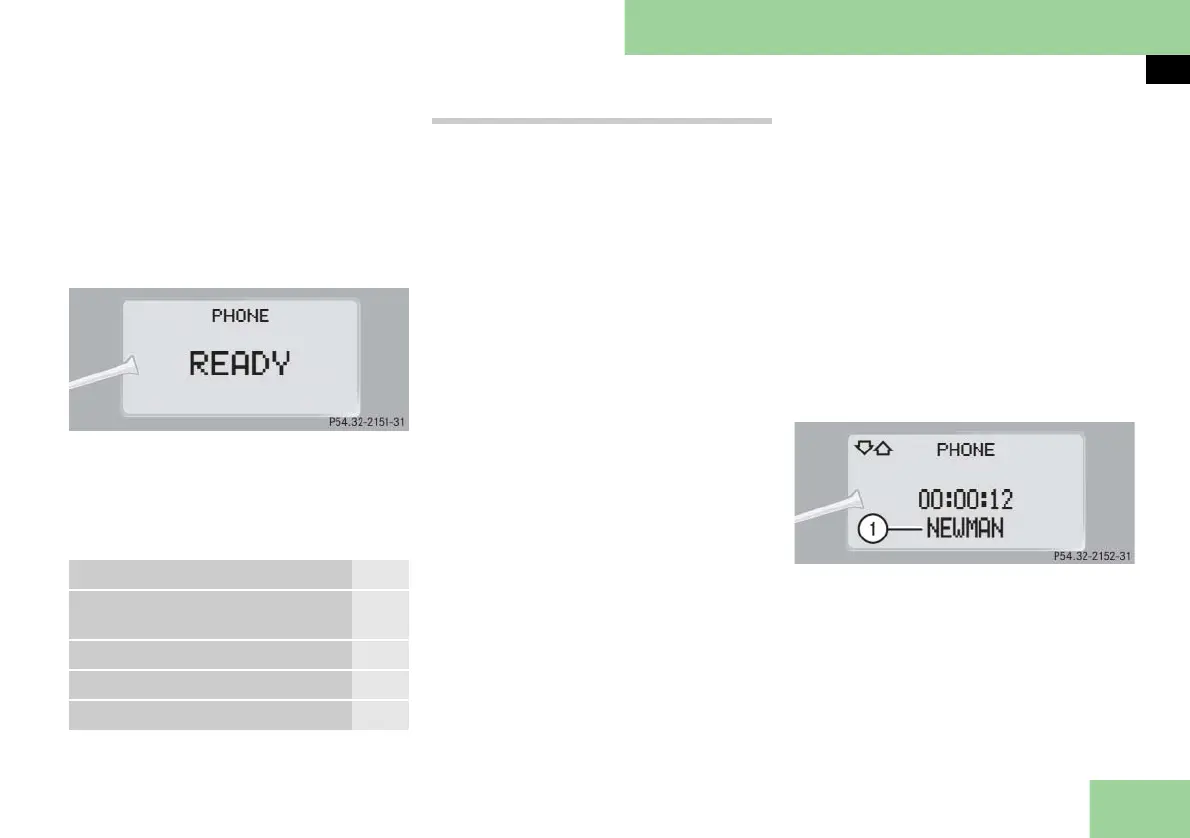
As soon as the telephone has found a
network,
READY
appears in the multi-
function display.
The standby message indicates that your
telephone is ready for use and you can
operate it using the control system.
You may carry out the following func-
tions:
Dialing a number from the phone book
If your telephone is ready to receive calls,
you may select and dial a number from
the phone book.
왘 Log on to the network (컄 page 164).
왘 Press button ÿ or è repeatedly
until you see the
PHONE
menu in the
multifunction display.
왘 Press button j or k.
If you have just switched on the
phone, the control system transmit
the phone books of the SIM card
(GSM) or the phone books of the mo-
bile phones (GSM or CDMA).
This can take several minutes, de-
pending on how many entries each
phone book contains. When you
press button j or k during the
download of the phone book the
message
LOADING PHBOOK!
appears in
the multifunction display for approx-
imately 3 seconds.
왘 Press button j or k repeatedly
until the desired name appears in the
multifunction display.
The stored names are displayed in as-
cending or descending alphabetical
order.
i If you press and hold button j or k
for longer than 1 second, the system scrolls
rapidly through the list of names until you re-
lease the button again.
If you do not want to use the telephone, press
button t.
왘
Press button s.
The system dials the selected phone
number.
앫 If the connection is successful and this
feature is supported by your network
provider, the name of the party you
are calling (if stored in your phone
book) and the duration of the call
will appear in the display.
1 Name of the party you are calling
앫 If no connection is made, the control
system stores each dialed number in
the redial memory.
Function Page
Dialing a number from the
phone book
165
Redialing 166
Answering a call 166
Ending a call 166



 To Next Page