176
Controls in detail
Control system
Vehicle submenu
Access the
VEHICLE
submenu via the
SET-
TINGS
menu. Use the
VEHICLE
submenu
to make general vehicle settings. The
following functions are available:
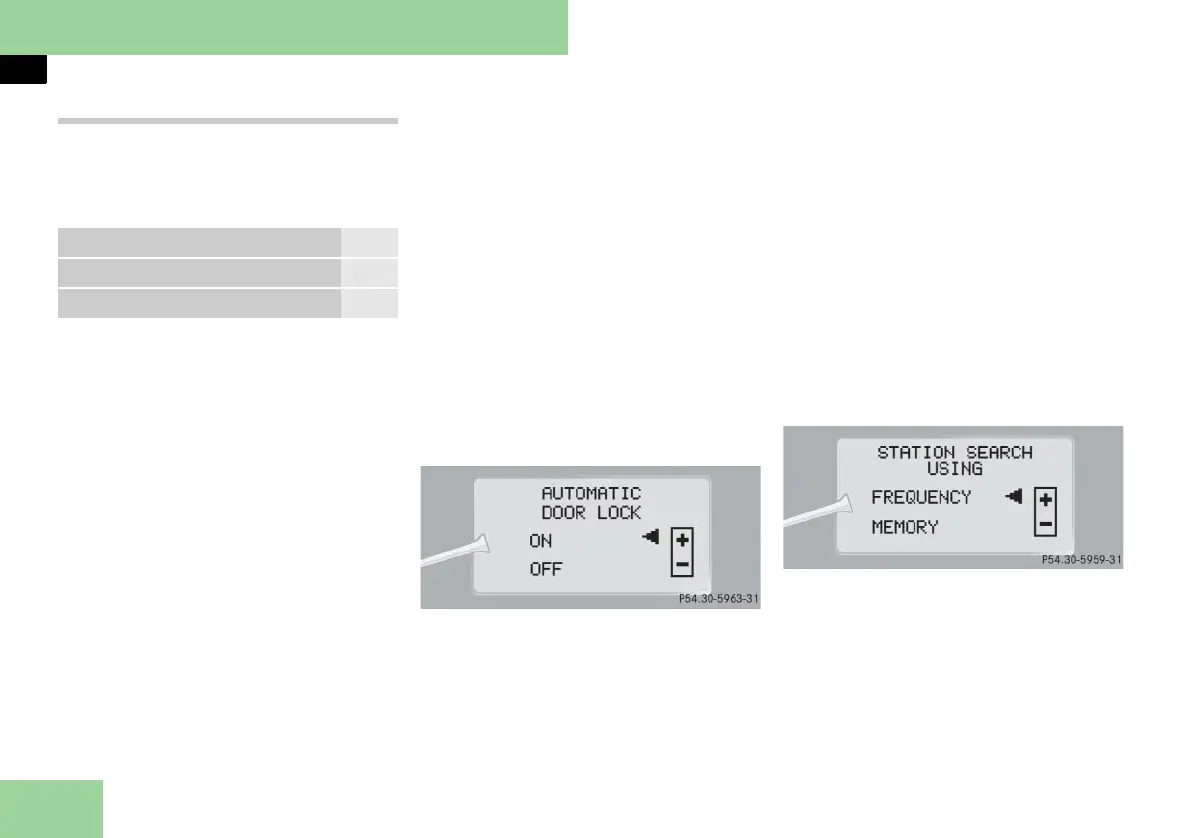
Setting automatic locking
Use this function to activate or deacti-
vate the automatic central locking. With
the automatic central locking system ac-
tivated, the vehicle is centrally locked at
vehicle speeds of approximately 9 mph
(15 km/h).
왘 Move the selection marker with
button
æ
or
ç
to the
VEHICLE
submenu.
왘 Press button
j
or
k
repeatedly
until the message
AUTOMATIC DOOR
LOCK
appears in the multifunction dis-
play.
The selection marker is on the current
setting.
왘 Press button
æ
or
ç
to switch
AUTOMATIC DOOR LOCK ON
or
OFF
.
Setting station selection mode
Use the
STATION SEARCH USING
function
to select the manual or memory station
selection mode for the radio
(
컄 page 163).
왘 Move the selection marker with
button
æ
or
ç
to the
VEHICLE
submenu.
왘 Press button
j
or
k
repeatedly
until the message
STATION SEARCH
USING
. appears in the multifunction
display.
The selection marker is on the current
setting.
왘 Press button
æ
or
ç
to select the
desired station selection mode. You
can select:
앫
FREQUENCY
앫
MEMORY
selects next stored station
Function Page
Setting automatic locking 176
Setting station selection mode 176



 To Next Page