177
Controls in detail
Control system
Convenience submenu
Access the
CONVENIENCE
submenu via the
SETTINGS
menu. Use the
CONVENIENCE
submenu to change the settings for a
number of convenience features. The
following functions are available:
Activating easy-entry/exit feature
Use this function to activate and deacti-
vate the easy-entry/exit feature
(
컄 page 65).
왘 Move the selection marker with
button
æ
or
ç
to
the
CONVENIENCE
submenu.
왘 Press button
j
or
k
repeatedly
until the message
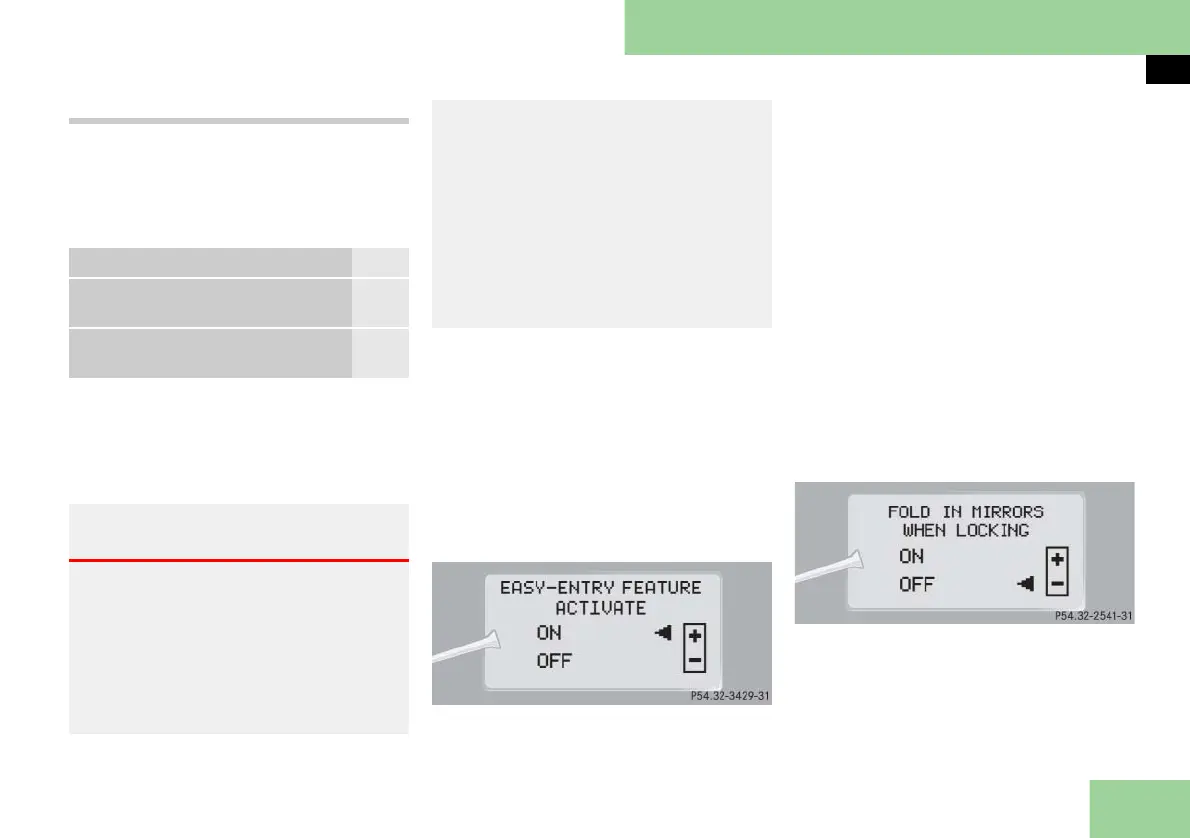
EASY-ENTRY FEATURE
ACTIVATE
appears in the multifunc-
tion display.
The selection marker is on the current
setting.
왘 Press button
æ
or
ç
to switch the
easy-entry/exit feature
ON
or
OFF
.
Setting fold-in function for exterior rear
view mirrors
Using this function, you can set the exte-
rior rear view mirrors to be automatically
앫 folded in when you lock your vehicle
앫 folded out when you unlock your ve-
hicle
왘 Move the selection marker to
the
CONVENIENCE
submenu using
button
æ
or
ç
.
왘 Press button
j
or
k
repeatedly
until the message
FOLD IN MIRRORS
WHEN LOCKING
appears in the multi-
function display.
The selection marker is on the current
setting.
왘 Press button
æ
or
ç
to switch the
automatic fold-in setting for the mir-
rors
ON
or
OFF
.
Function Page
Activating easy-entry/exit
feature
177
Setting fold-in function for
exterior rear view mirrors
177
Warning! G
You must make sure no one can become
trapped or injured by the moving steering
wheel when the easy-entry/exit feature is
activated.
To stop steering wheel movement, do one
of the following:
앫 Move steering adjustment stalk
(컄 page 64)
.
앫 Press seat adjustment switch
(컄 page 63).
앫 Press one of the memory position but-
tons or the memory button M
(컄 page 140)
.
Do not leave children unattended in the
vehicle, or with access to an unlocked vehi-
cle. Children could open the driver’s door
and unintentionally activate the easy-en-
try/exit feature, which could result in an
accident and/or serious personal injury.



 To Next Page