256
Controls in detail
Useful features
Storage compartments in vehicles with a
rear center seat*
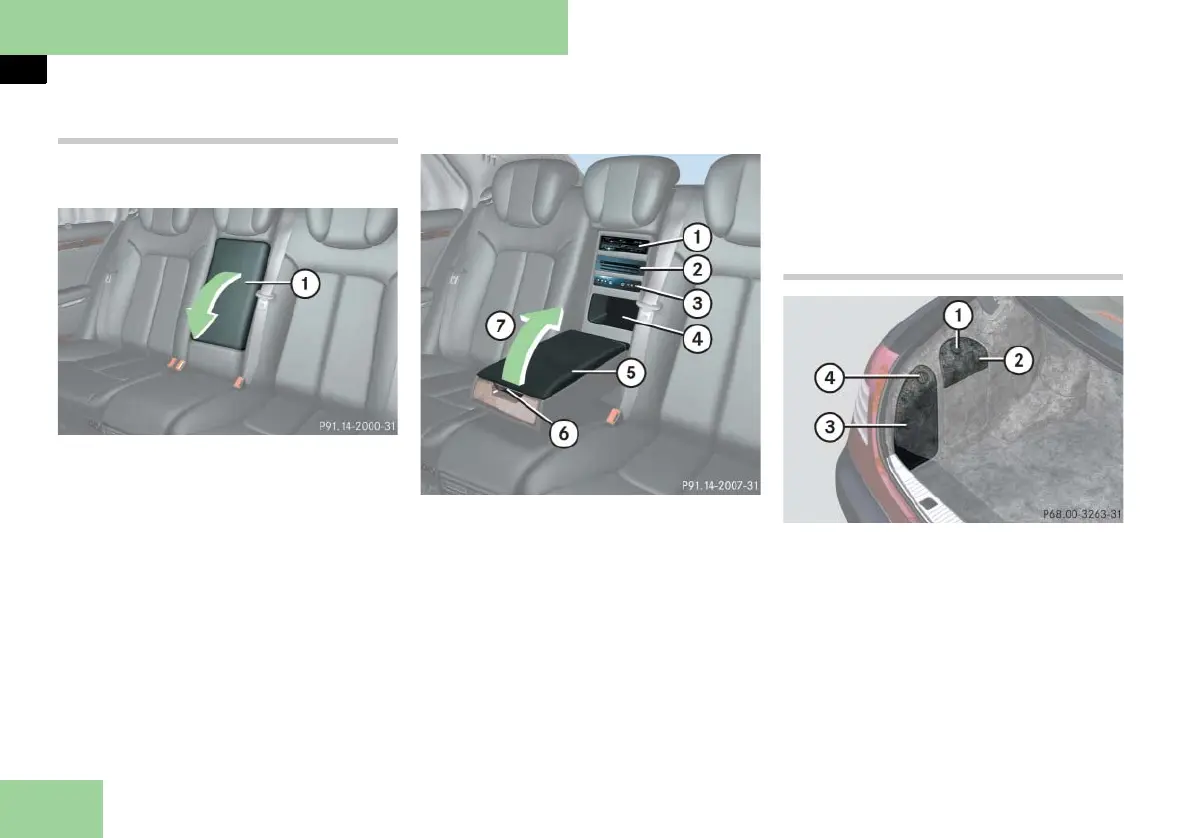
If the third seat is not occupied, you can
also use the seat backrest as an armrest.
Example illustration from Maybach 57
1 Rear armrest
왘 Pull the top of armrest 1 out and
fold it downward.
! Do not sit on or lean your body weight
against the armrest when it is folded down, as
you could otherwise damage it.
Opening/closing the telephone
compartment
Example illustration from Maybach 57 (vehi-
cles with rear center seat*)
1 DVD player
2 CD changer
3 AUX sockets and headphone jacks
4 Storage compartment
5 Cover
6 Release catch
7 To open telephone compartment and
access control panel for respective
rear functions*
왘 Press release catch 6 and swing
cover 5 upward 7.
i For more information on DVD player,
AUX sockets, headphone jacks and CD chang-
er, refer to the separate COMAND and Rear-
Cabin Audiovisual System operating instruc-
tions.
Storage compartments in trunk
1 Handle
2 Compartment for navigation system
DVD drive
3 Storage compartment
4 Handle
Opening the compartment
왘 Turn handle 1 or 4 90°.
왘 Swing the cover down.



 To Next Page