75
6
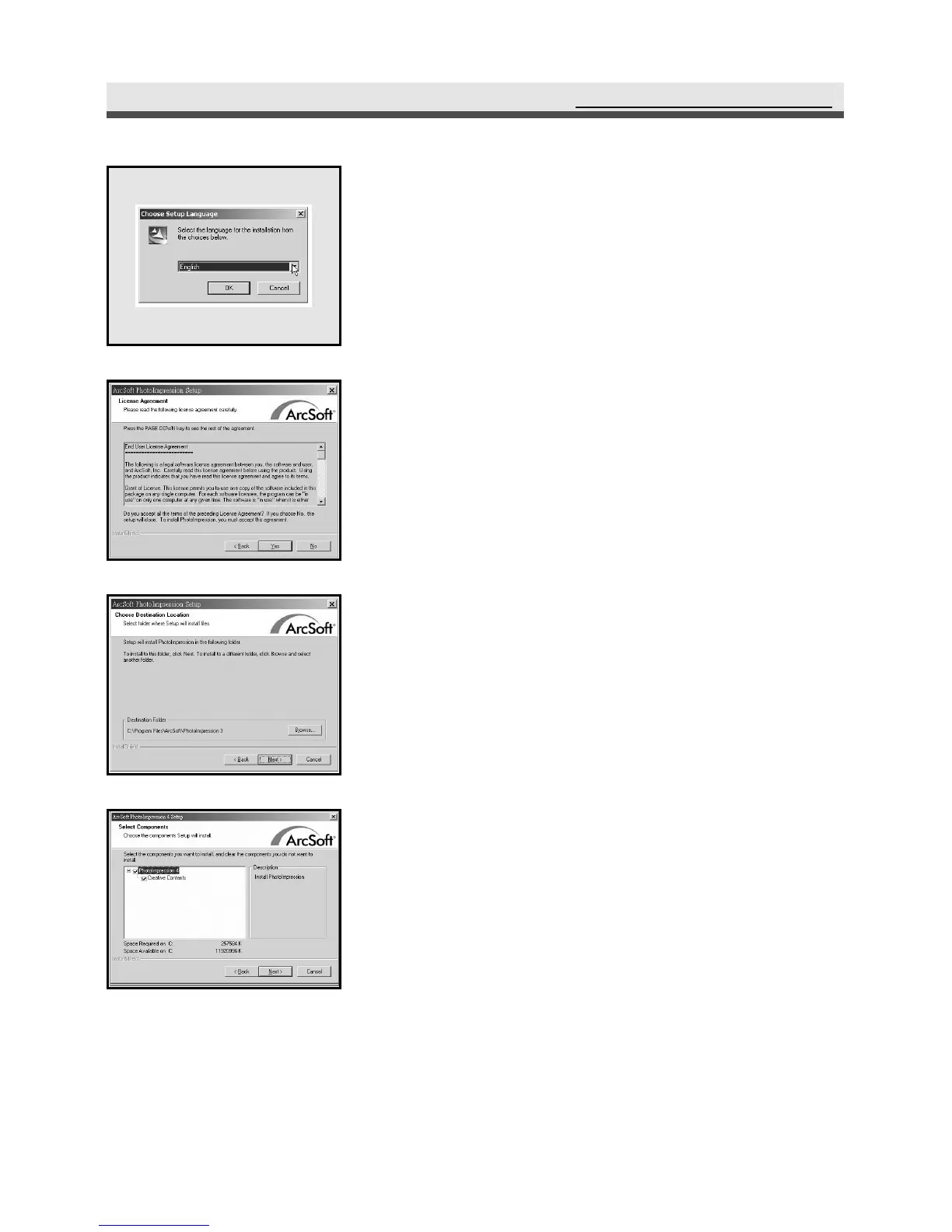
The computer proceeds to install
PhotoImpression. Select a language and click
"OK". Follow the on-screen instruction to
continue the installation.
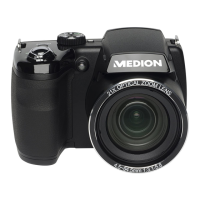
7
Accept the license agreement and then click
"Yes".
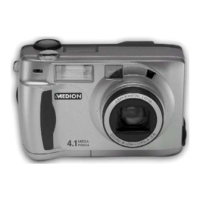
8
Click "Next".
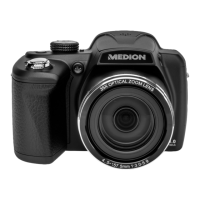
9
Click "Next". Follow the on-screen
instruction to continue and finish the
installation.
InstallingtheSoftware



 To Next Page