MELTER OPERATION
4-9
MA-5079-ENG MICRON GEAR ADHESIVE MELTER
Programming the applicator parameters
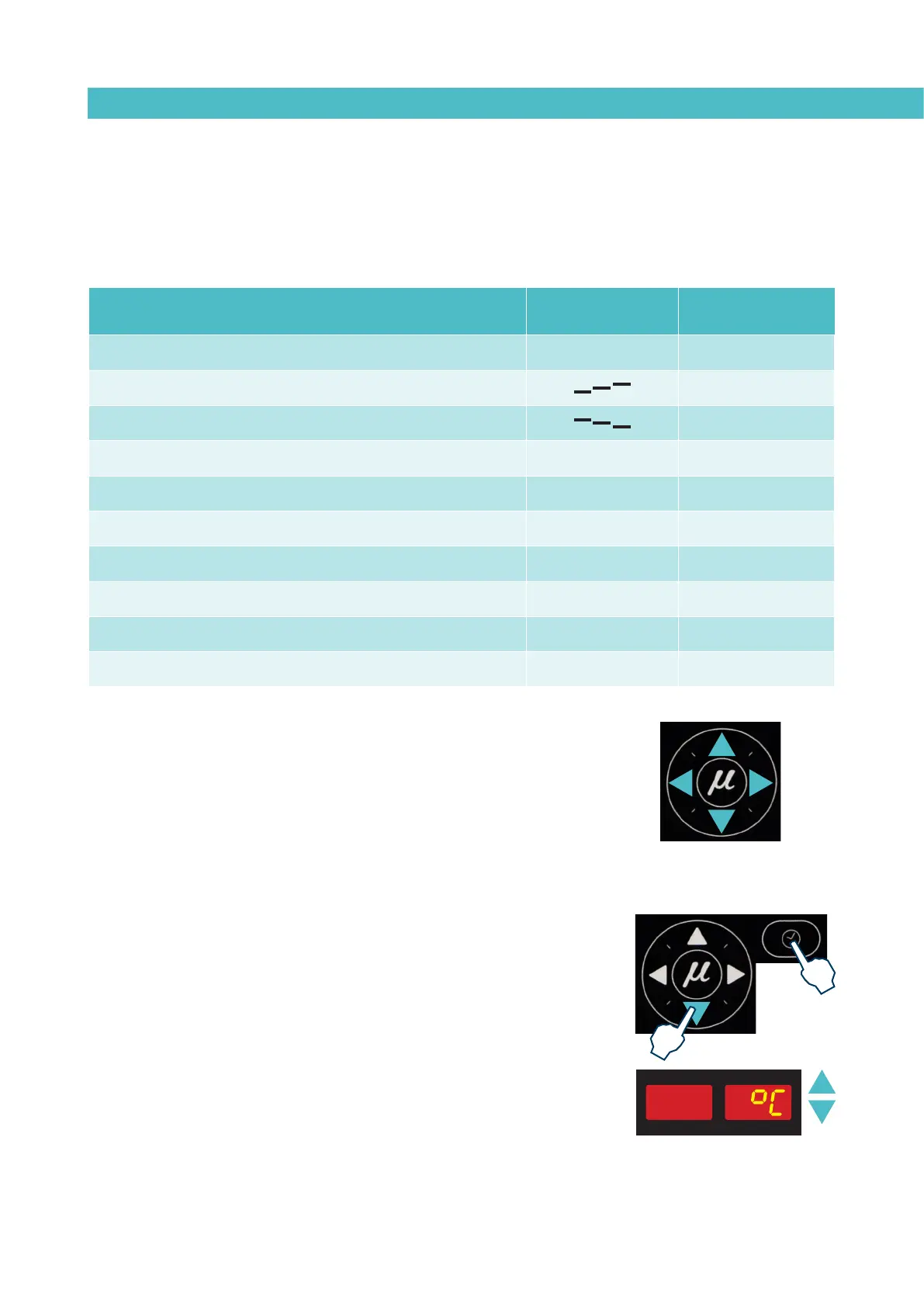
The access to the parameters is performed from the special menu. Simulta-
neously press the buttons with the clock symbol and the down arrow to enter
this menu. The navigation order is as follows:
To select the function to be programmed, press the right arrow to advance
through the various functions. Once selected, the buttons up and down modify
the value. Pressing the arrow right again the data is stored and passed to the
next function.
To exit the special menu press the left arrow at any time.
Programming process
1. Simultaneously press the buttons with the clock symbol and the down
arrow to enter the special menu.
The choice of temperature display units (°C or °F) will appear on the
display.
2. Select the desired value using the up-down arrow.
Function
Symbol on the dis-
play
Default value
Selects the temperature unit to display ºC - ºF ºC
Programs overheating 20 ºC
Programs the temperature for the STANDBY mode 40%
Delay time to activate the Pump F 10 minutes
Activates and deactivates the low tank level alarm n On
Programs the time span between the ON mode and the STANDBY mode S-1 OFF
Programs the time span between the STANDBY mode and the OFF mode S-2 OFF
Programs the Password for parameter protection PAS 000
Displays the total hours of service t 00000
Programs the partial filter change counter tP 1000
Exit Advance
Modify value
Modify value



 To Next Page