MELTER OPERATION
4-11
MA-5079-ENG MICRON GEAR ADHESIVE MELTER
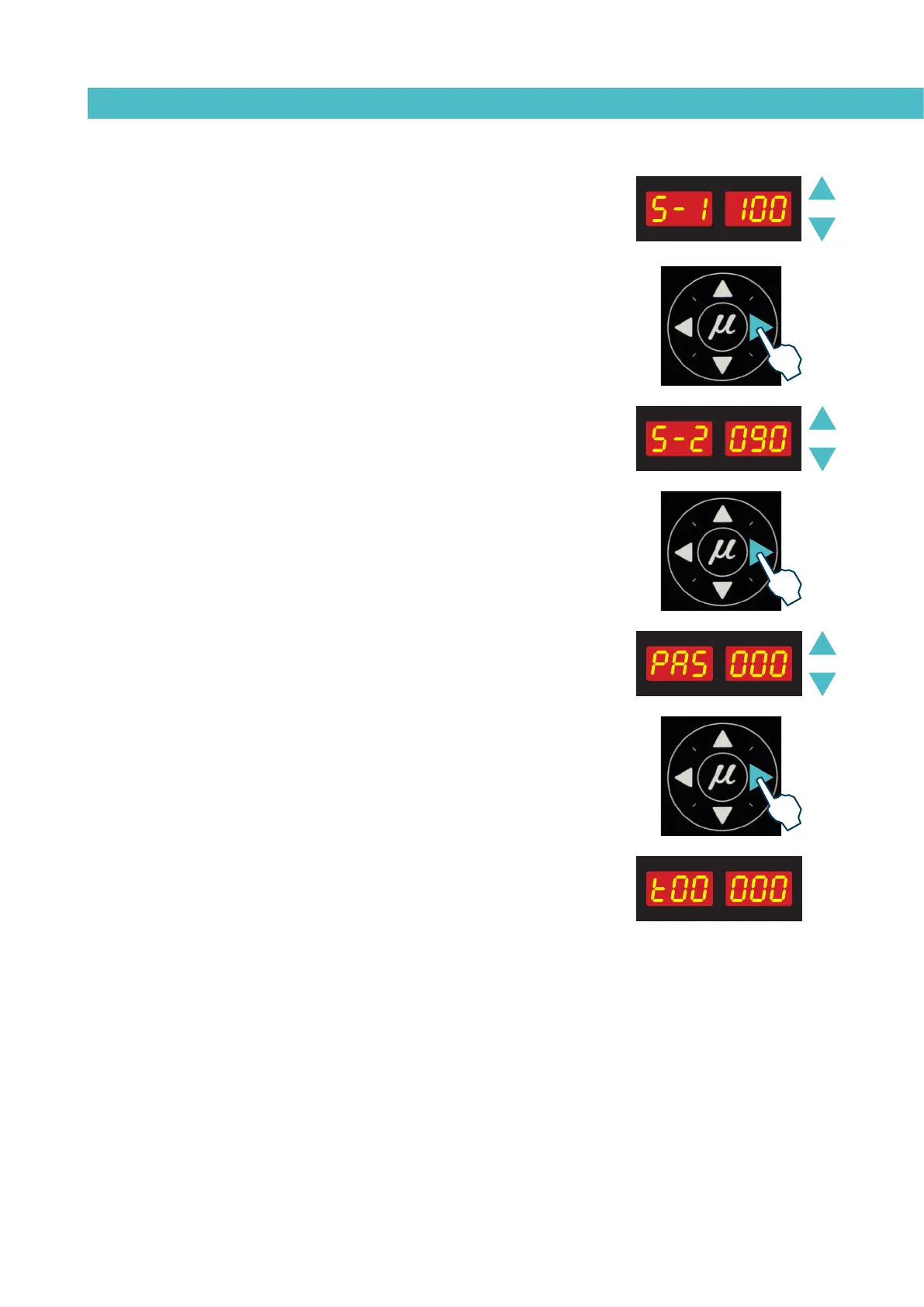
12. Use the up-down arrow to select the desired value (see ‘Timer to
switch between ON - Standby - OFF modes’).
13. Use the right arrow to go to the next display.
14. Use the up-down arrow to select the desired value (see ‘Timer to
switch between ON - Standby - OFF modes’).
13. Use the right arrow to go to the next display.
16. Use the up-down arrow to select the desired value (see ‘Password to
access parameter programming’).
17. Use the right arrow to go to the next display.
This function is a counter that registers total hours of equipment opera-
tion, that is, with service temperature OK enabled.
This is an increment counter and its value cannot be modified.
The maximum number of hours is t99999, after which the counter will
return to t00000 to continue counting.



 To Next Page