Version 1.9 Page 154 of 170
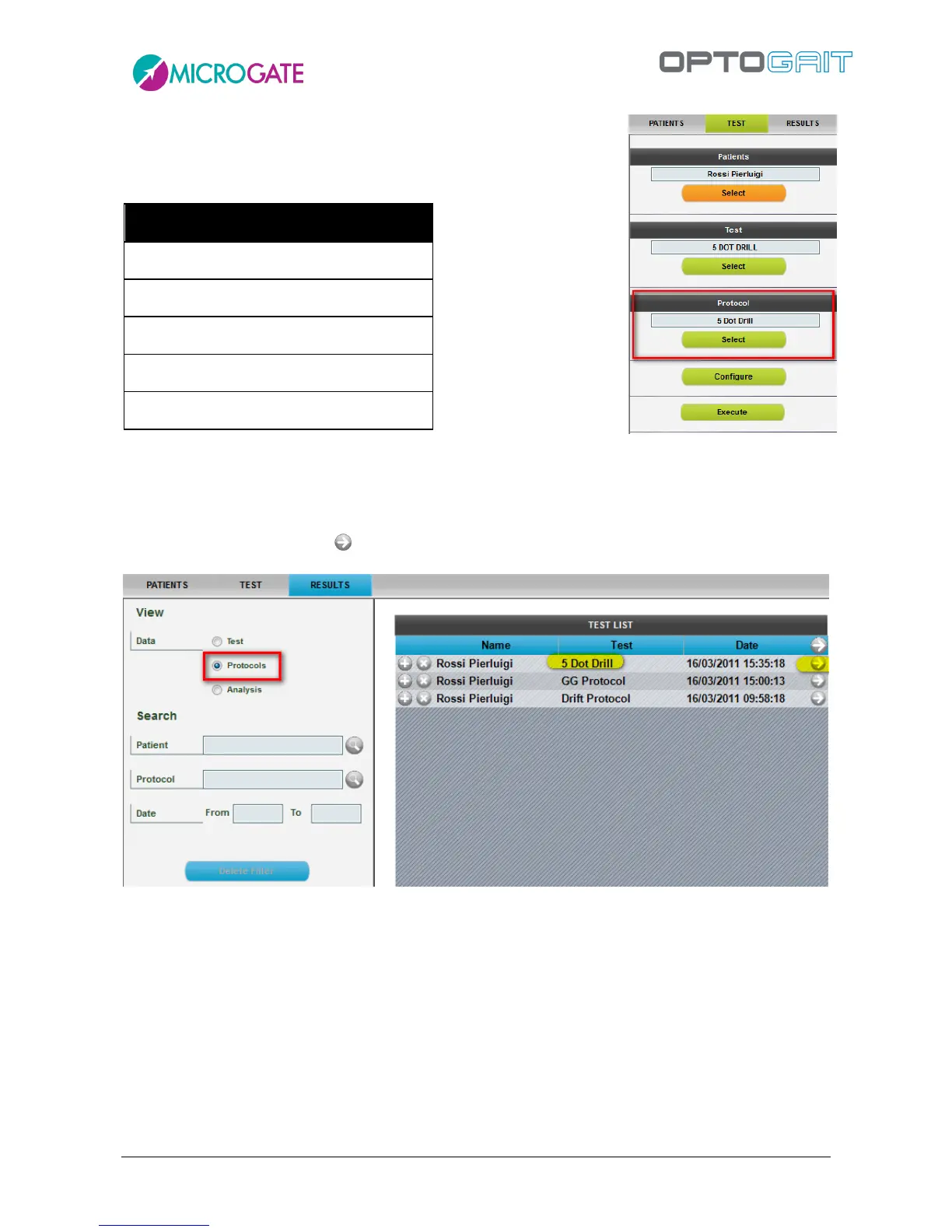
Even though this is a single test, it must be carried out as PROTOCOL,
because this allows to have a particular print report showing the
'level' based on the following table:
The test ends when you stay outside the test area for more than 3 seconds.
To display the test results go to Results, select the option 'Protocols' from Display>Data and choose
the protocol with the symbol and double-click or use <Display> from the Test Analysis list.
Figure 129 - Selecting a protocol to be printed
The printed report includes total time and result, as well as average flight and contact times of all 5
tests, total time deviation as percentage and fatigability index.



 To Next Page