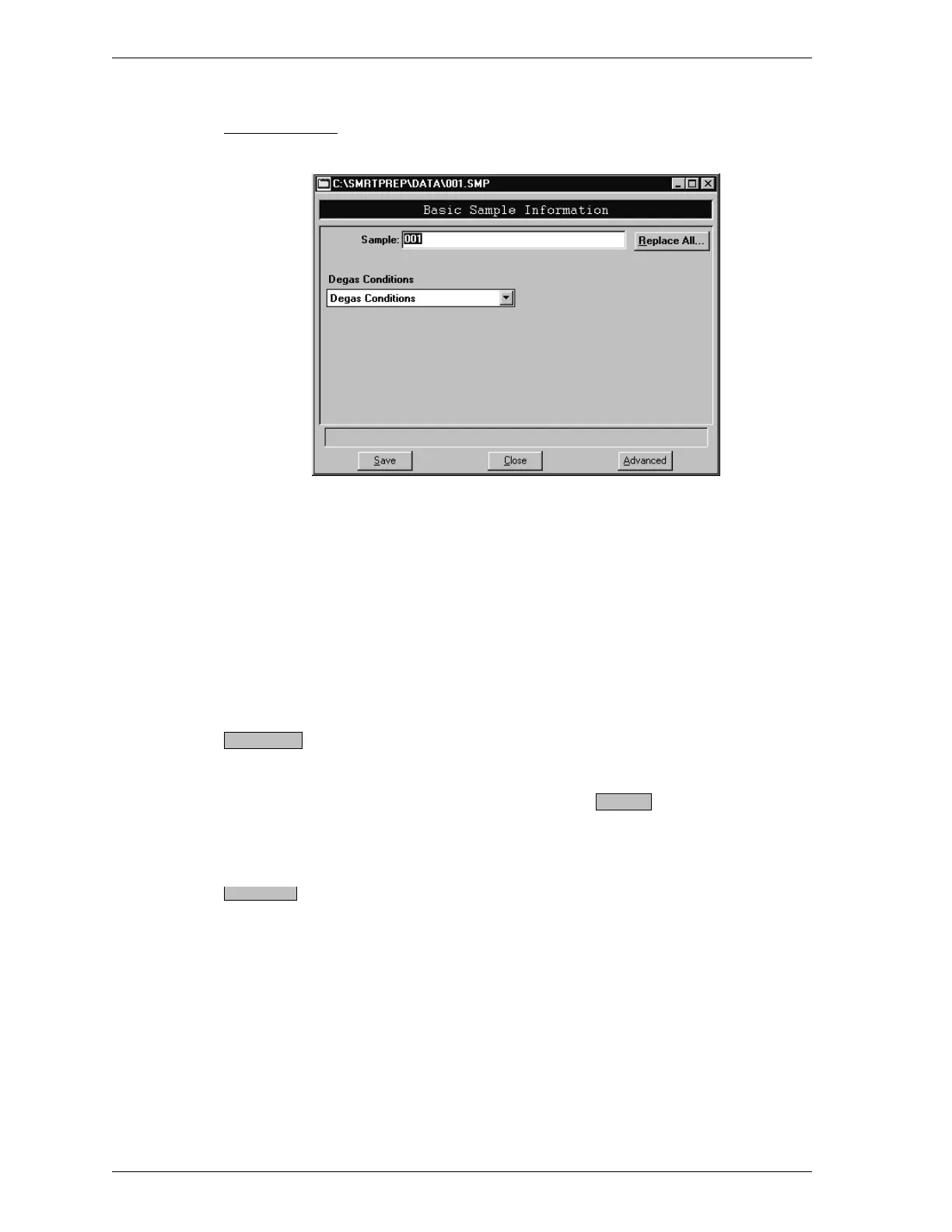
Basic Format
Sample Displays the next sequenced file description or
the name of the file you are opening. You may
add a new description or use the one displayed.
Length: 50 alphanumeric characters
Degas Conditions Click the down arrow to display a list of pre-
viously defined degas conditions files. Choose the
degas conditions file you wish to use.
Allows you to copy all parameters of an existing
sample file into the file you are creating. An
Open File dialog box is displayed. Select the de-
sired file, then click . The values are cop-
ied into the new file. You may edit the values in
the new file if desired.
Displays the sample information file in the ad-
vanced format.
Replace All..
OK
Advanced.
File Menu SmartPrep
3-6 Aug 98











 To Next Page