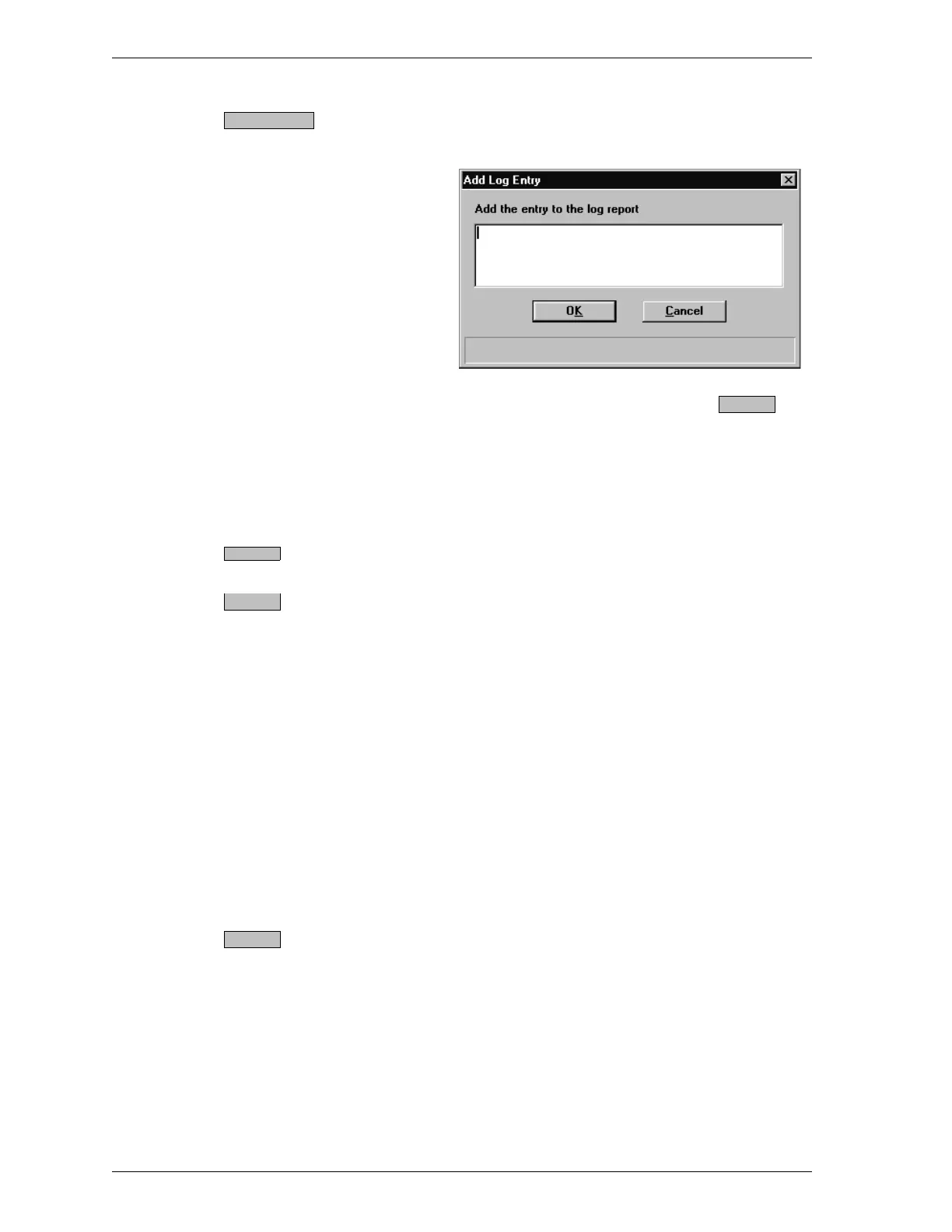
Displays a dialog box in which you may enter in-
formation relating to the sample file.
Enter desired information, then select .
Information you enter here is printed as part of
the sample log report. You may make multiple en-
tries by selecting this push button as many times
as you wish.
Saves the information you entered.
Closes the dialog box. The following message is
displayed if you have changed the current file and
have not saved the changes.
[file name] has been changed. Save changes be-
fore closing?
Choose one of the following:
•
Ye s to save the file and close the dialog box.
•
No to discard the changes and close the dialog
box.
•
Cancel to leave the dialog box open, allowing
you to edit the file further.
Displays the sample information file in the basic
format.
Add Log Entry
OK
Save
Close
Basic
File Menu SmartPrep
3-8 Aug 98











 To Next Page