49
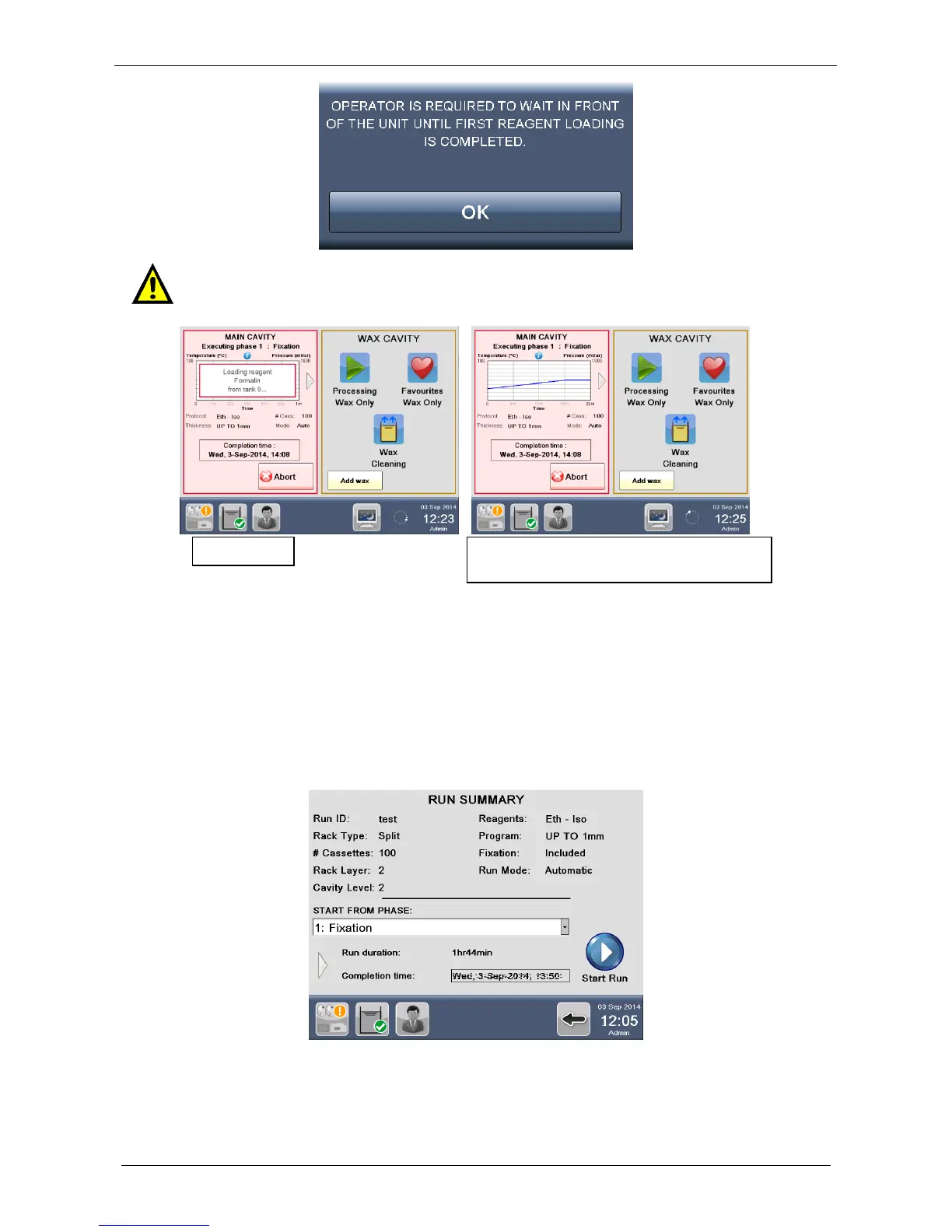
In both AUTOMATIC and DUAL RUN modes, on completion of first reagent loading, a graph is displayed on
the screen with detailed processing information, while the program is running.
Refer to following paragraphs for run mode details: automatic or dual.
3.2.1.1 Automatic run mode
If AUTOMATIC run mode is selected, the following RUN SUMMARY screen appears, displaying all details of
the process, like RUN DURATION and the COMPLETION TIME. Press Start run to run the cycle NOW.
On completion of first reagent loading, a graph is displayed on the screen with detailed processing
information.
To assure safety of samples, in fact, it is necessary that operator stays close to the unit at
the beginning of a new process until loading of the first reagent is completed and the
graph is displayed on the screen.



 To Next Page