MM182-001 – Operator Manual
40
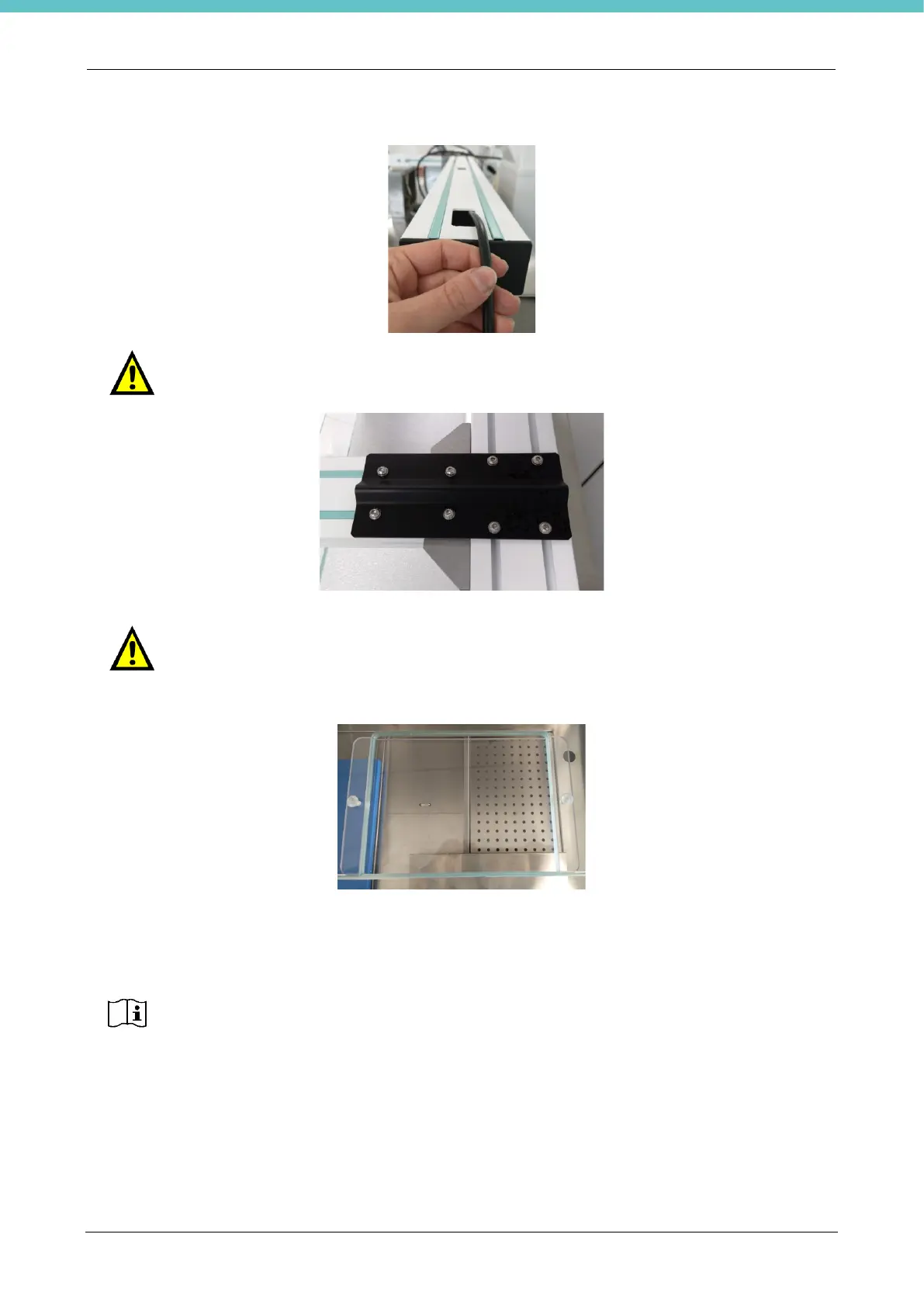
Insert the USB cable of the camera in the crosspiece, having it exit on the side of the relative PC.
Mount the black casing paying ATTENTION not to crush the camera cable and relative
cables going to the camera.
Remove the polycarbonate panel only where the camera is.
To remove the panel, unscrew the two corresponding screws shown in the figure below.
Insert the camera USB cable into the USB port of the terminal after having mounted it. If letter T, refer to
chapter 2.5.6.
The camera is provided with a 82mm lens with +1.5 magnification, already assembled.
The automatic autofocus of the camera depends on environmental conditions.
If there are two letters C in the code, the unit will have two cameras.
If the polarized lens is also provided as optional part (refer to chapter 5.11) first install the
polarized lens then also screw in the +1.5 lens, ensuring it is the outermost one.



 To Next Page