41
Camera orientation
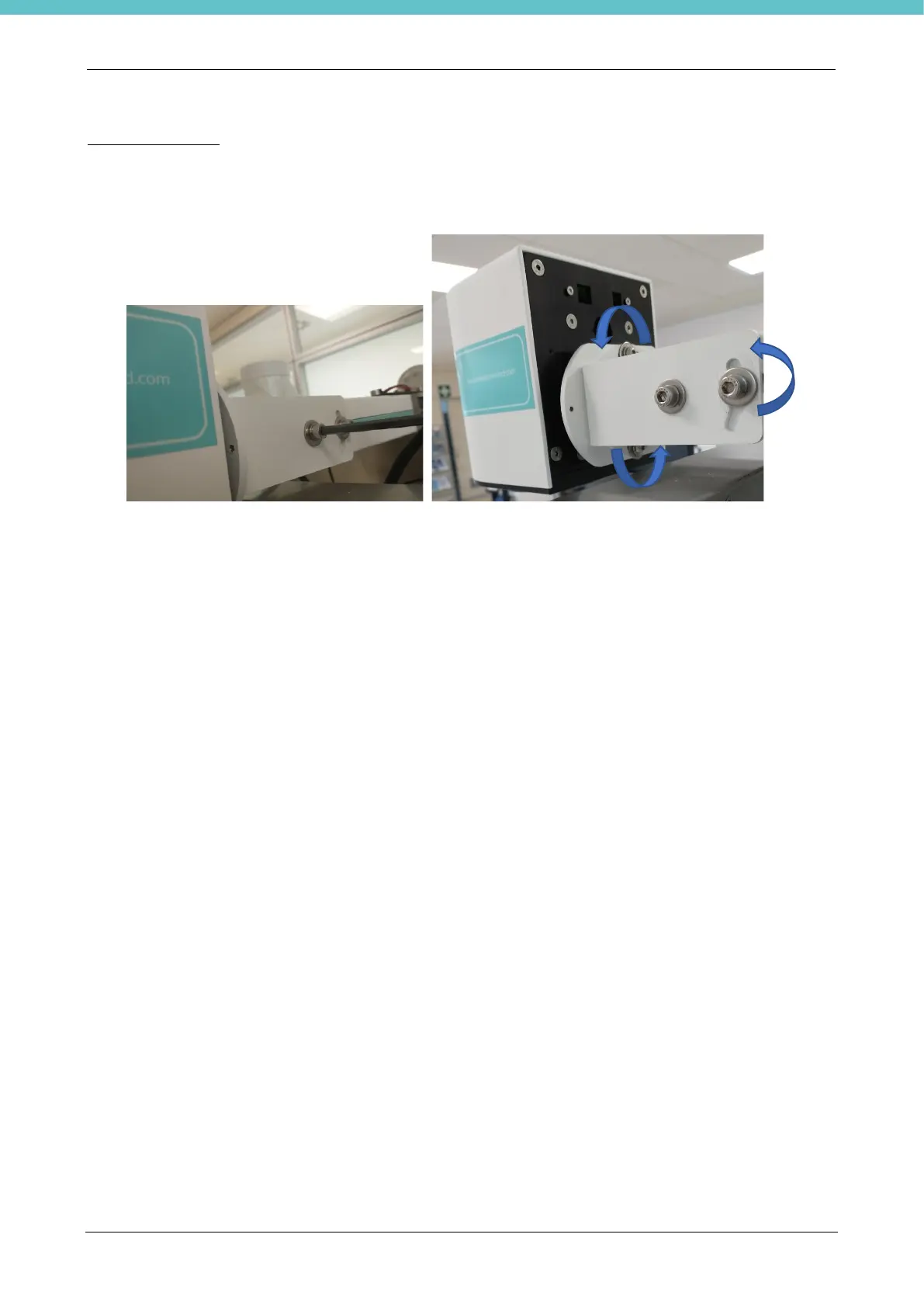
The camera's orientation can be modified according to the following image on the left. The image on the right
shows the possible movements for orientation of the camera.
Adjust the orientation of the camera so that the blue cutting board is centered when the maximum zoom level
(100%) is applied.
The figures only show one side of the camera. Repeat the same operation on the other side to achieve the
required orientation.
Install MacroPath using the supplied key and license code. Please refer to chapter 3.



 To Next Page