51
Before attempting to use the microphone, turn it on using its appropriate ON/OFF button (if present).
For PC installation, carefully peel off the film from the screen to prevent damaging it.
It is advisable to turn the PC off completely at least once a week.
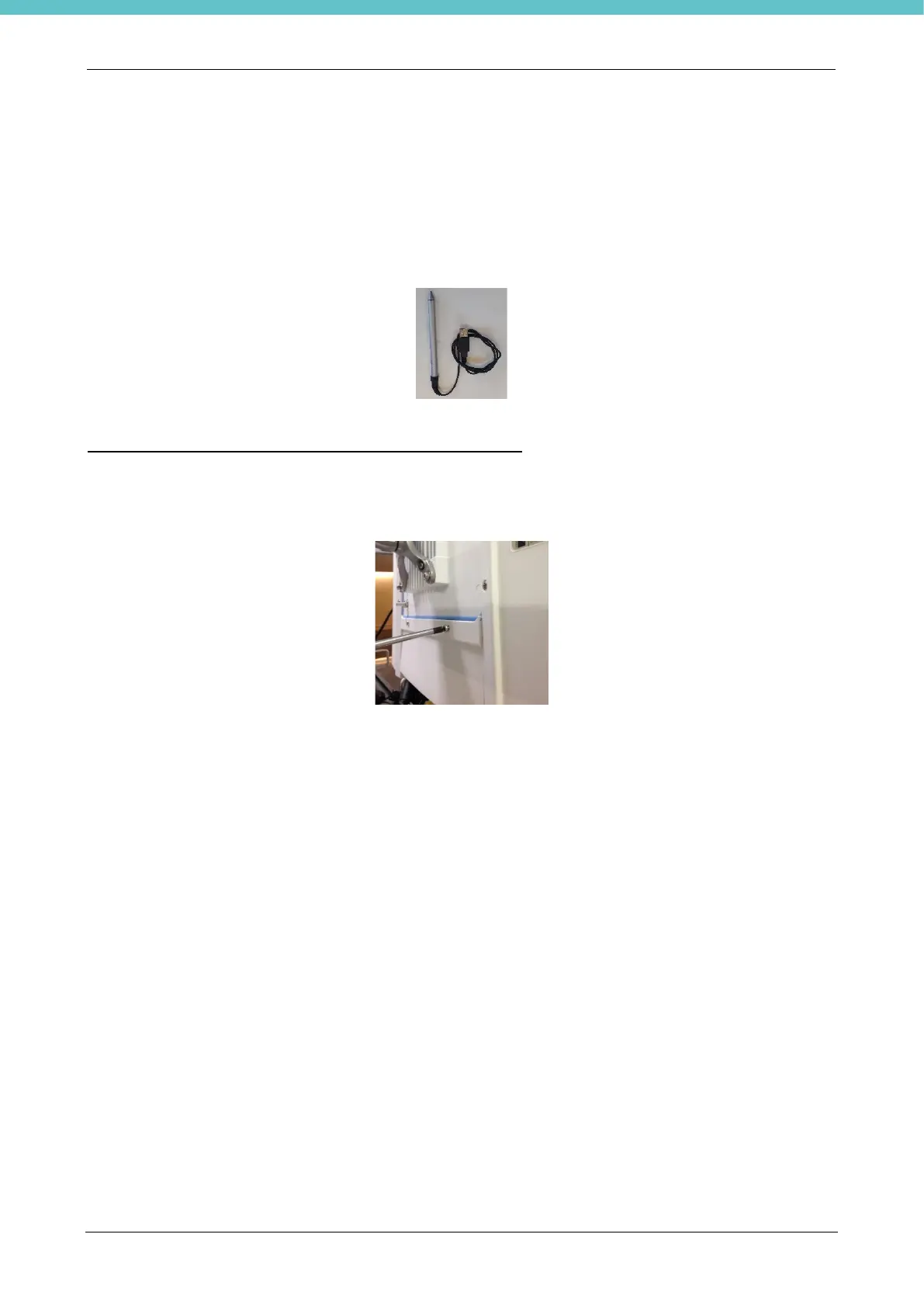
A Touch-Pen is supplied with the PC with two small black buttons for the Enter command and right click of the
mouse.
Bar code reader (this is an optional part, refer to chapter 5)
When present, connect the bar code reader to one of the USB ports available on the PC. For the USB ports
present, refer to chapter 2.5.7.
Close the cables protective panel of the PC.
Next, press the PC's ON button to turn on the computer.
Refer to chapter 3 to use the MacroPath software.



 To Next Page