Mount the black casing paying ATTENTION not to crush the camera cable and relative
cables going to the camera.
Close the rear panel of the electric panel.
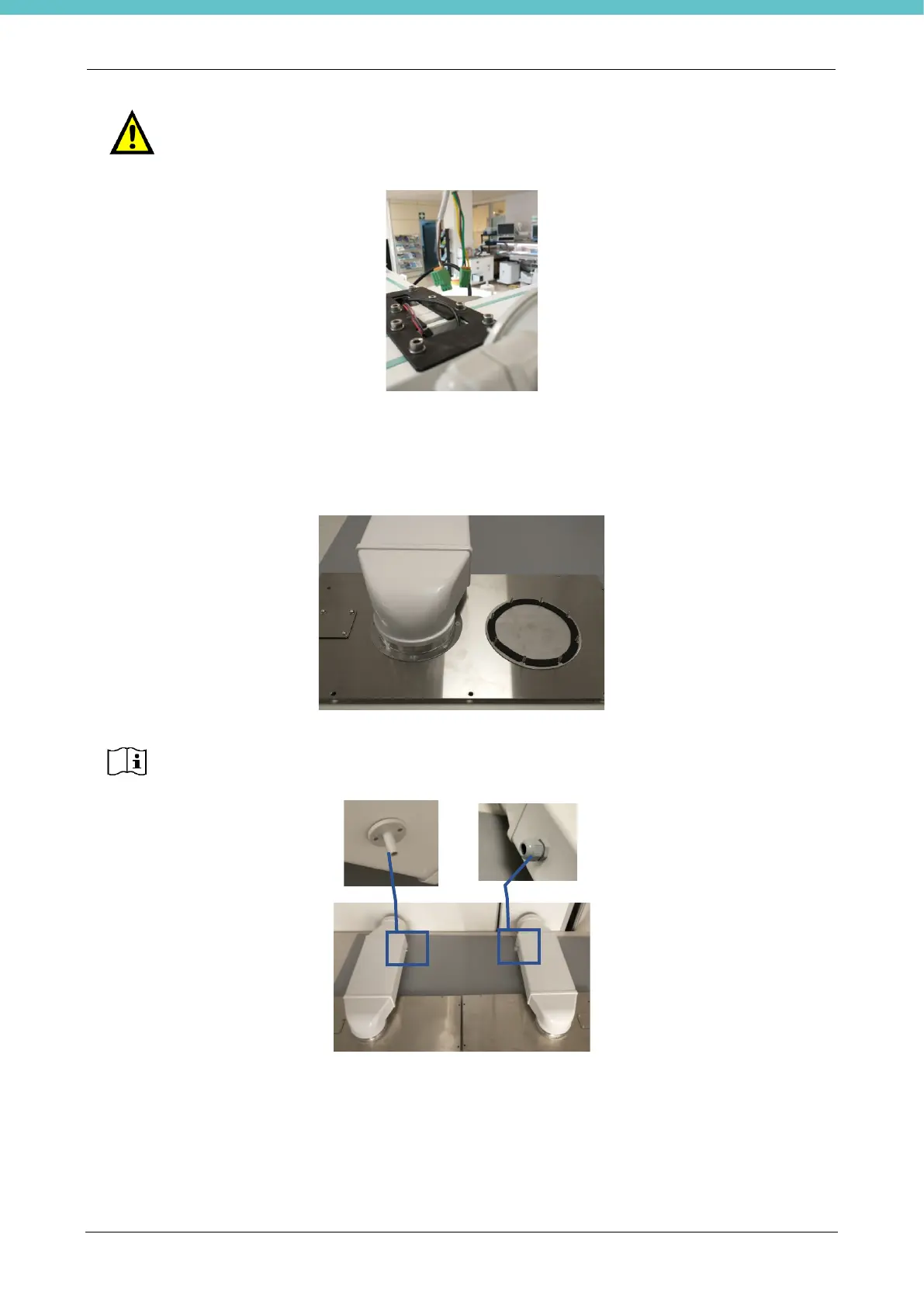
At the workbench, remove the two rear casings using the supplied 8-10 mm wrench and mount the exhaust
ducts using the specific screws and supplied spanner. The figure shows a single cap just removed from the
casing and a mounted duct; repeat the same operation for the second cap.
Fix the panels with exhaust ducts to the unit, maintaining the position shown in the previous image.
Connect the supplied tube to the pressure switch on one side (inlet “-“) and on the other side to the duct
mounted on the left.
Avoid crushing the tube.



 To Next Page