USING THE MILLI-Q
Milli-Q Synthesis/Synthesis A10 53
Stop when you see the AGE display.
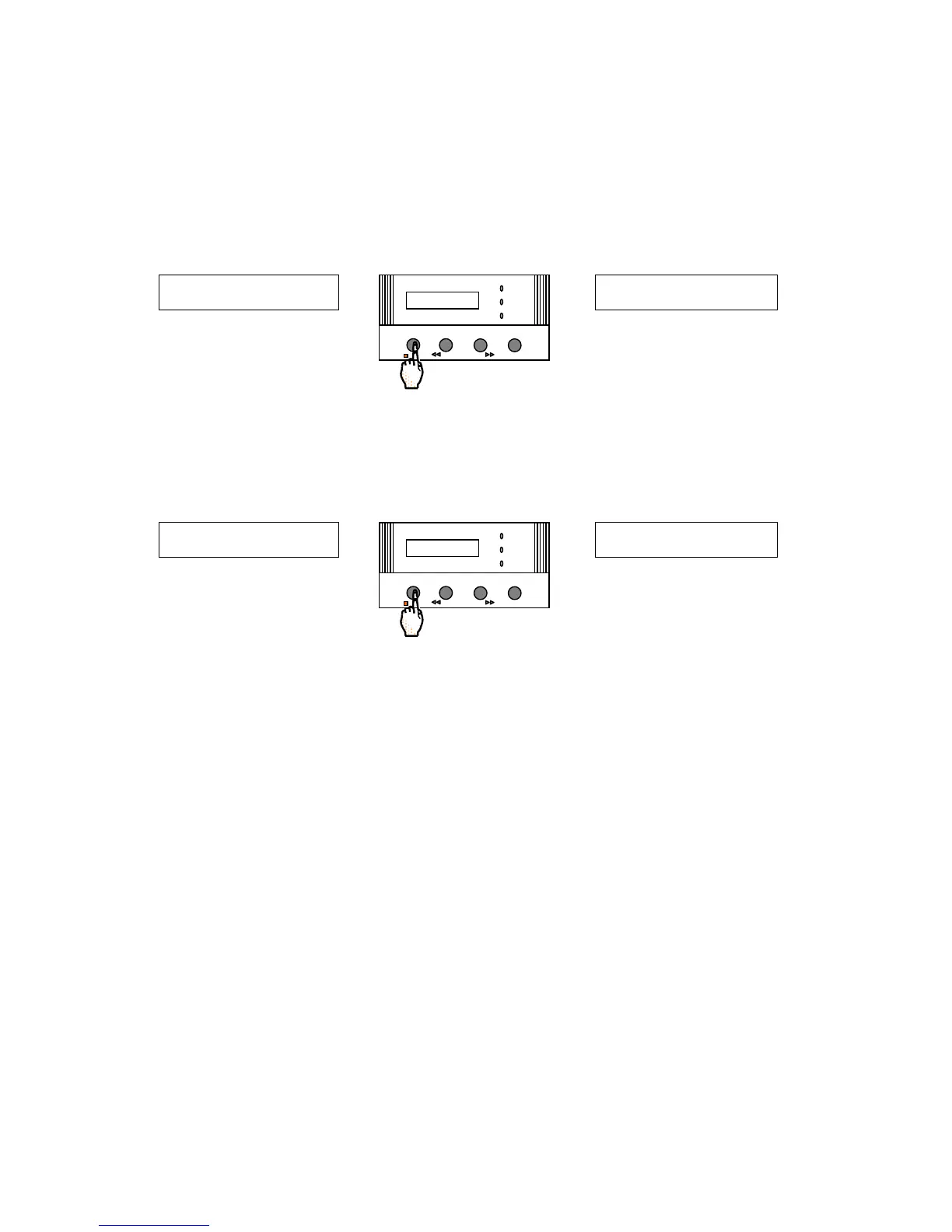
In the example above, the AGE of the Cartridges (CART.) is 0 Days (installed in the last 24 hours). This is
referring to both the Q-Gard and the Quantum. It is being assumed that the Millipak was changed when the
Q-Gard and Quantum were changed.
Press the OPERATE/STANDBY Keypad Button once to change to the age of the UV Lamp.
The AGE of the UV Lamp is 0 Days in the display below.
Milli-Q Synthesis A10 only. Press the OPERATE/STANDBY Keypad Button once to change to the age of
the A10 UV Lamp.
The AGE of the A10 UV (the small UV Lamp on the A10 device) is 0 Days in the display below.
Escape the Customer Service Software by pressing the MENU Keypad Button for about 2 seconds. You should
be back to PRE OPERATE Mode.
You have finished viewing the age of the consumable items.
S E R V I C E : A G E
UV L A








 To Next Page