2. Product presentation
MiR200 User Guide (en) 10/2020 - v.3.1 ©Copyright 2017-2020: Mobile Industrial Robots A/S. 15
The control panel buttons
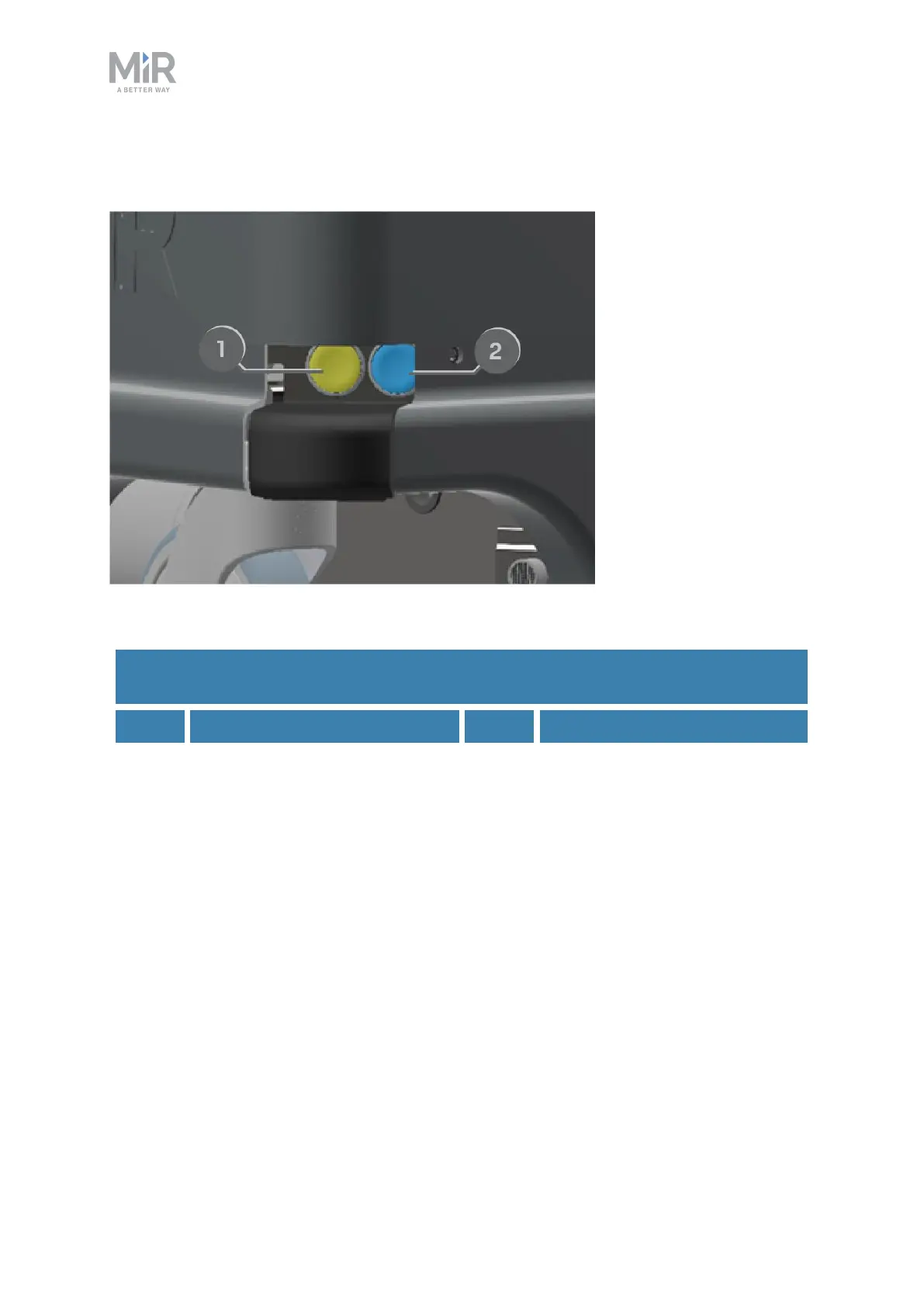
Figure 2.5. The MiR200 control panel.
Pos. Description Pos. Description
1 Scanner reset 2 Power
Table 2.1.
MiR200 control panel.
Scanner reset
Pressing this button restarts the scanners after 5-7 seconds. This can be useful if you
experience issues with the safety laser scanners.
Power
Pressing this button for three seconds turns the robot on or shuts it off.
Operating modes
MiR200 has two operating modes: Manual mode and Autonomous mode.



 To Next Page