5. Battery and charging
MiR200 User Guide (en) 10/2020 - v.3.1 ©Copyright 2017-2020: Mobile Industrial Robots A/S. 50
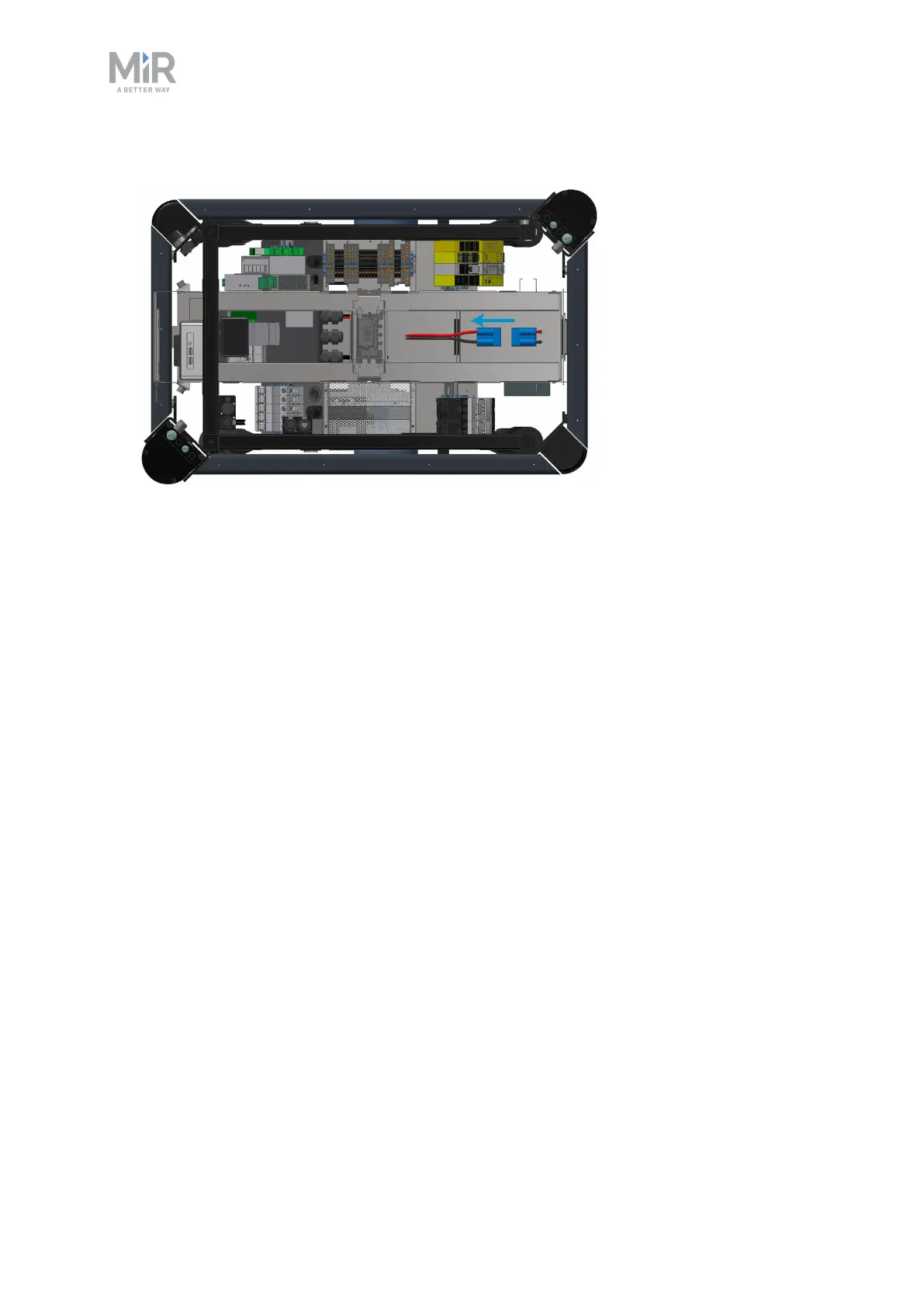
4. Disconnect the battery by unplugging the blue battery cable from the battery box.
5. Place the top cover back on the robot.
5.3 Battery storage
The battery should be stored in an area at room temperature with a non-condensing relative
air humidity—see specifications on the MiR website. Temperatures and humidity below or
above the specifications will shorten the service life of the battery.
The battery should not be exposed to nor submerged in any liquid as this may damage the
battery.
Charge the battery before storage to preserve the service life of the battery.
To preserve the battery, disconnect the battery from the robot before storing the robot.
5.4 Battery disposal
Return unserviceable batteries to relevant facilities in accordance with local statutory
regulations.
A crossed-out wheeled bin indicates that the product needs to be disposed separately and
not as municipal waste—see Battery disposal symbols. on the next page.



 To Next Page