4. Getting started
MiR200 User Guide (en) 10/2020 - v.3.1 ©Copyright 2017-2020: Mobile Industrial Robots A/S. 38
4.4 Powering up the robot
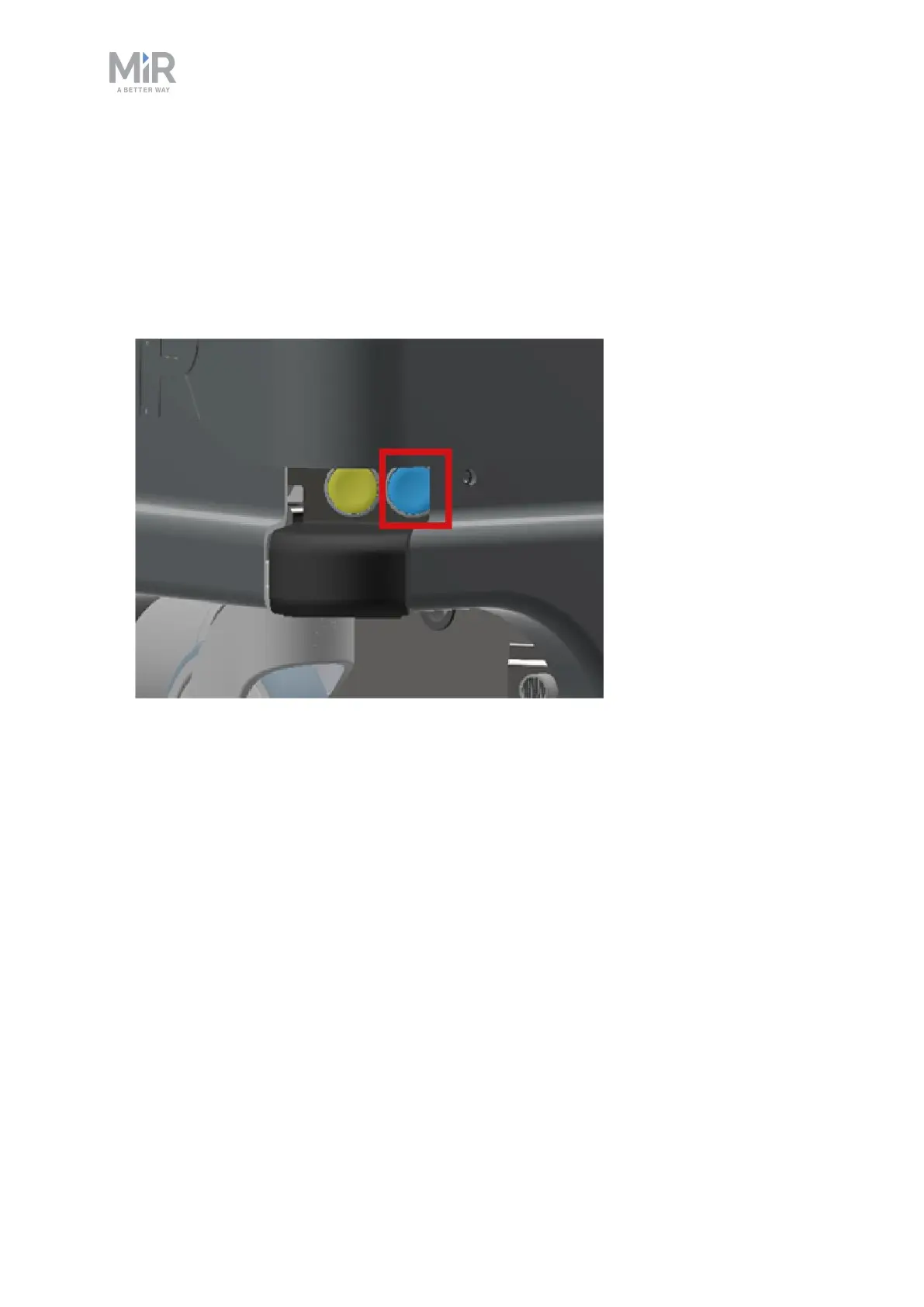
Follow these steps to power up the robot:
1. Press the Power button in the corner to turn on the robot. The status lights waver yellow,
and the robot starts the software initialization process. When the initialization process
ends, the robot goes into Protective stop.
2. Press the reset button on the Emergency stop when the button lights up. The status lights
switches to yellow constant light, indicating that the robot is paused and ready to



 To Next Page