9. Commissioning
MiR200 User Guide (en) 10/2020 - v.3.1 ©Copyright 2017-2020: Mobile Industrial Robots A/S. 113
9.10 Creating dashboards
To make the user experience as easy and simple as possible, you can build a unique
dashboard for each user. Dashboards are an easy way for different user groups to control
the robot, giving direct access to the individual groups' key functions.
For more details on how to use and create dashboards, see MiR Robot
Reference Guide on the MiR website.
A dashboard is made up of a number of widgets, each representing a feature in the system,
for example a particular mission, the map the robot is operating on, or the current mission
queue.
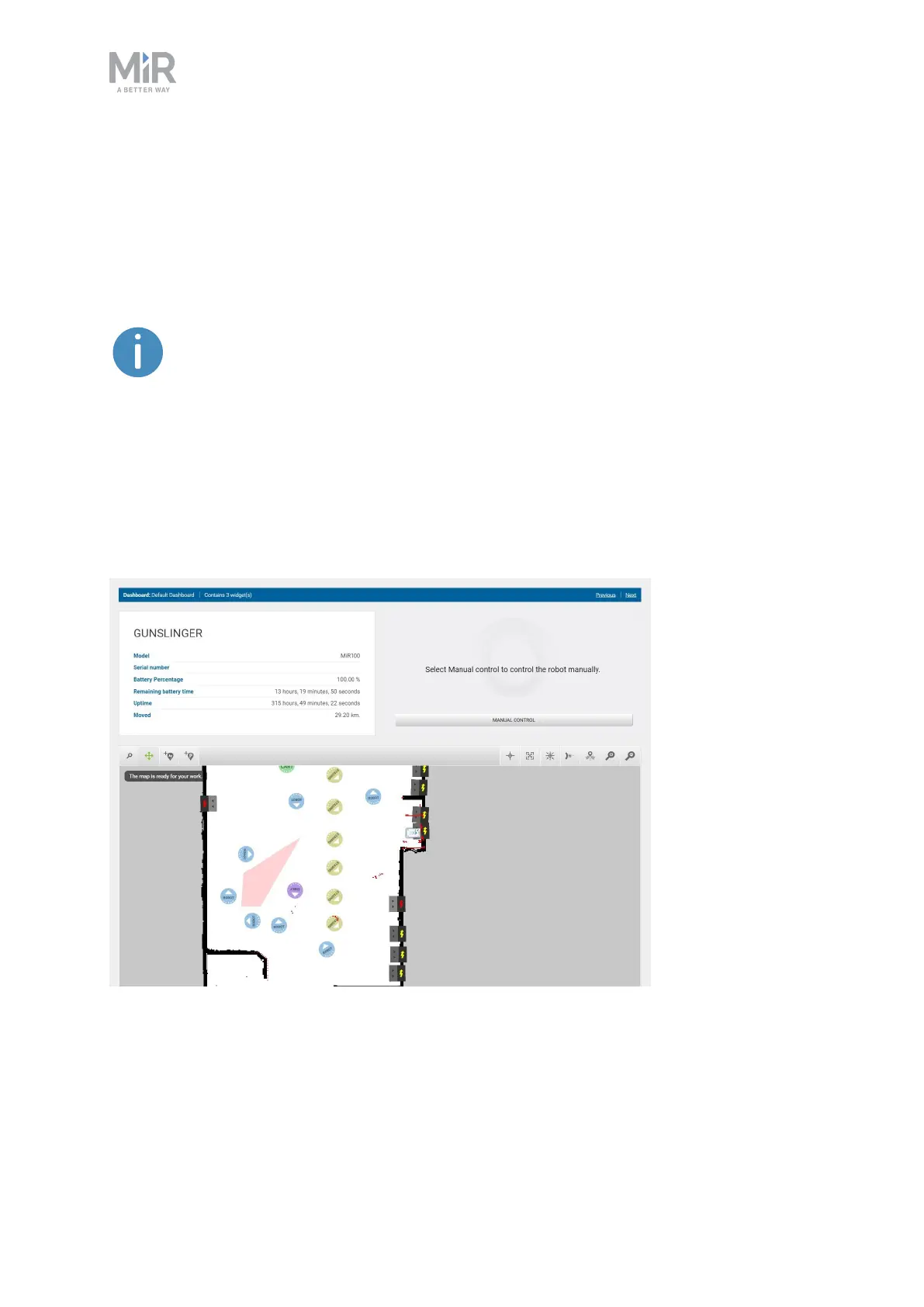
The system comes with a default dashboard—see Figure 9.20—, and users with access rights
to create dashboards can create an unlimited number of additional customized dashboards.
Figure 9.20. The default dashboard includes the robot information, a joystick for manual control, and the active
map.



 To Next Page