4. Getting started
MiR200 User Guide (en) 10/2020 - v.3.1 ©Copyright 2017-2020: Mobile Industrial Robots A/S. 43
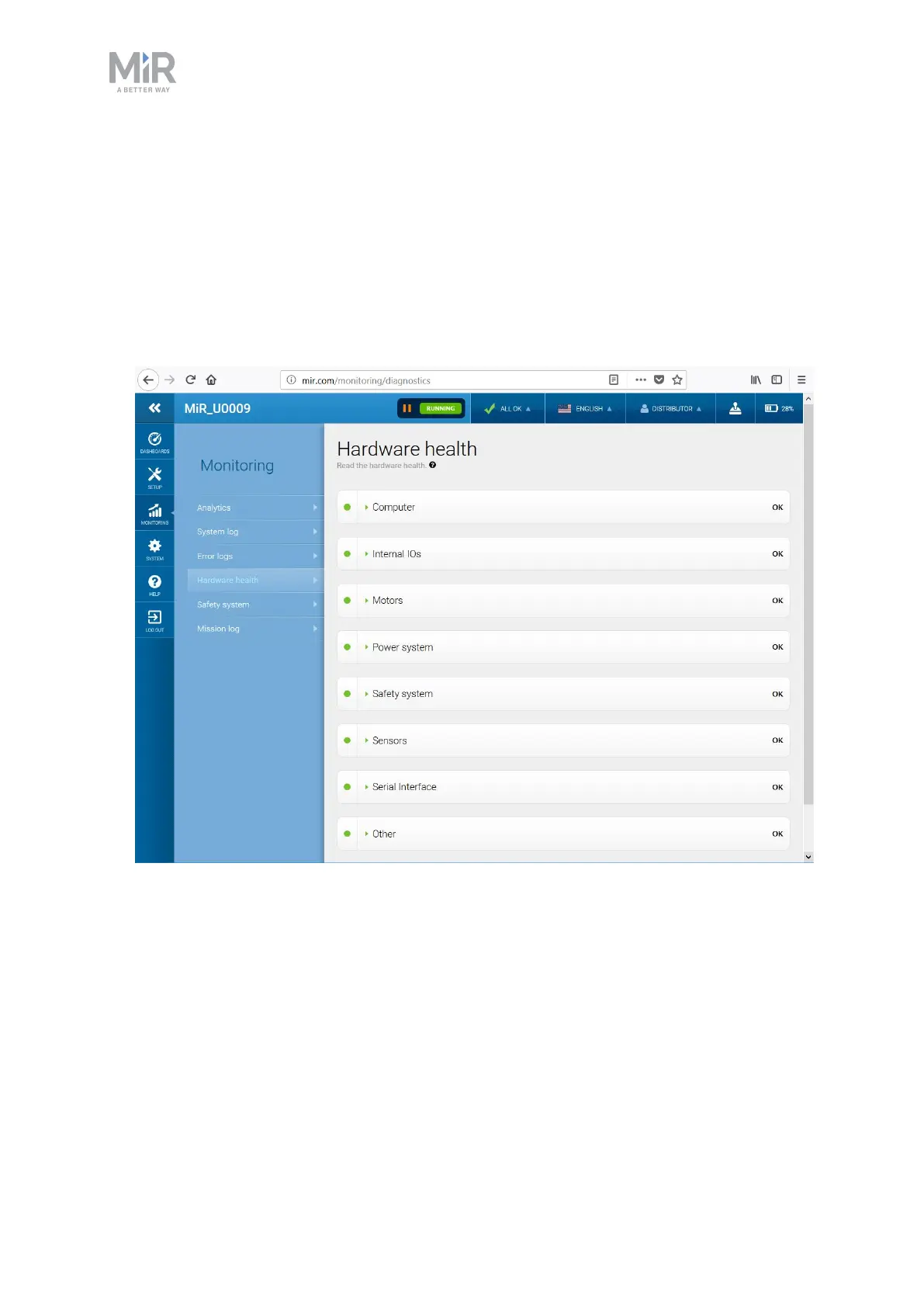
4.7 Checking the hardware status
To check that all hardware components work as intended, follow these steps:
1. Sign in to the robot interface—see Connecting to the robot interface on page39.
2. Go to Monitoring > Hardware health.
3. Check that all elements on the page have the OK status and that they have green dots on
the left.
For more information, see Hardware health in MiR Robot Reference Guide on the MiR
website.
4.8 Mounting the nameplate
Before using MiR200, you must mount its unique nameplate to it. The nameplate contains
information specific to your MiR application—see Nameplate on page14.



 To Next Page