4. Getting started
MiR200 User Guide (en) 10/2020 - v.3.1 ©Copyright 2017-2020: Mobile Industrial Robots A/S. 31
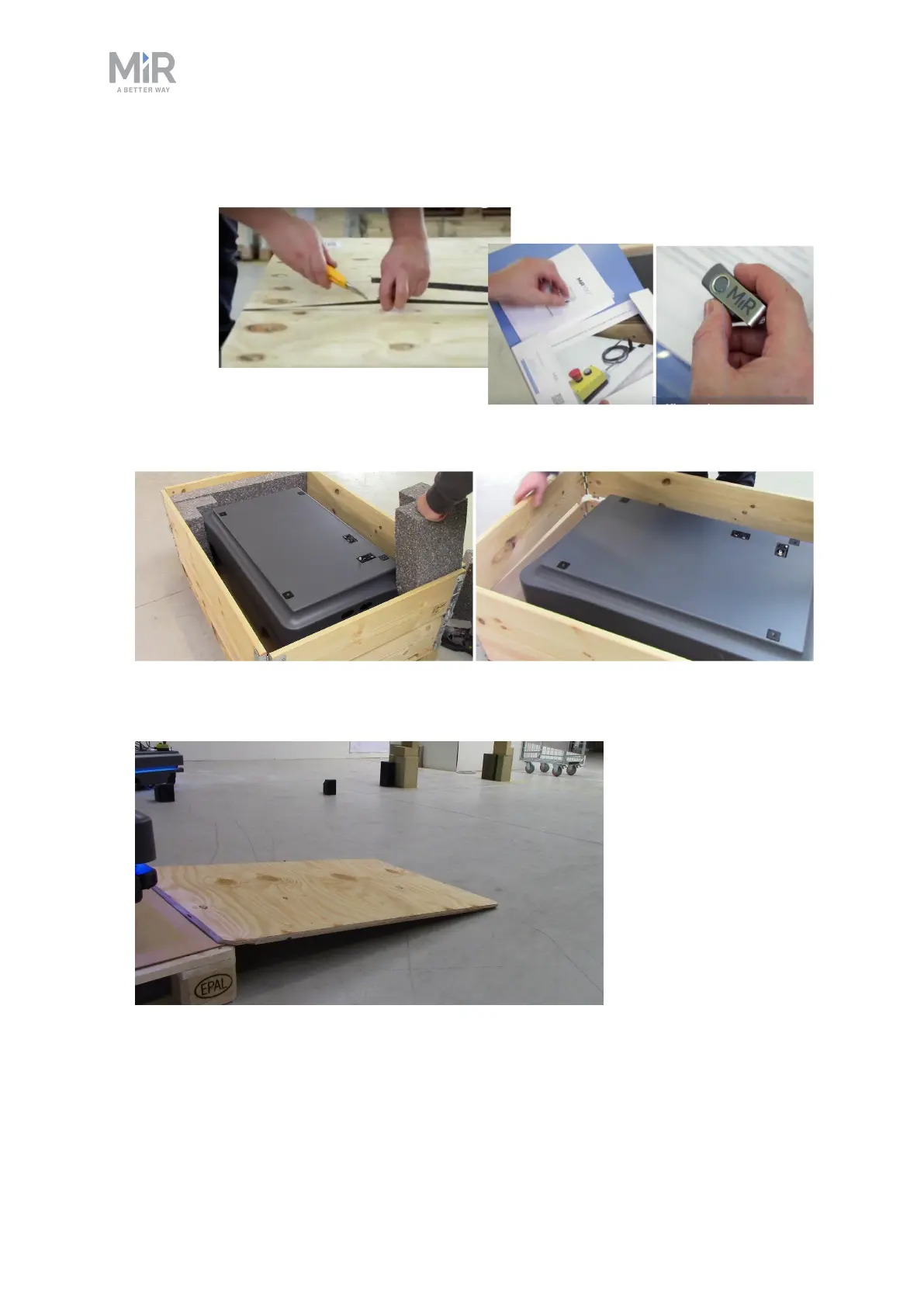
4. Take the folder with the printed documents and the USB flash drive out of the box.
5. Remove the walls of the box and the protective foam blocks.
6. Place the lid of the box so that you can use it as a ramp at the robot's front or rear end.
Align the lid so that it is flush with the base of the box.



 To Next Page