2. Product presentation
MiR250 Dynamic Integrator Manual (en) 09/2023 - v.2.1 ©Copyright 2020–2023: Mobile Industrial Robots A/S. 20
The robot uses its speaker and two types of light indicators to let people in the environment know
what the robot is currently doing or planning to do.
l
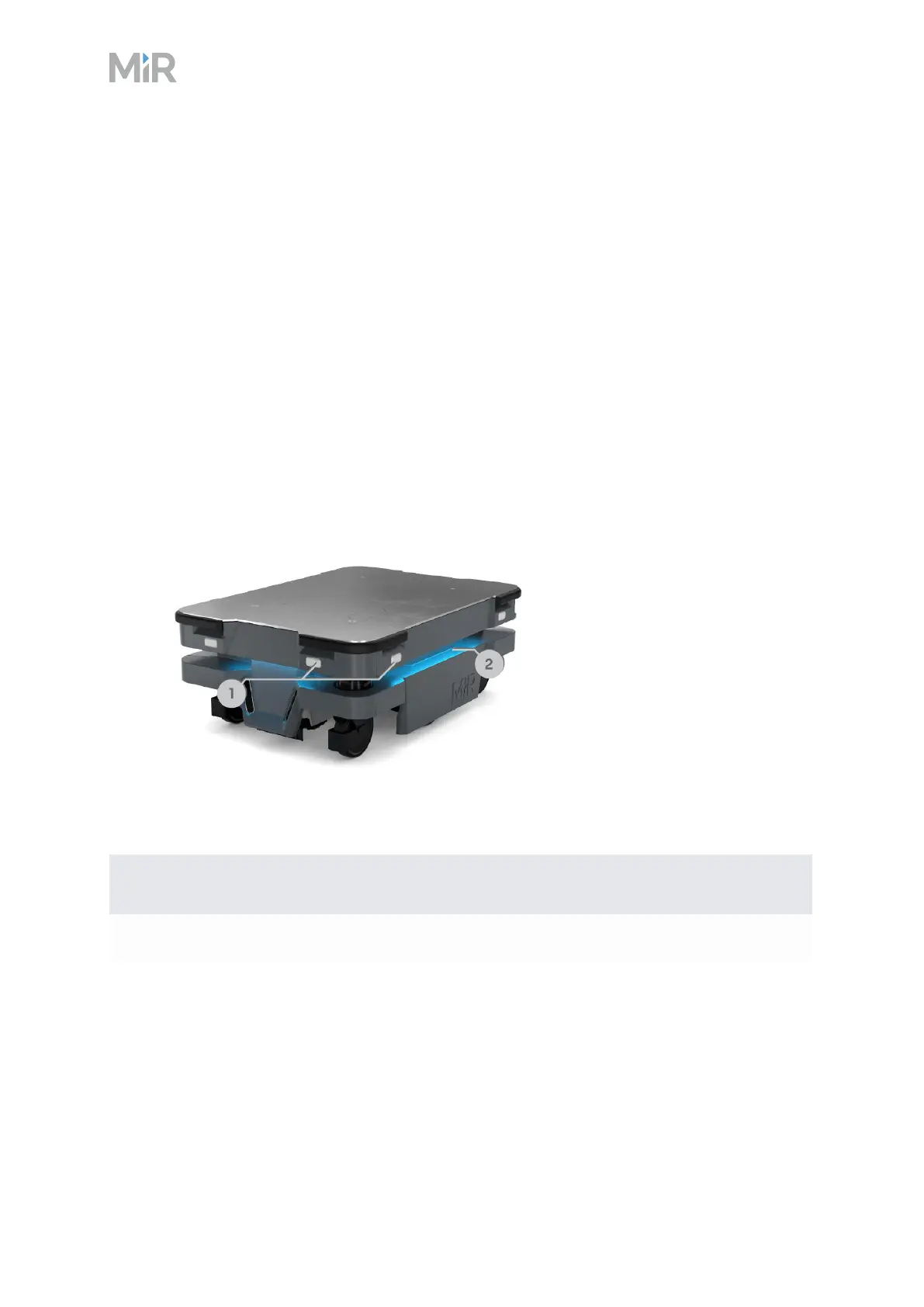
Status lights
The LED light bands on all four sides of the robot use colors and light motion patterns to signal
the current status of the robot.
l
Signal lights
The signal lights at the front and back of the robot show if the robot is about to turn a corner or
go backward. Front lights are white and rear lights are red. Right and left turns are indicated by
blinking.
l
Speaker
The speaker plays sounds to alert personnel. You can trigger sounds using zones and mission
actions, and you can enable the robot to play warning sounds whenever the Protective fields
are muted.
Figure 2.9 Light indicators on MiR250 Dynamic
Pos. Description Pos. Description
1 Signal lights 2 Status lights
Table 2.8 Identification of light indicators in Figure 2.9



 To Next Page