SECTION
MITL91
OS/91
1
O-096-350-NA
!@a4
.
-
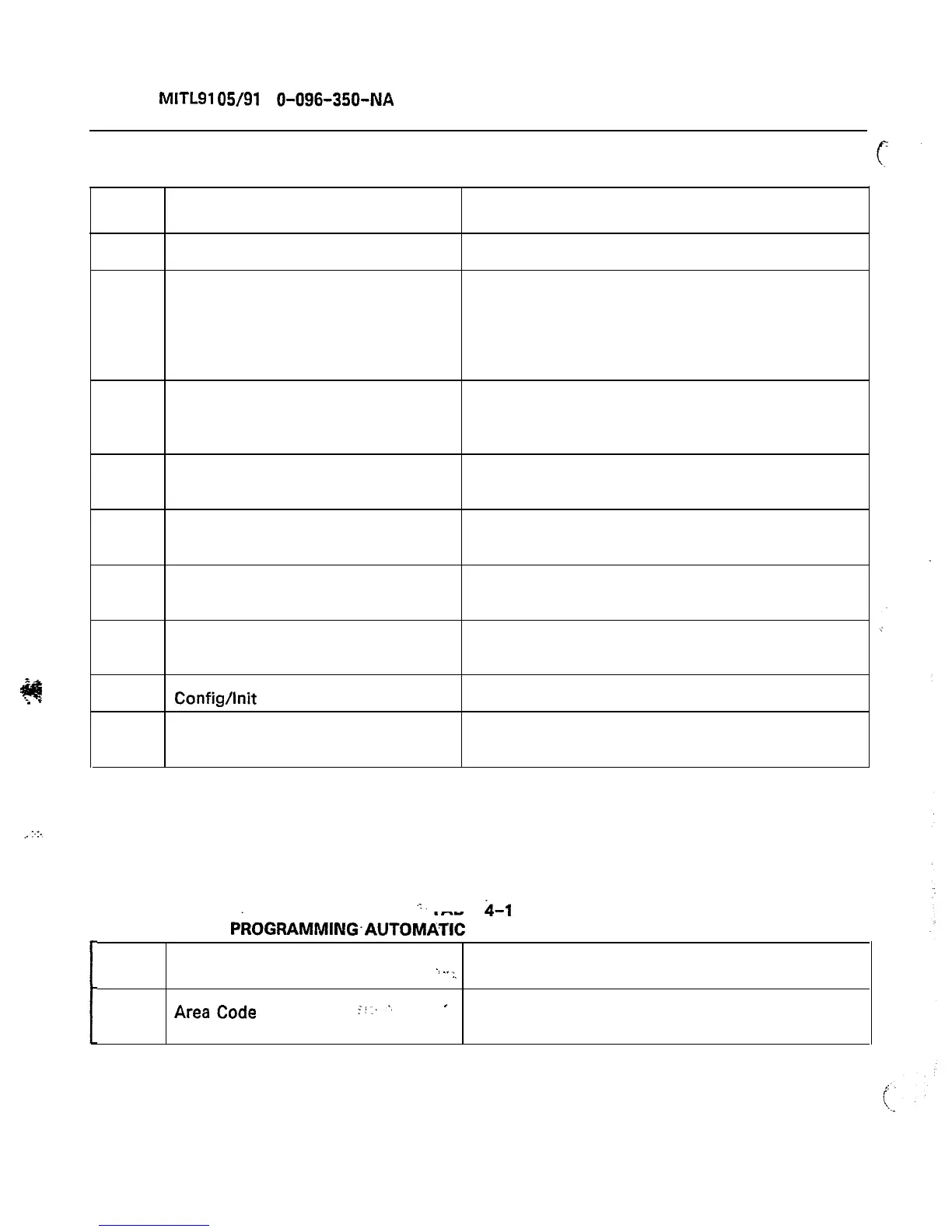
TABLE 4-10
EXTENDED PROGRAMMING AUTOMATIC ROUTE SELECTION PROGRAMMING ERROR CODES
Error
EO
El
Applies to:
All modes
Area Code Table mode
Area/Office Code Table mode
Routing Table mode
Local Area mode
Table Quantity mode
Meaning
Invalid key is pressed
Number is not within Range
E2
All modes
E3
Office Code mode
E4
Routing Table mode
An attempt was made to leave the current
mode after parameters were changed but before
ENTER or CANCEL was pressed
The Office Code Table Number is not valid for
this configuration
An attempt was made to enter trunk group #
that is not dialed
E5
E6
E7
E8
Office Code Table mode
Routing Table mode
Config/lnit
mode
Schedule Choice mode
The Entry Office Code Table is full and cannot
hold the entry
Schedule A hours and Schedule B hours are not
mutually exclusive
Same as Toll Control programming
Trunk Group not defined in Standard
Programming
“.
TABLE
4-l
1
. . .
EXTENDED
PkOGRAMMING-AUTOMATIC
ROUTE SELECTION CONFIRM ERROR CODE
Error
-.
..,
Applies to:
:.
Meaning
C6
AreaCode
.
CF.:
-
A request has been made to delete all entries in
a table
Page 46










 To Next Page