SECTION
MITL91
OS/91
1
O-096-350-NA
:
:iS@
TABLE 4-13 (CONT’D)
ATTENDANT UCD ACCESS CODES
c
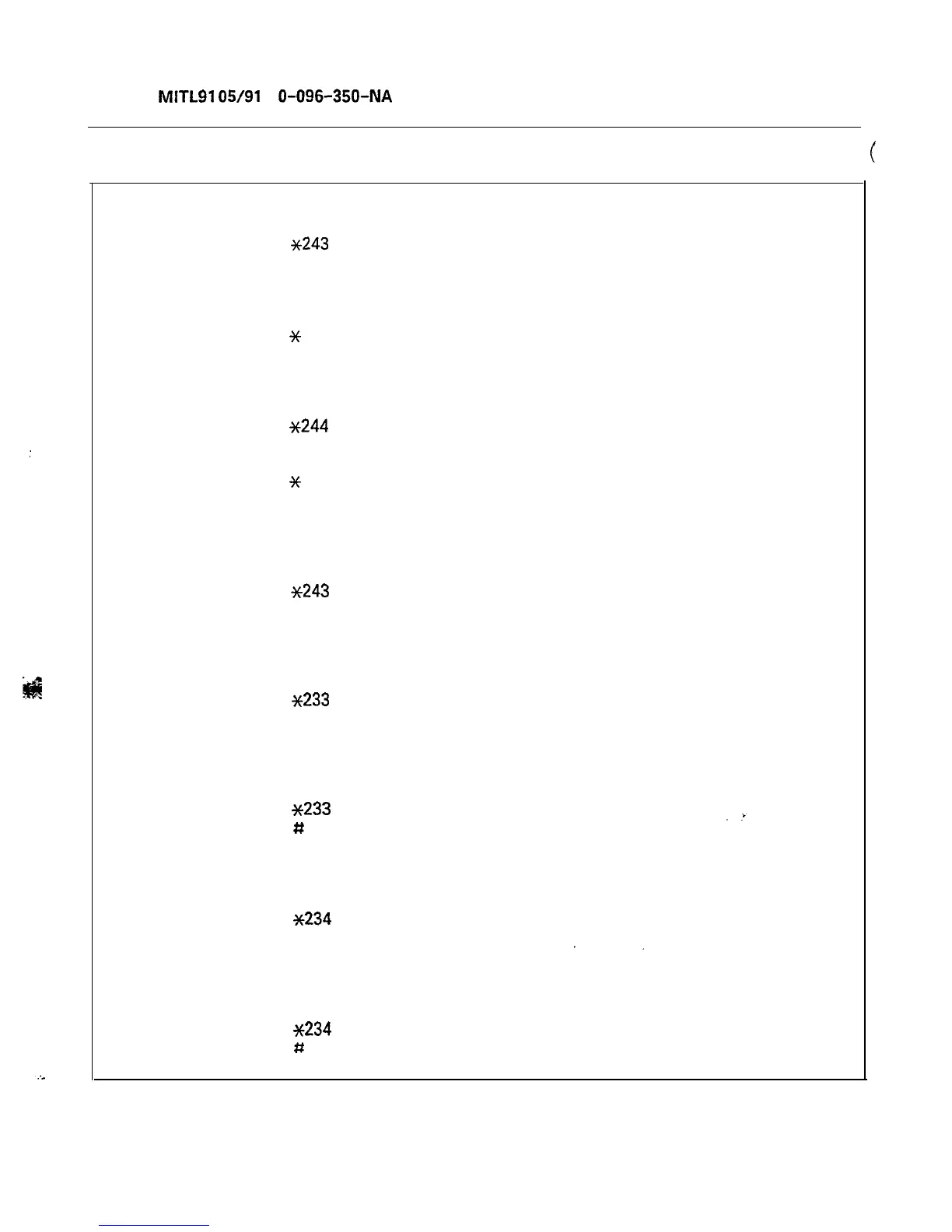
To specify the recording and delay time for an Agent Group:
Dial
*243
Dial Agent Group access code
Dial 1
Dial Recording Group access code
Dial time delay, in 2-digit seconds
Dial
x
Press RELEASE to terminate.
To review a recording assignment:
Dial
~244
Dial Agent Group access code
Dial 1
Dial
x
Press RELEASE to terminate.
To delete all data associated with an Agent Group (Recording Group and delay time
assignments):
Dial
~243
Dial Agent Group access code number
Press RELEASE to terminate.
To define which Recording Group a DID Intercept will be routed to:
Dial
~233
Dial Recording Group access code
Press RELEASE to terminate.
To delete an existing DID Intercept recording:
Dial
~233
Dial
#
Press RELEASE to terminate.
To define which Recording Group an Automatic Wake-up will be routed to:
Dial
~234
Dial Recording Group access code
Press RELEASE to terminate.
To delete an existing Automatic Wake-Up recording:
Dial
~234
Dial
#
Press RELEASE to terminate.
Page 52











 To Next Page