Configuration Options16
Internal Terminal Configuration Options
These options are found within the menu system of the terminal. This information is arranged in a
reference format. To view it in the format of the terminal's menu system, see the section Version 6
Terminal Menu System options.
1st Copy Timeout
Copier Setup
Defines how long the terminal will wait for the first count to be detected before ending the session.
This feature enhances the session timeout ability of the terminal in situations where a short session
timeout is still desirable, but the work being done may require a long time before the first copy
comes out of the copier, (such as scanning a large number of documents using the ADF of the
photocopier).
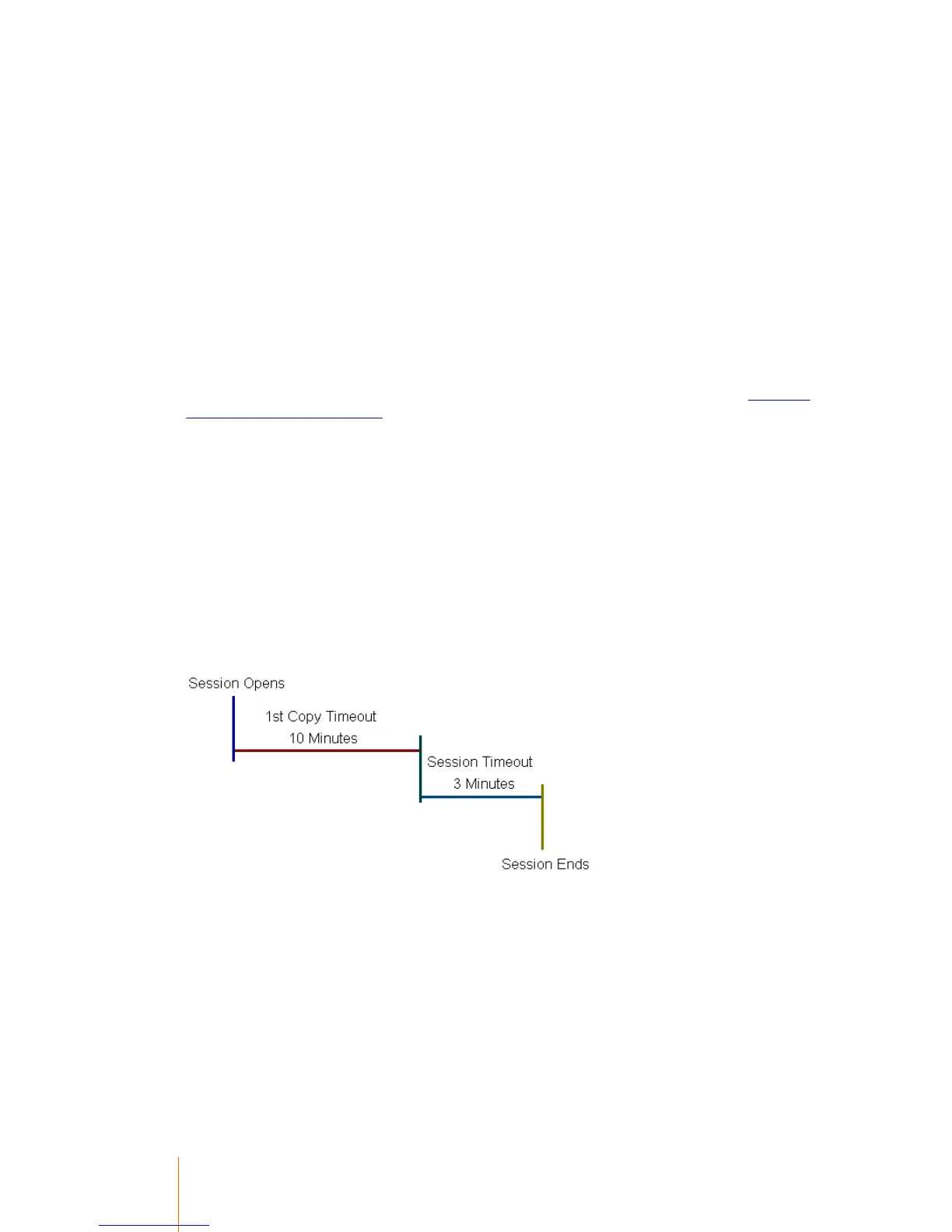
In the example below, the 1st copy timeout is set to 10 minutes, but the session timeout is set to
three minutes:
If no count is detected during the period of the 1st copy timeout, the session ends:



 To Next Page