63Version 6 Terminal Menu System Options
5 Miscellaneous
Contains any Miscellaneous items that don't belong in any of the menus.
1 Set Date &Time?
Normally the date and time will not have to be set manually as the terminal will automatically update
its own clock from Supervisor Net. This option is provided for situations where the terminal is
running offline and the clock requires adjustment.
2 Unload Stats in Alarm 54?
Selecting this option causes an alarm 54 to be unloaded to Supervisor Net immediately. This unload
contains a complete list of all the statistics from the terminal for diagnostic purposes. The sequence
of these statistics are the same as seen in the status menu.
3 Set Auto Stats?
An alarm 54 can optionally be unloaded back to Supervisor Net every morning at 1:00am. This
unload contains a complete list of all the statistics from the terminal for diagnostic purposes. The
sequence of these statistics are the same as seen in the status menu. By default this is enabled.
4 Restart Terminal
Causes the terminal to reboot. Usually used when operating the terminal remotely from the IP
Terminal utility.
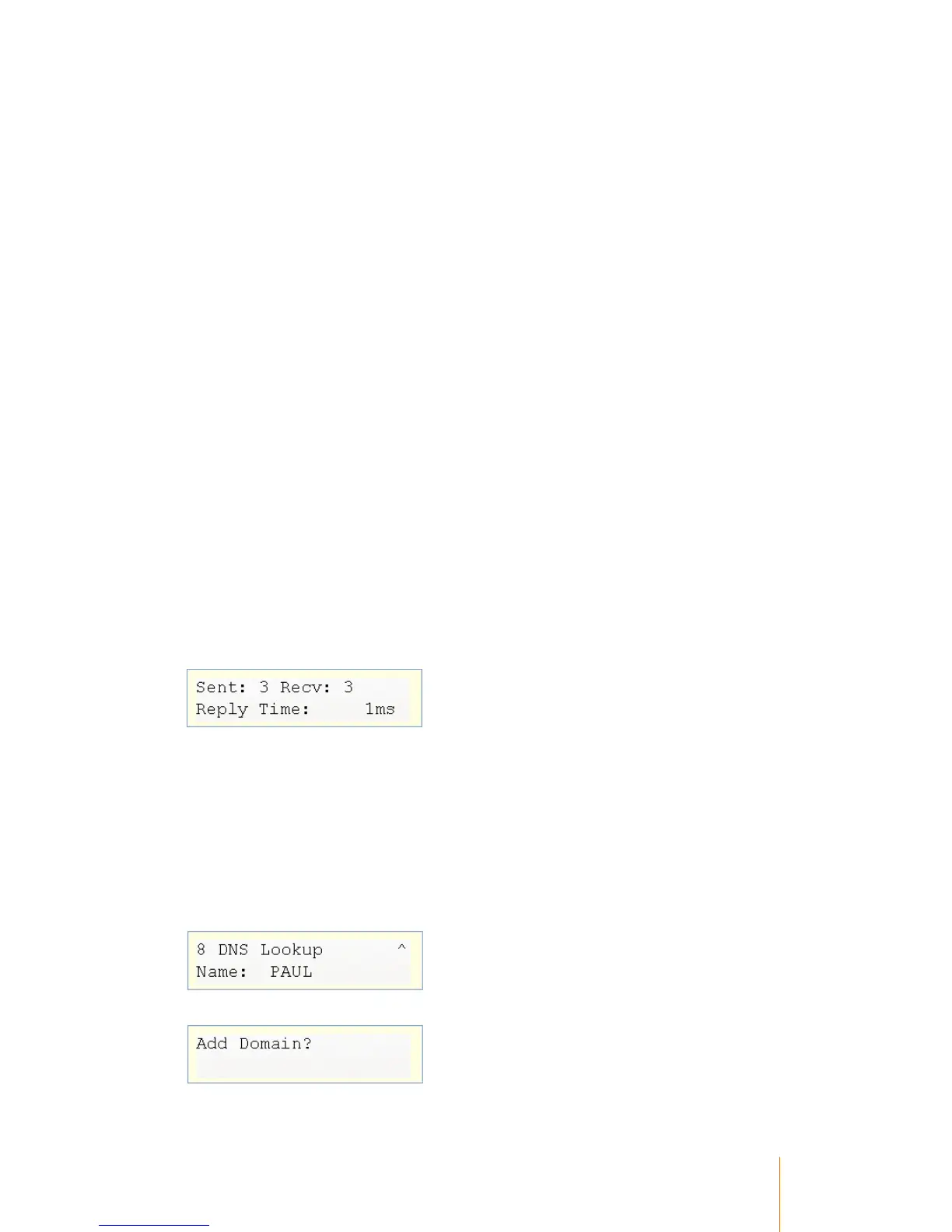
6 Ping Host
The terminal will ping the PC IP Address five times, each time registering whether the ping was
successful and how long the return response took.
7 Ping IP Address
The same as Ping Host, however the terminal will allow you to enter an IP address of your choice.
DNS Lookup
Allows you to enter the name of a PC and optionally the domain name that the terminal is on, and
the terminal will attempt to resolve it to an IP address.
1. Enter the name of a PC
2. Choose whether to append the domain name of the domain that the terminal is currently on



 To Next Page