79'How To' guides
above a user with $5.00 balance will see “Remaining Credits 4 “ displayed while the terminal is in
session and the relay is closed as they have just been debited $1.00.
DOORMS
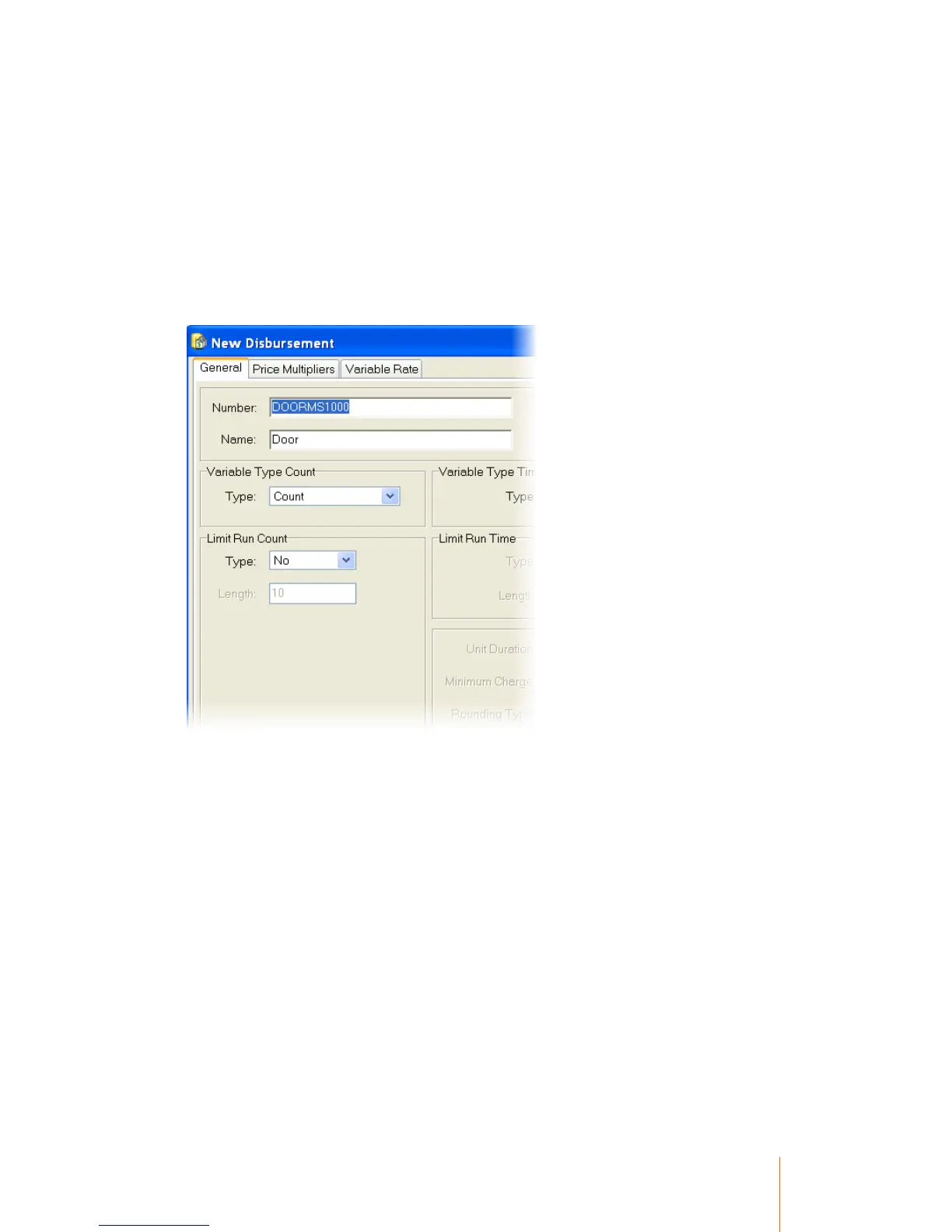
This disbursement is very similar to the DOOR disbursement. The main difference is that the time
units for the relay enable duration is defined by the Disbursement Number itself. This is done by
creating a disbursement with a code of DOORMSnnnn. The nnnn is the unit time in milliseconds
and will allow a maximum of 32000. In the following example the unit time will be 1000 milliseconds
i.e. DOORMS1000.
The user will be charged the amount defined in the Count Item Price each time the disbursement is
used.
BOOM
When the disbursement code is BOOM the terminal will operate in a very similar way to the DOOR
disbursement. The main difference is that the terminal will send commands out of the Auxiliary serial
port to enable and disable LED lights. The LEDs are used to indicate to the user that the boom-gate
is open. The signals sent out are Ol which turns the LEDs on and o to turn the LEDs off. The
signals are sent to coincide with the relay closing and opening i.e. relay enabled LEDS on.
The disbursement should be configured as a standard count disbursement.



 To Next Page