17Configuration Options
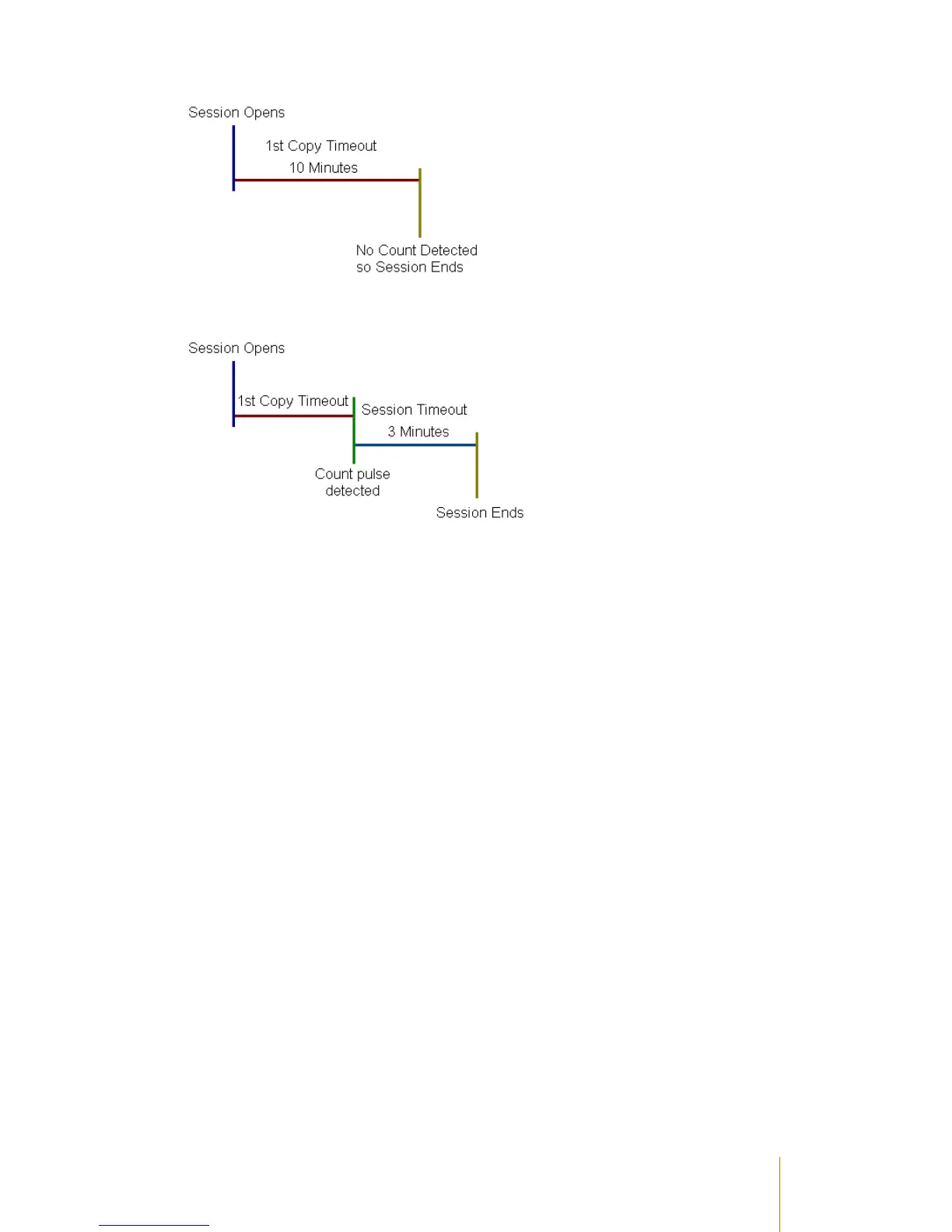
If a count is detected during the period of the 1st copy timeout, the terminal will automatically begin
the session timeout:
Add Value Terminal Enable
General Setup
Turns on the Add Value at Terminal function. An operator is then able to add funds to a user's
account at the terminal.
To put the terminal into Add Value mode, a card (Or user entered number), must be used which has
a Primary Name of Add Value.
Once the terminal is in Add Value mode, the card card to which the value is to be added can be
swiped. The operator will then be asked how much they wish to add to the account, and then they
will press Finish to end the session.
Allow Set No PIN
Card Setup
When enabled, a user can press Cancel when prompted to set a new PIN. The terminal will allow
them to enter a session without setting a new PIN.
Allow Session Hold
Session hold enables a user to press the Function button during a session and choose to place
that session on hold. This will prevent someone else using the resource while they are away.
Session hold will can be configured to last up to 10 minutes before it will end the first user's session
and allow someone else to use the device.
When the first user returns, they re-validate themselves at the terminal and their session will
continue as normal.



 To Next Page