Terminal Operation84
Opening a session
To begin a session, the user either swipes their card or enters their user code followed by pressing
the enter key.
PIN Numbers
After identifying themselves on the terminal, the user may be asked to enter a PIN number. They
enter their PIN number followed by the enter key. The user can change their own PIN by entering
their old number at the prompt followed by the cancel button. The terminal will then ask them to
enter their new PIN twice.
If a user forgets their PIN, an administrator can set their PIN requirement to Set New in their user
record. The user will then be asked to set a new pin number the next time they use a terminal.
Secondary Account Support
If configured to do so, the user may be prompted for a Secondary number. The secondary number
is useful for grouping users into a department etc.
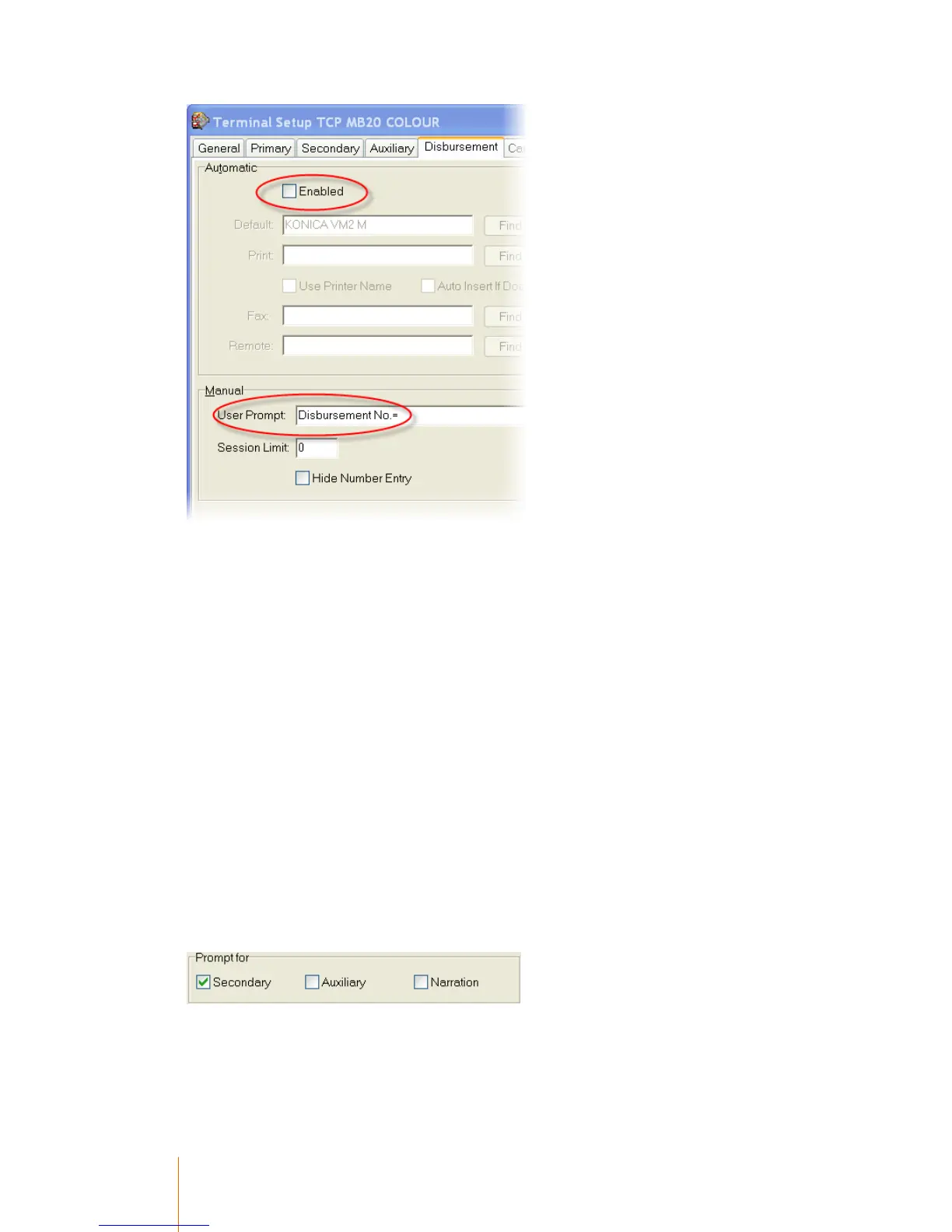
In this primary record example, the prompt for secondary is ticked, therefore the user would be
prompted for a secondary number:
The above option also has an interaction with the Default Department field in the user's account. If
the Default Department is set to a specific value, it alters the way that the user interaction on the
terminal works.



 To Next Page