85Terminal Operation
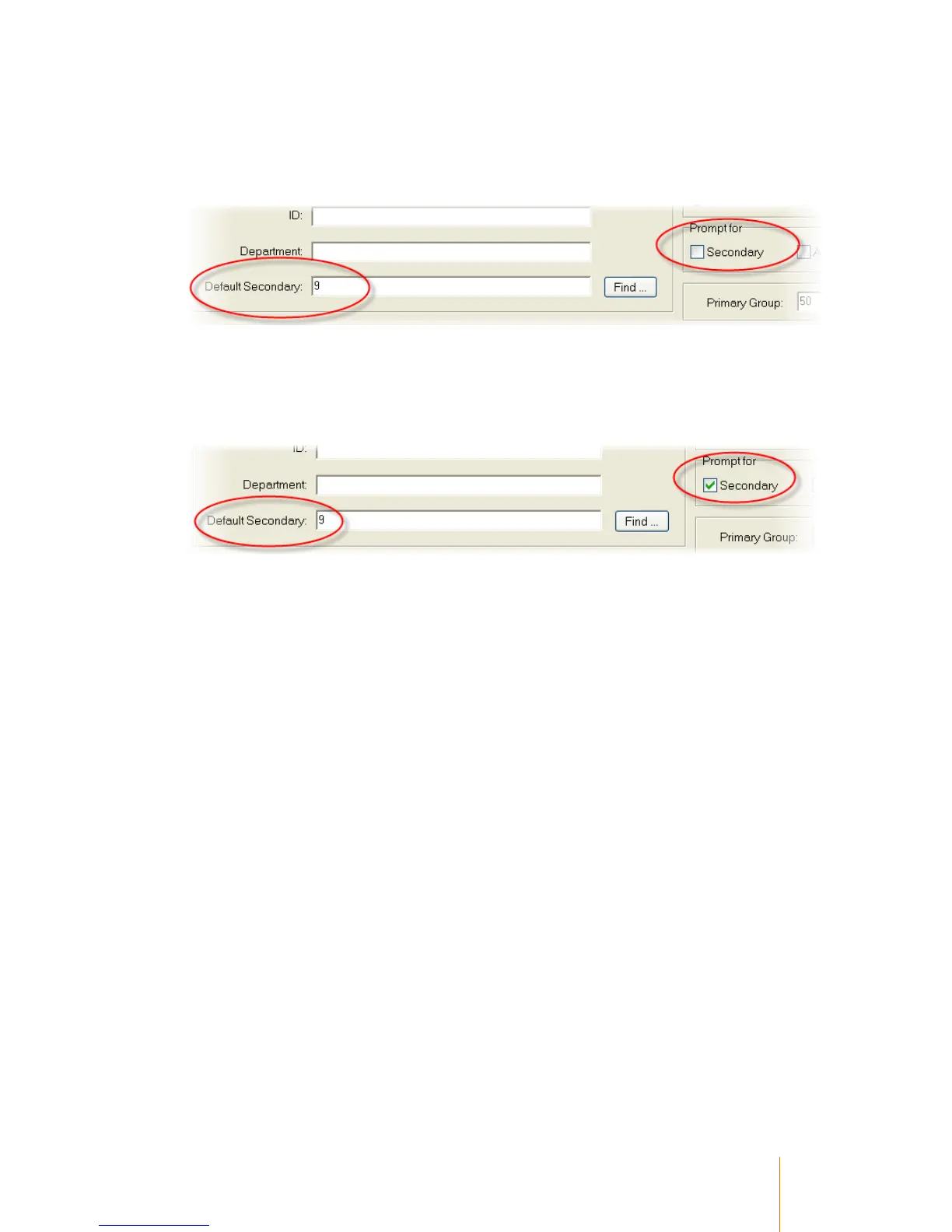
In this example, a Default Secondary Number has been specified, but the Prompt For
Secondary is not ticked. In this scenario,the user will not be prompted for which Secondary code
they wish to do their transaction against, instead they will be recorded against this secondary
number automatically:
In this next example, the user has a Default Secondary Number specified and Prompt For
Secondary ticked. When they open a session on the terminal, they may elect to enter a different
secondary number other than their default secondary, however they may also simply press enter
when prompted for a secondary number, and the terminal will automatically use their Default
Secondary Number.



 To Next Page