75'How To' guides
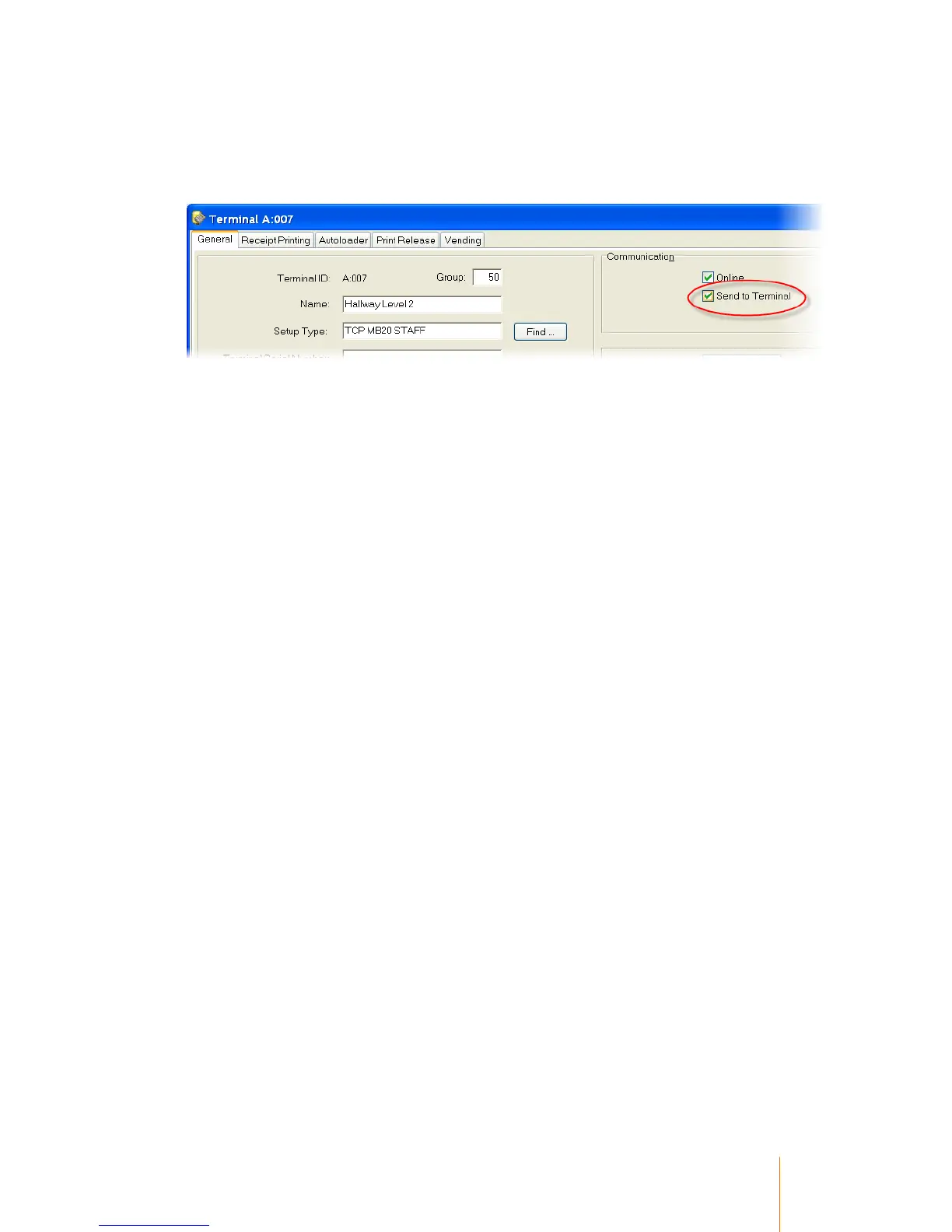
Each individual terminal record needs to be configured to enable records to be sent to the terminal.
Communication
Tick the ‘Send To Terminal’ option to enable offline operation for each individual terminal.
Primary and Secondary records
If the option ‘Selected’ is chosen in the ‘Download to Terminal – Range’ settings for the database
(See System Configuration), ‘Send to terminals’ must be ticked in each Primary and Secondary
record that is intended to be used while the terminal is in an offline mode.
This tick box is ignored if the ‘Download to Terminal - Range’ option is set to anything other than
‘Selected’.
A Primary record is shown below, but this is also found in the full details of a Secondary record.



 To Next Page