SHOP MANUAL MT26/31 - 08.2006 SHOP MANUAL MT26/31 - 08.2006
SHOP MANUAL MT26/31 - 08.2006 SHOP MANUAL MT26/31 - 08.2006
TRANSMISSION
Ch 2 page 40
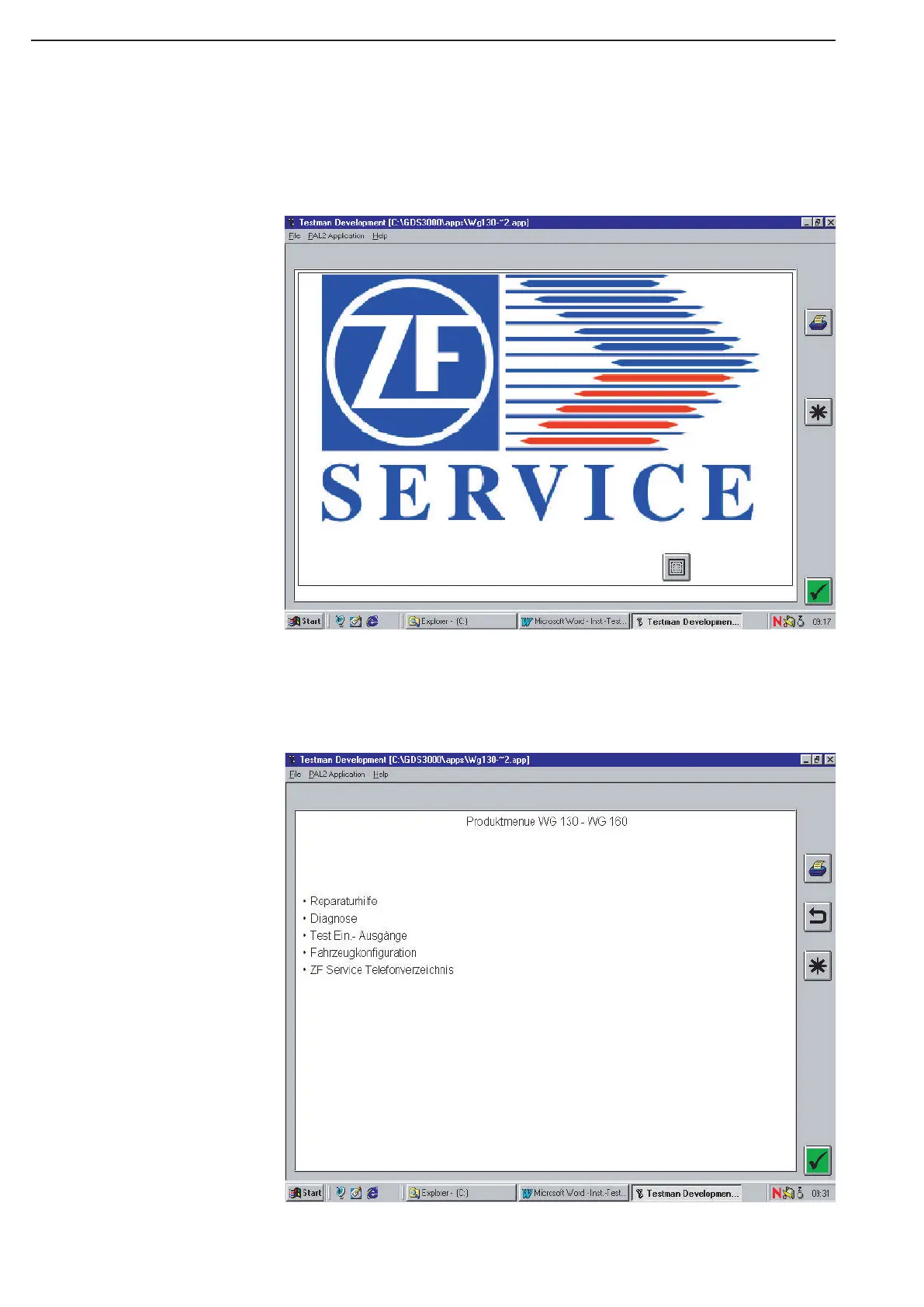
m) Now, appears the Company logo „ZF-Service“, which you acknowledge which „Enter“ or by mouse click
on the Arrow down on the right („Forward-Button“).
(As the next step, the Version of „Testman“ and some Instructions will be illustrated to you, which you
acknowledge by „Enter“.)
n) Now, you are in the main menu of „Testman”, where you have the selection between the single menu
items.
⇒ Click with the mouse on an item and acknowledge it with „Enter"



 To Next Page