Engine
SHOP MANUAL MT26-31 - 06.2005
Tier-3 710655-
Ch 1 page 39
Tightening torques
Control unit, screws 22 Nm
Work description
IMPORTANT!
The control unit may suffer damage if it is powered
when you unplug it.
Before removing the control unit you must switch
off the power with the starter key and wait for the
EMS warning lamp to go out.
1
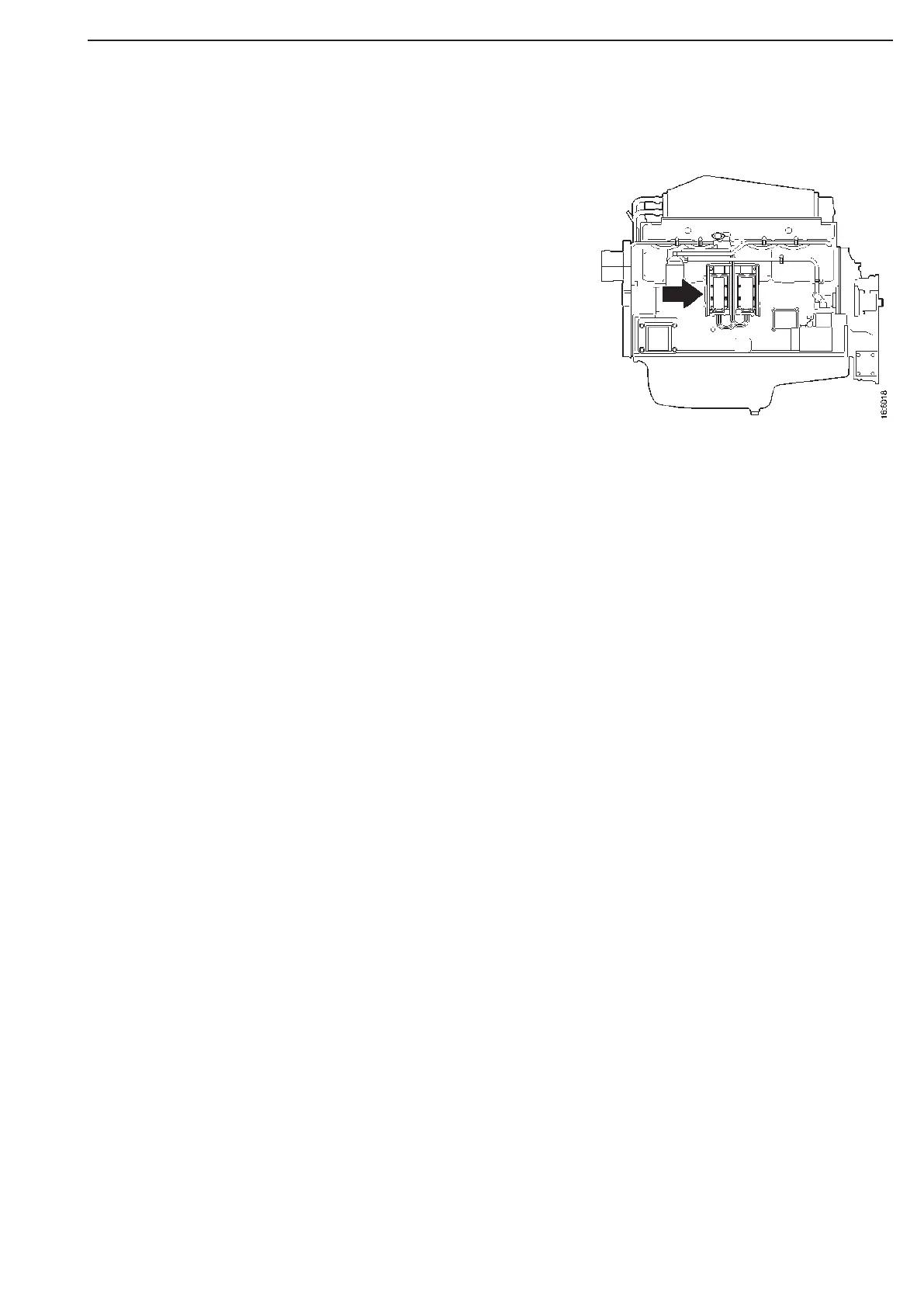
Remove the covers over the connectors on the control unit and
then unplug the connectors.
2
Remove the control unit fixing screws and lift off the control unit.
3
Fit the new control unit and tighten the screws to 22 Nm.
4
Plug in the connectors on the control unit.
5
Do the necessary programming with ECOM. Start the engine.
Check the fault codes and then delete them in accordance
with the routine in troubleshooting booklet or with the PC-tool
ECOM if it is available.
Renewing the control unit



 To Next Page