SHOP MANUAL MT26/31 - 08.2006 SHOP MANUAL MT26/31 - 08.2006
SHOP MANUAL MT26/31 - 08.2006 SHOP MANUAL MT26/31 - 08.2006
TRANSMISSION
Ch 2 page 194 Ch 2 page 195
TRANSMISSION
TRANSMISSION
Ch 2 page 194 Ch 2 page 195
TRANSMISSION
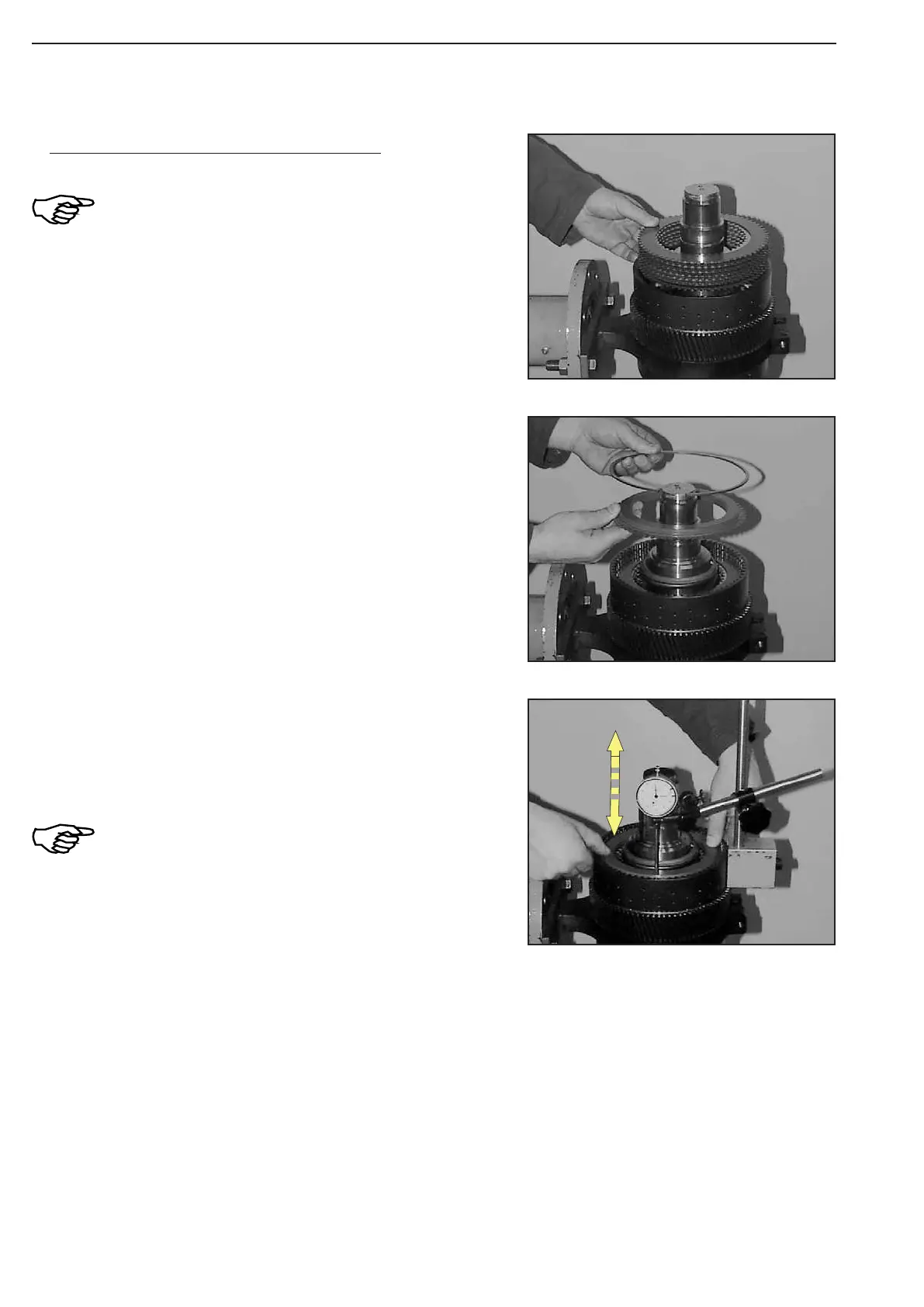
Figure 249
Figure 251
Figure 250
Check plate clearance-K4 (Figure 249 ... 251)!
To ensure a correct measuring result, initially
install plate pack without oil!
Install plate pack according to the sketch or table (page 3.31 or
3.32).
Press on end shim with about 100 N (10 kg) and set dial indicator
to „Zero“ (Figure 251).
Now, press end shim against snap ring (upwards) and read plate
clearance from dial indicator.
In case of a deviation from the required plate
clearance (see table/page 3.31 or 3.32),
correct with suitable inner plate Item 6
(optionally s = 2,5 to 4,0 mm) or and snap ring
Item 7 (optionally)!
(S) Magnetic stand 504171
(S) Dial indicator 504172
After the performed adjustment of the plate clearance, disassem
-
ble plate pack. Oil plates according to ZF-list of lubricants TE-ML
03 and install them again.
Insert end shim and fix it by means of snap ring.



 To Next Page