Page 28 of 48
User Manual
Operation Instructions
Subject to modifications
2.1A-30008-A04
LINCOLN GmbH & Co. KG • Postfach 1263 • D-69183 Walldorf • Tel +49 (6227) 33-0 • Fax +49 (6227) 33-259
Setting and Operation, continuation
Programming Mode, continuation
4221a99
4214a99
4222a99
4208a99
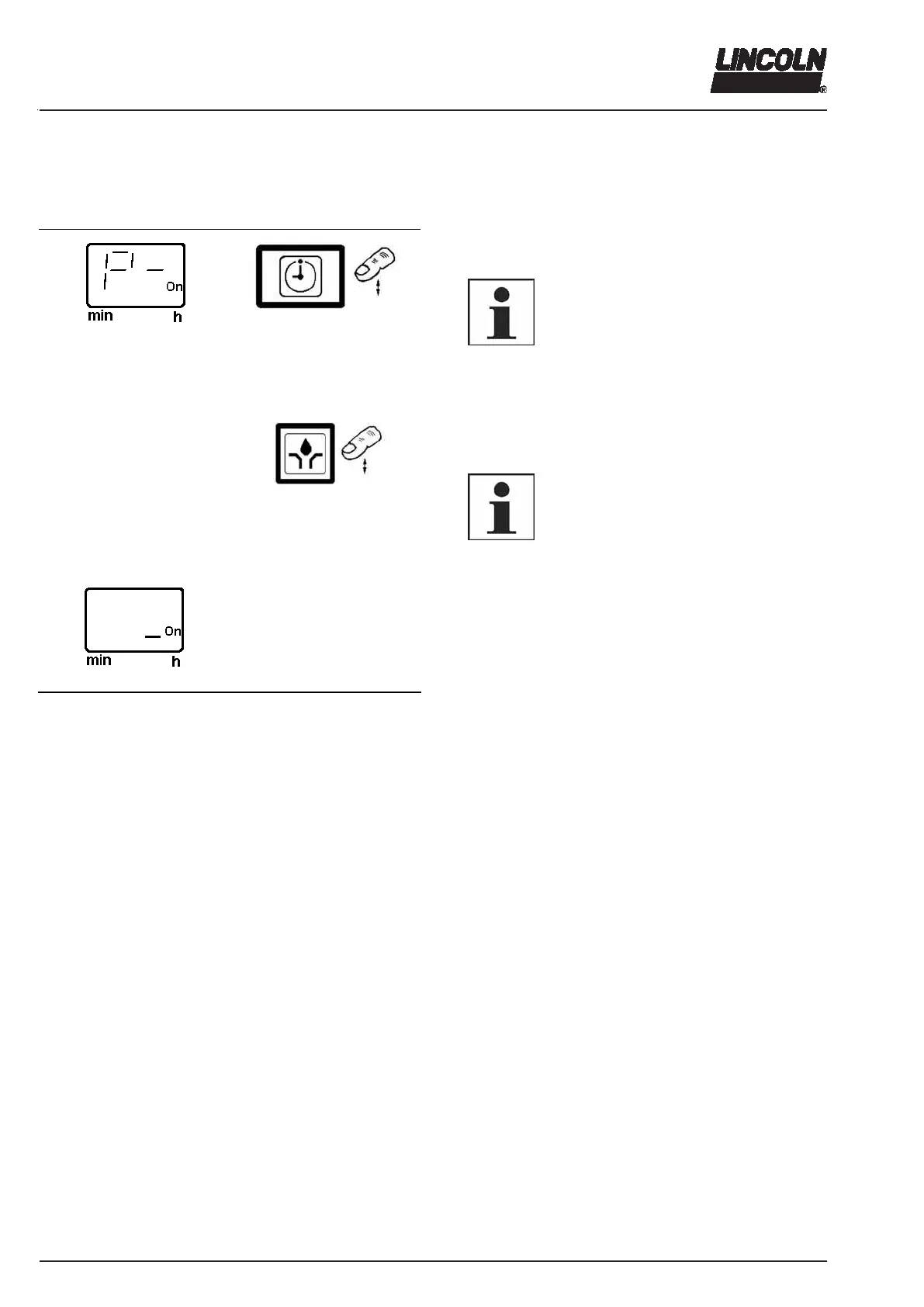
Fig. 42 Programming mode
Completing the programming
Press button. „ P -“ is displayed.
6001a02
IMPORTANT
In order to avoid a wrong program, make
sure to always carry out the programming
order completely, i.e. setting of P1
(hours), P2 (minutes), P3 (number of
cycles), P4 (potential-free contact) and P-
(Programming end).
Press this key (additional lubrication) to complete the
programming and to save the entered parameters.
6001a02
NOTE
If the button “additional lubrication” is not
pressed within 30 seconds, the changed
parameters are not saved and the previ-
ous programming remains valid.
IMPORTANT
After completion of the programming,
check the parameter settings in the oper-
ating mode once again (see pages 29 ff).



 To Next Page