USER MANUAL NOVAplus
MRU GmbH, D-74172 Neckarsulm 25 / 95
4.2. Keypad
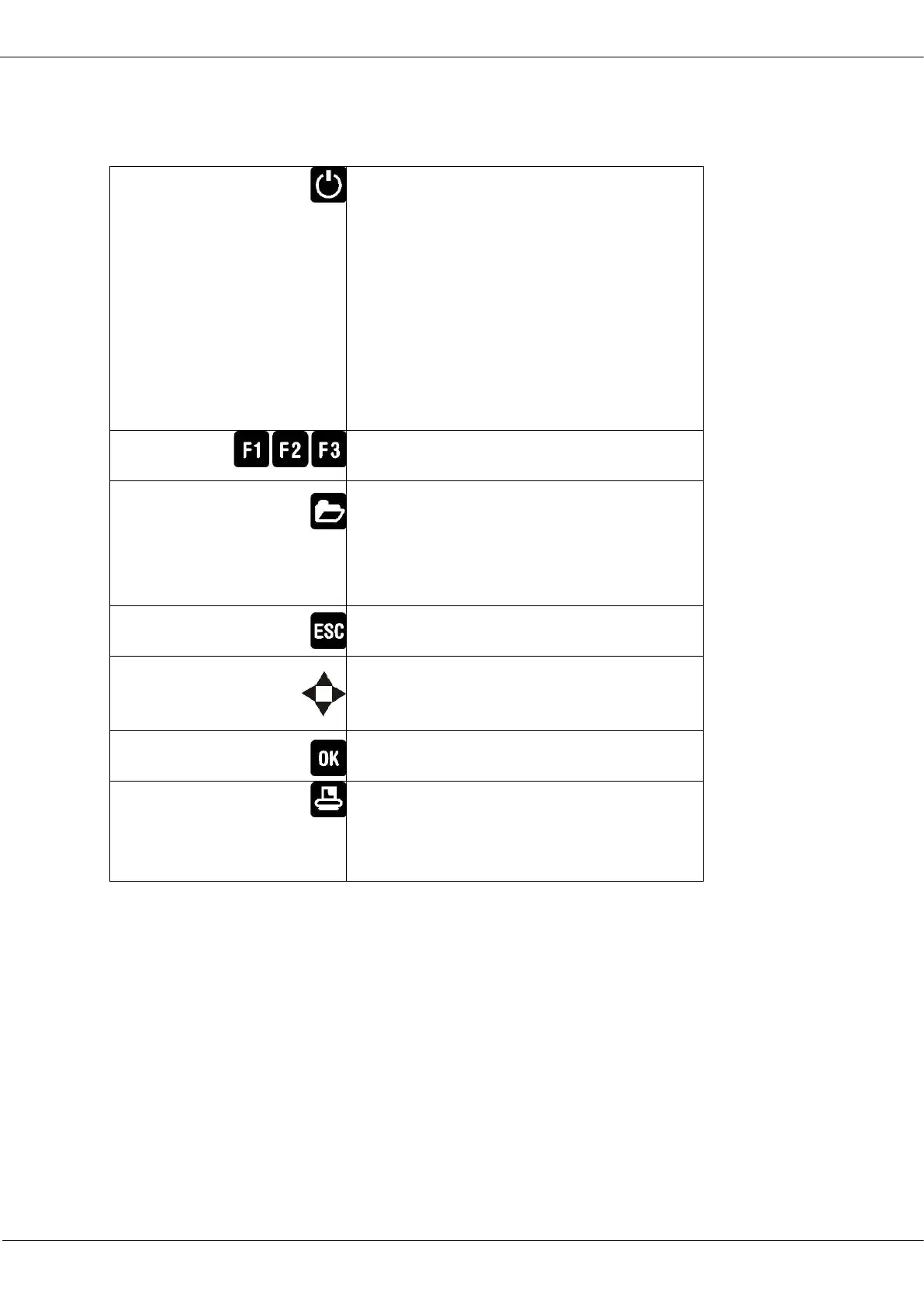
Description and function of the keys:
By pressing the ON/OFF button the RCU will
start up without delay.
By pressing the ON/OFF button the base
unit and the RCU (if RCU is placed in the
charging doc) will start up.
The powering down of the unit is timely
delayed to protect the sensors if there is
no fresh air inside the system. If there is
no fresh air inside the system the ana-
lyzer will recommend a purging of the
sensors.
Activates the functions seen on the dis-
play (2 function key bar.
Will show all available functions in the
window that is currently in use – also
those which have an individual key on
the key pad like the printer and the three
function keys.
Abort or return to the menu above
Jump in between lines, change values
Confirmation key, select a marked menu
point
Activates the print out of the measuring
results in the measuring screen in a pre-
defined format. Linefeed when there is
no printable display condition:



 To Next Page