USER MANUAL NOVAplus
MRU GmbH, D-74172 Neckarsulm 32 / 95
5.4. Switch-On protection
If activated and if ON key is pressed (possibly inadvertently), then the
message: „3 seconds OK key press “displays.
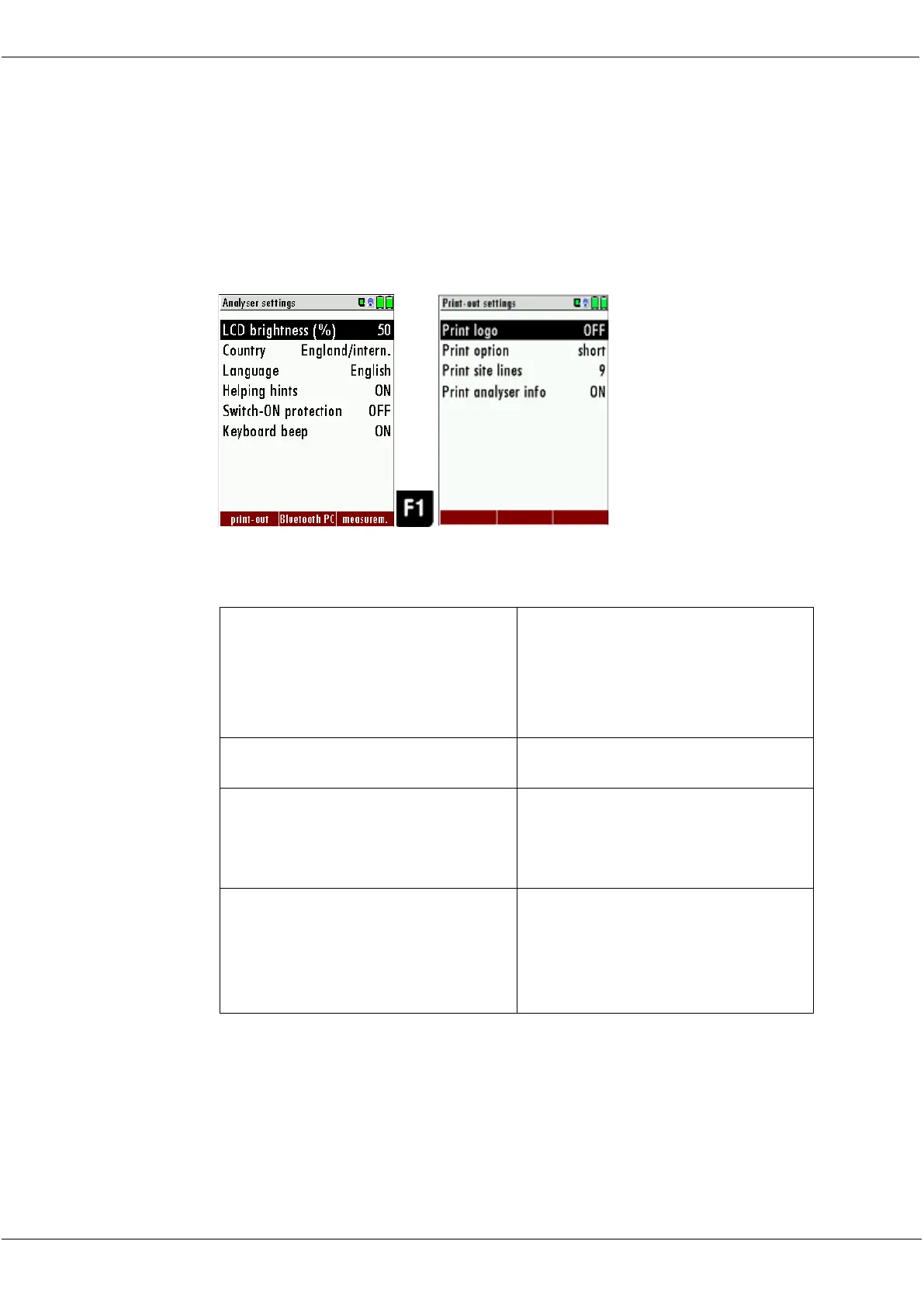
5.5. Print-out settings
The printout can be set in the Extra menu under the menu item analyzer
settings.
You can make the following adjustments in the menu Print-out settings:
Print logo
See also Chapter 9.1User
definable Logo print out,
Page 70.
Print-out without area for signa-
ture and site information
Line 1 (Site no.) is necessary, fur-
ther lines (free text) printable if
necessary.
To measuring print out can be
shorter designed, while the de-
vice info will be left out. In some
print outs (adjustment, service ...)
the info will be printed forever



 To Next Page