USER MANUAL NOVAplus
MRU GmbH, D-74172 Neckarsulm 34 / 95
5.8. Configuring Measurement Programs
(Flue gas measurements) Select one of the 6 configurable measurement
programs.
For each of the programs the following parameters can be configured:
• CO ppm limit: adjustable value for the CO sensor protection. If the
CO value in the flue gas is higher than the adjusted value in the ana-
lyzer, the purge pump will be activated and the sensor will be pro-
tected against high CO concentrations. (Optional)
• Selectable fuel types: choose and select from the available fuel type
list
• Measurement windows: configuration of what and where will be dis-
played in the 3 measurement value windows.
• Zoom – window: select what will be displayed in the zoom - window
• Program name
The following programs have a pre-configured:
• „Flue gas measurement“ with CO – limit of 2000 ppm
• „CO measurement“ with CO limit of 2000 ppm
• „Annular-gap test“ for pure O2 and CO – display
• „Test program“ indented for use at instrument maintenance and cali-
bration, without fuel selection
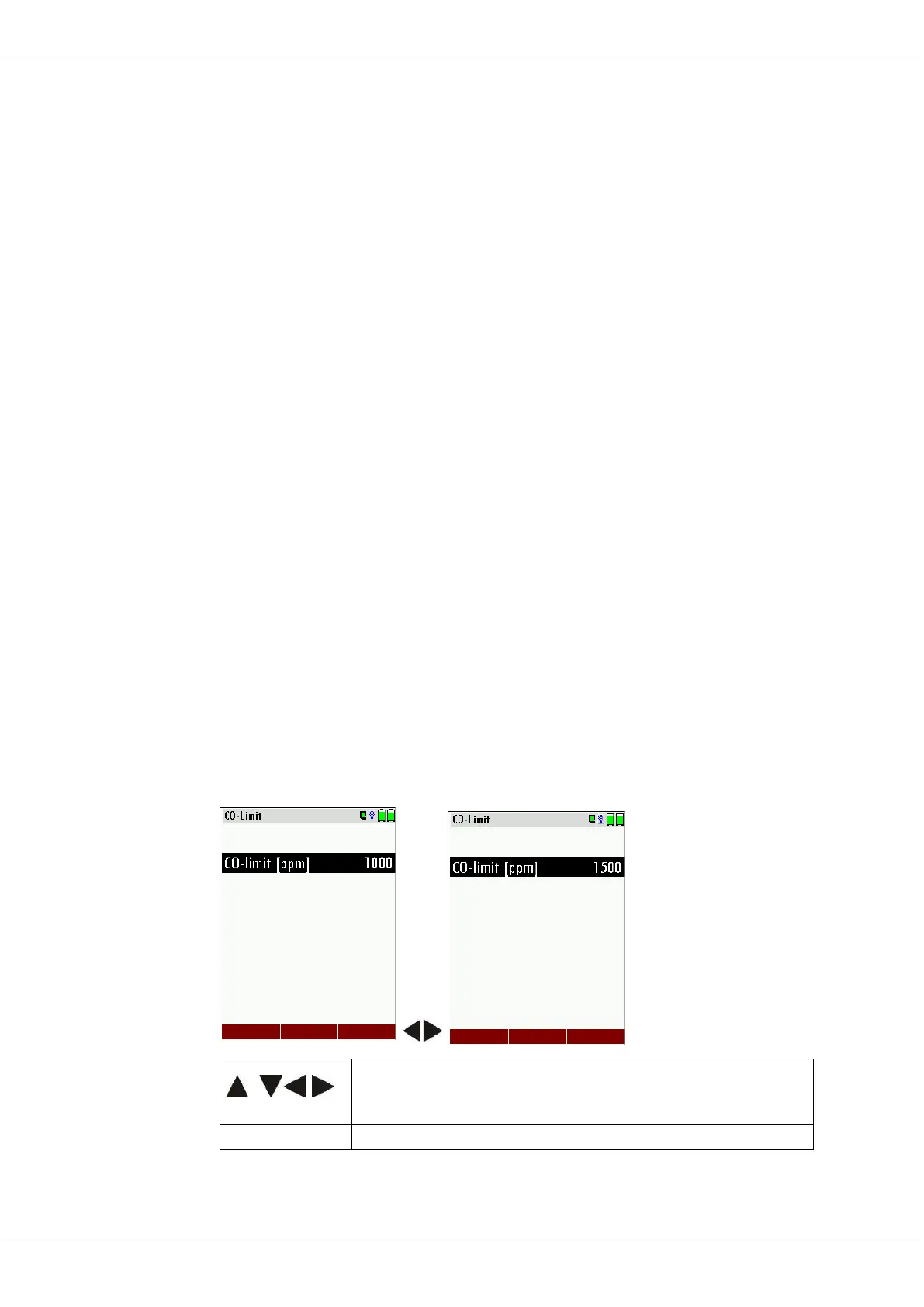
5.9. Setting CO limit value
The CO ppm limit can be adjusted in the window „Measuring program
selection“. Select one of the available programs (arrow up/down) then
press the F1 key.



 To Next Page