USER MANUAL NOVAplus
MRU GmbH, D-74172 Neckarsulm 33 / 95
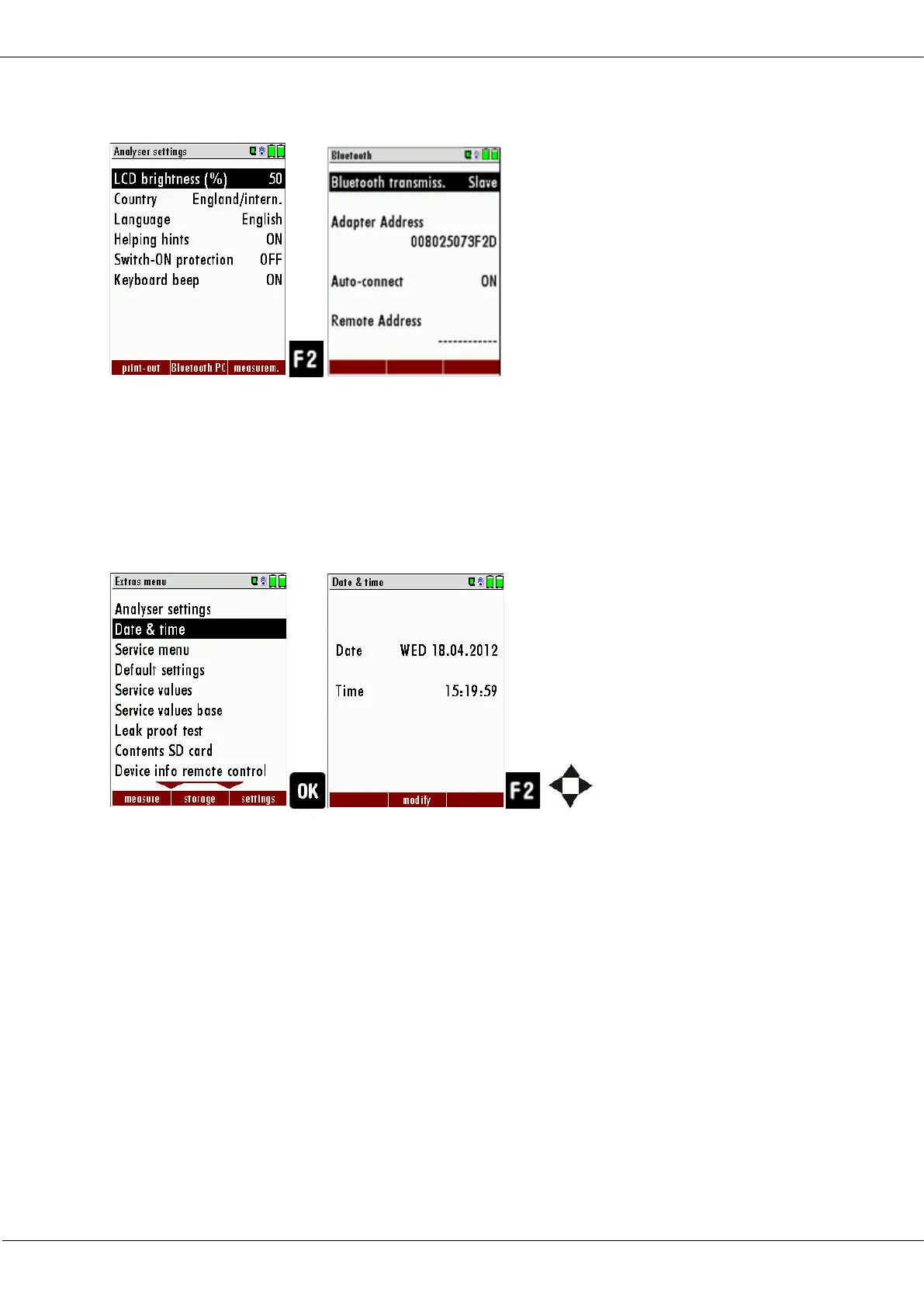
5.6. Bluetooth settings
If RemoteData, OnlineView or MRUConnect (PDA) with Bluetooth is
used, the SLAVE move mode must be selected. The auto connect mode
must be switched OUT.
5.7. Setting date and time
► Go to the Extras menu.
► Select Date and time.
► Press Ok.
The Menu Date & time appears.
► Press F2.
► Set the desired date.
► Set the desired time.
► Press F2.
The changes are stored.



 To Next Page