USER MANUAL NOVAplus
MRU GmbH, D-74172 Neckarsulm 89 / 95
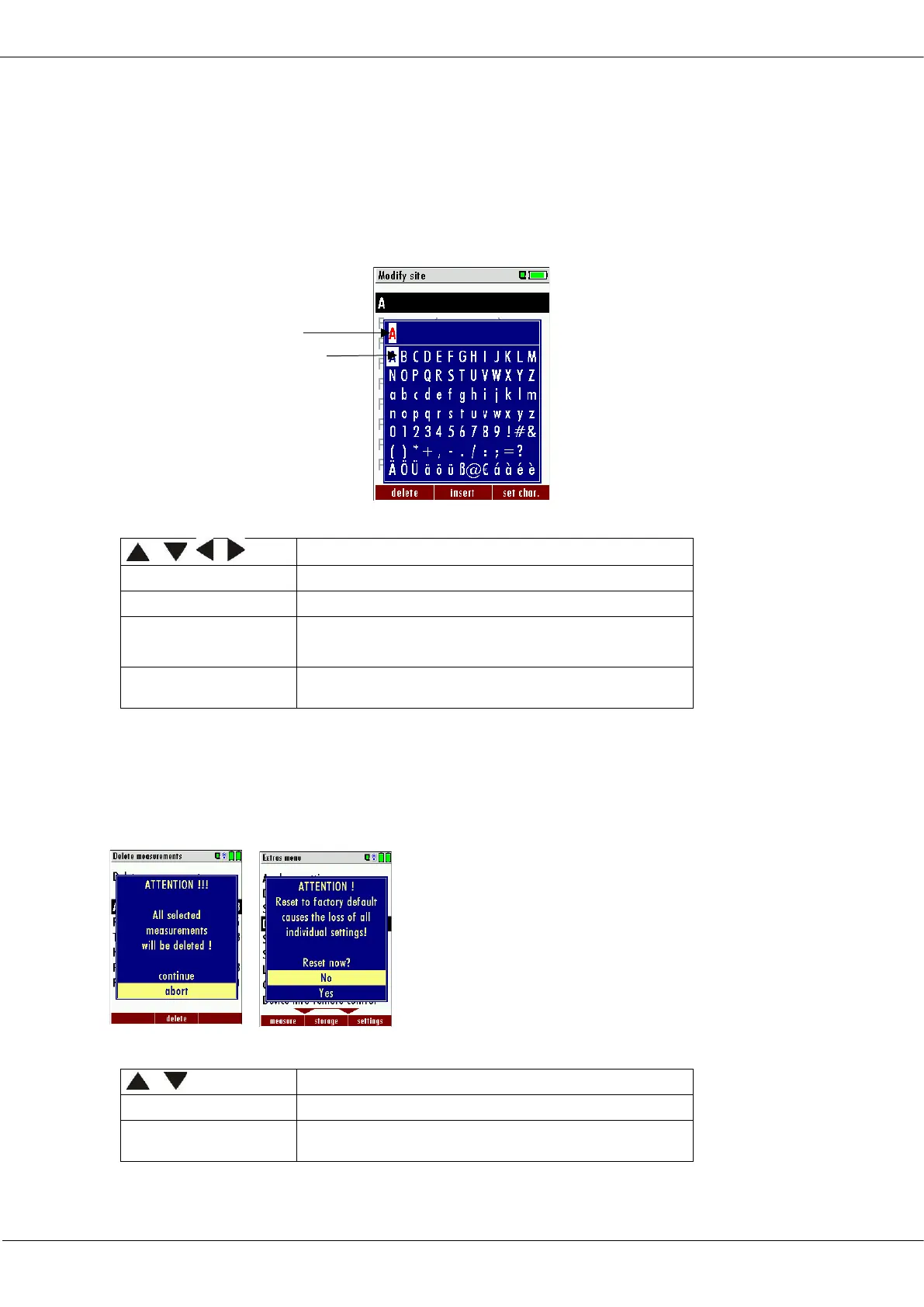
11.6. Text input
A number of texts and names can be changed to your own needs.
(for example: the names of the user defined fuel types, site names, the
names of the measurement programs)
When you select the text input, the following window will pop up:
Select a letter, number or sign
The letter left of the cursor will be deleted
Selected letter or number will be inserted
Selected letter or number will over write the
current letter or number
Abort the window, changes will NOT be saved
11.7. Asking user for decision
The analyzer requires confirmation of the user decision for various
functions
Abort the window, changes will NOT be saved
Insert cursor
Selection cursor



 To Next Page