USER MANUAL NOVAplus
MRU GmbH, D-74172 Neckarsulm 52 / 95
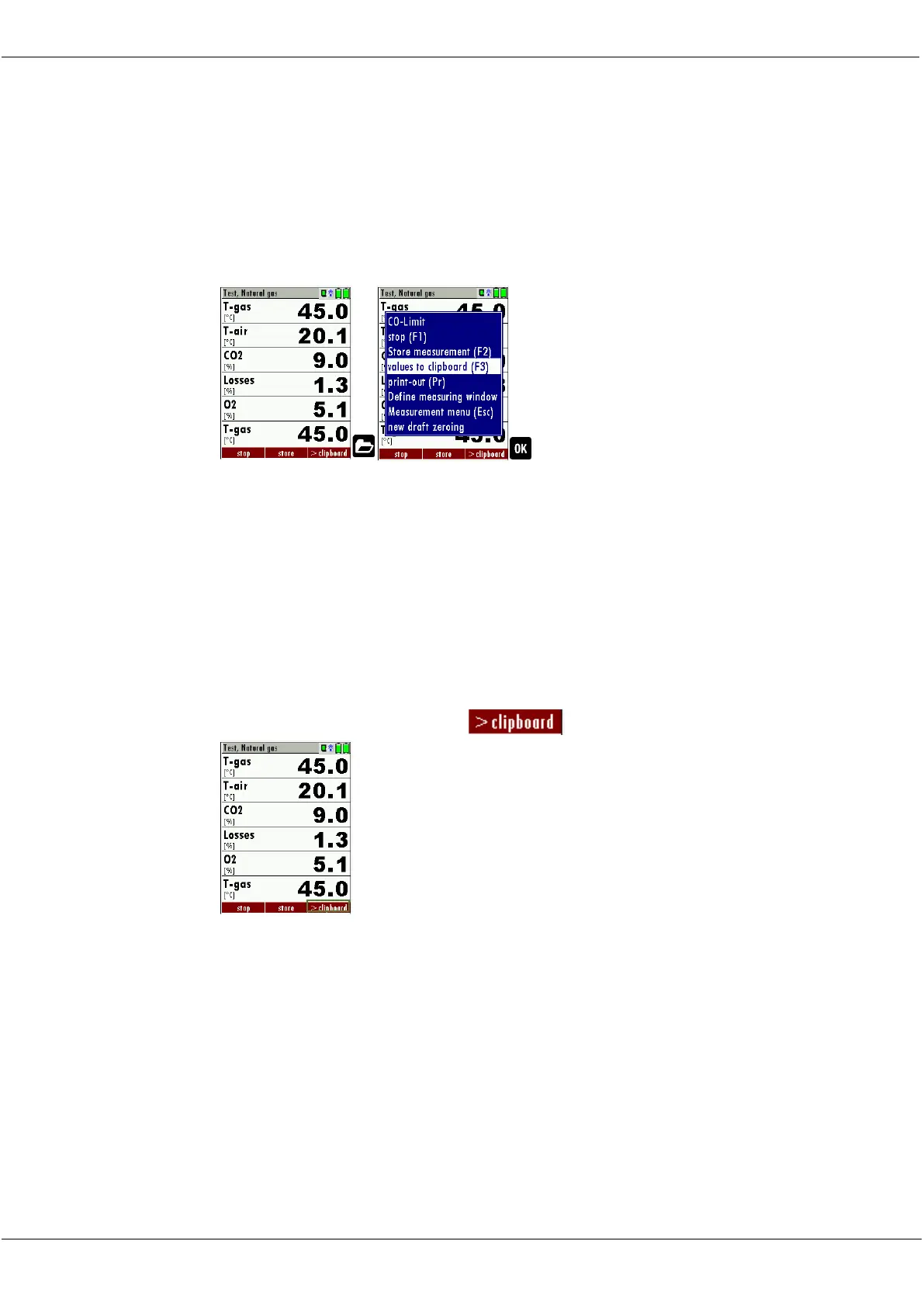
Store measured values in the buffer
During an actual measurement you can set the actual values into the
clipboard.
Operation:
• the function „val. to clipboard“ of the menu (accessible about the
menu button)
► Start a measurement.
See also chapter 7.1Selecting the measuring program, Page 44. .
► Press the Menu Menu Key.
A selection list appears.
► Select values to clipboard.
The measured values are stored in the temporary buffer.
If offered, you can store measured values directly from the function key
bar in the temporary buffer.



 To Next Page