USER MANUAL NOVAplus
MRU GmbH, D-74172 Neckarsulm 26 / 95
4.3. Connection Remote control unit (RCU) to base unit
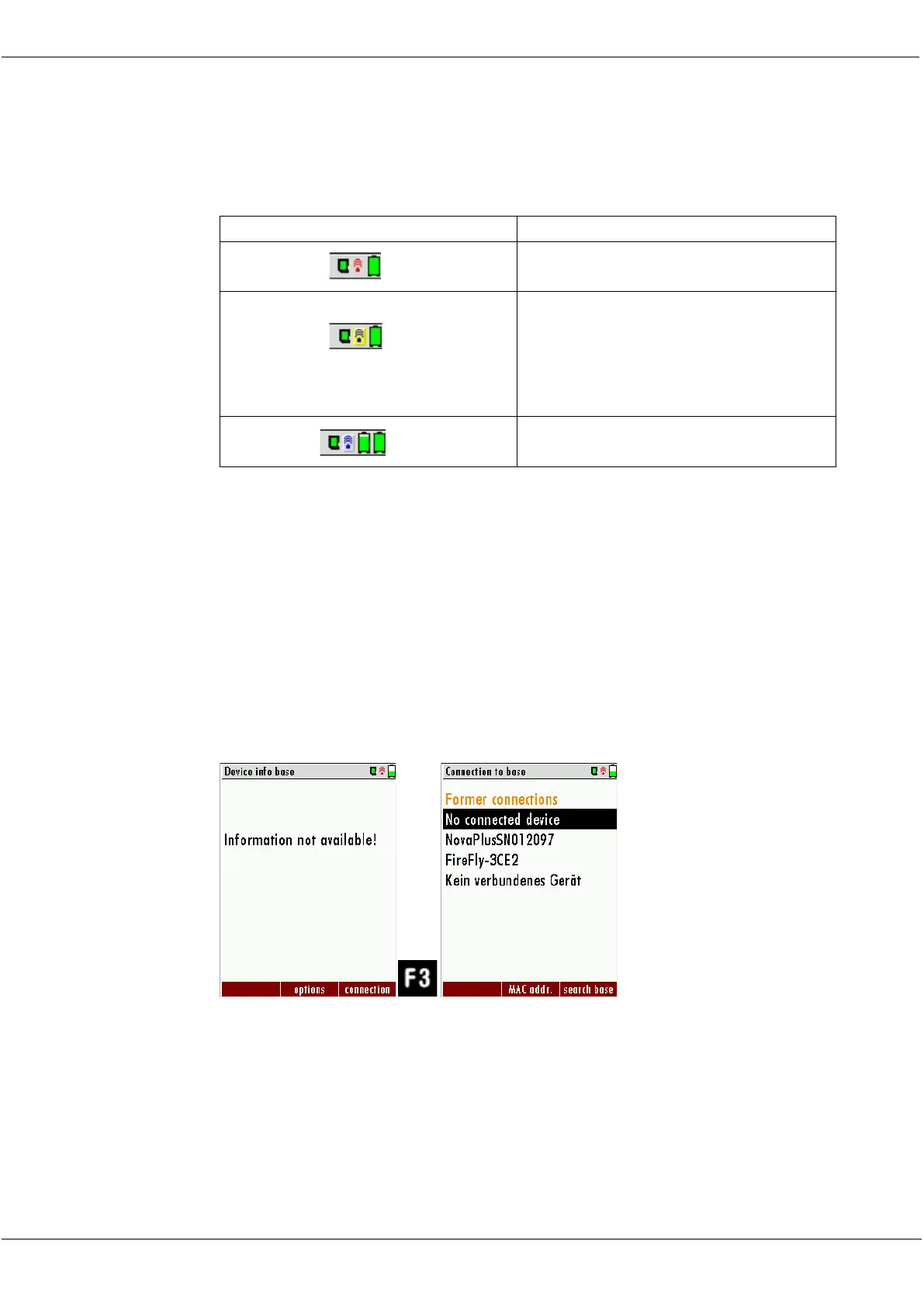
Declaration of symbols
Base unit is in the update mode
(Press ON-key at the base unit for
changing to the measurement
mode)
If the connection breaks off base unit to RCU during a measurement,
e.g., because of the distance, the symbol changes the colour from blue
to red at the display of the RCU. The measurement in the base unit is
not thereby broken off. As soon as the distance base unit to RCU de-
creases again the connection is rebuilt and the topical measuring values
are indicated.
Connecting base unit to RCU
For connecting the RCU with the base unit select the menu settings/de-
vice info base
► Press F3.
► The menu Connection to base appears.
► Select an analyzer from the list or search (F3) for basic devices in the
immediate vicinity



 To Next Page