USER MANUAL NOVAplus
MRU GmbH, D-74172 Neckarsulm 70 / 95
9 Extras / Adjustments
The analyzer is delivered in a standard software configuration which
should cover most needs. However, there are many ways to tailor the
settings to your individual needs if required. The possibilities are highly
flexible and individual adaptable.
Use the variable possibilities to adapt your analyzer to your own needs
and customize the measurement menu, the measurement window, the
printer output and many other features. Usually this is something you
will do once you receive the analyzer, once you have adapted your ana-
lyzer you will most probably don’t make much changes in future, but
you can whenever you need and want to do so.
After you have made any changes in the configuration, you should
switch off the analyzer to save all the changes that have been made.
Next time that you start up the analyzer, all changes will have been
made.
9.1. User definable Logo print out
Overview:
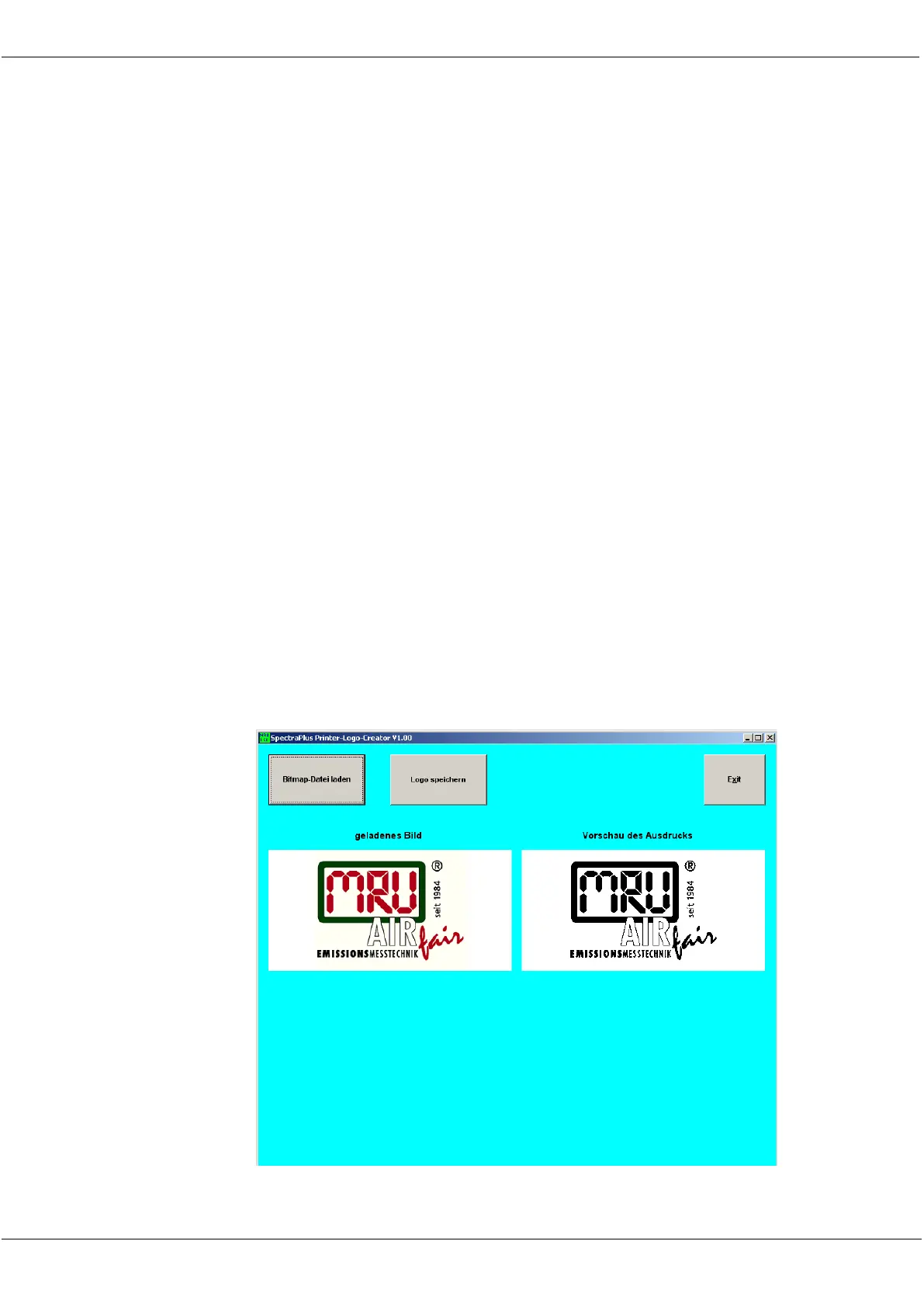
The Logo file can be created out of a Bitmap using the program
"NOVAPlusPrnLogoCreator.exe" which comes with the analyzer CD. The gen-
erated file will be transferred from your computer to the analyzer using the SD
card (only once). Once transferred the Logo can either be printed above or be-
low the customer address or you can choose not to print the logo at all.
Converting a Bitmap into a Logo file:



 To Next Page