USER MANUAL NOVAplus
MRU GmbH, D-74172 Neckarsulm 71 / 95
Use the enclosed Windows-Program "NOVAPlusPrnLogoCreator.exe"
(MRU Product CD / Software / NOVAPlusPrnLogoCreator).
The Bitmap can have any colour depth bit ideal is a colour depth of 1-
bit black-white. The horizontal resolution must have 384 pixels. If neces-
sary the Bitmap can be adjusted using a picture editing program (not
included on the CD).
The vertical resolution of the Bitmap must be a multiple of 24, where 24
is the minimum and the maximum is 480 pixels. If necessary the Bitmap
can be adjusted using a picture editing program (not included on the
CD).
Transferring the Logo file per SD card to the analyzer:
Copy the created file "lg_print.mru" onto the SD card (root).
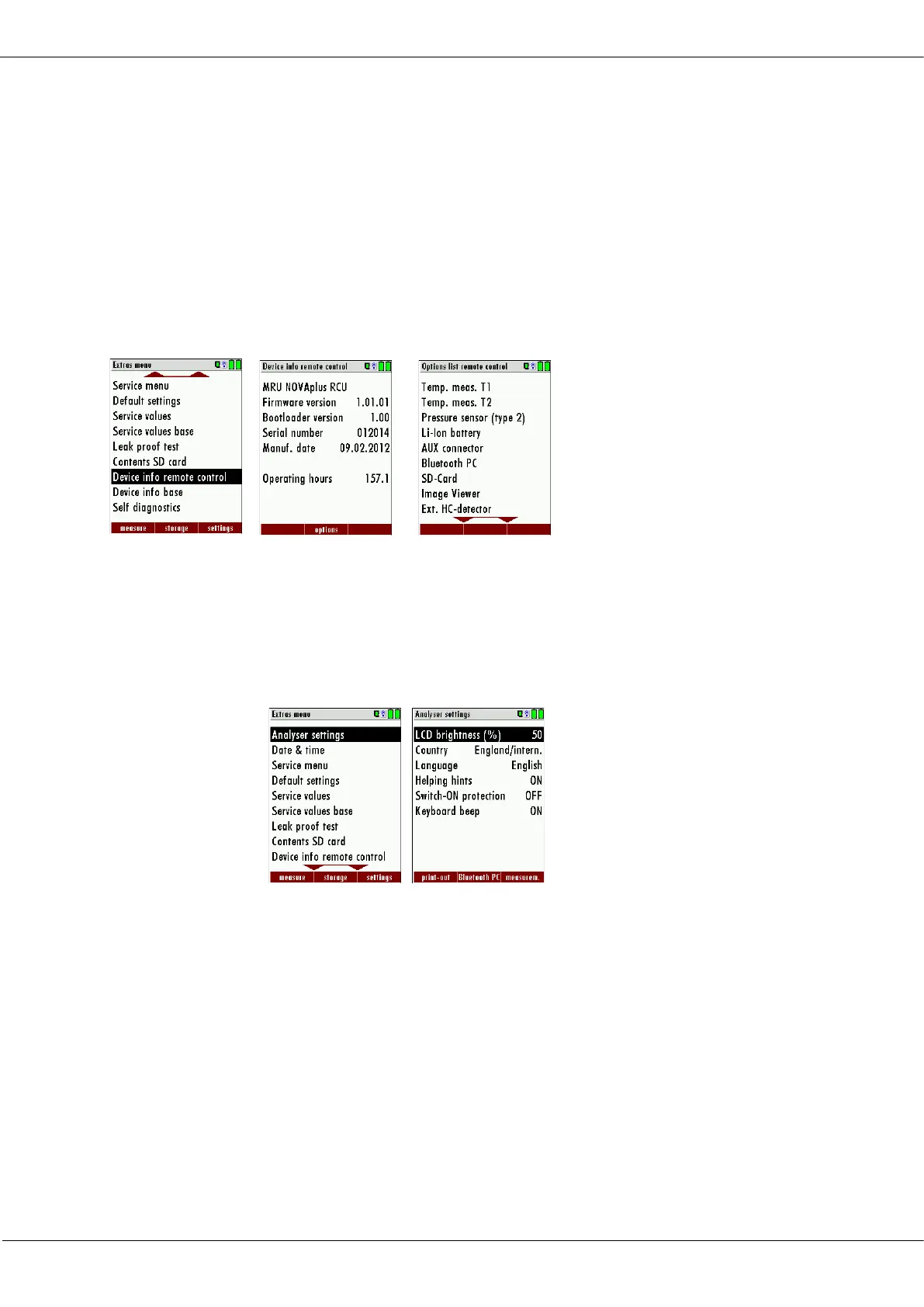
Switch on the analyzer then navigate to – Extras (F3) Analyzer info RCU /
options. Now insert the SD card into the SD card slot, the unit will con-
form the upload with a short beep and on the screen, you will see a
short message – Logo installed.
Printer Logo setting:
As soon as the Logo has been installed and the printer type is set on
MRU, the Logo print will be available in the menu “extras / settings
(print Logo).



 To Next Page